
360 Photo Editor

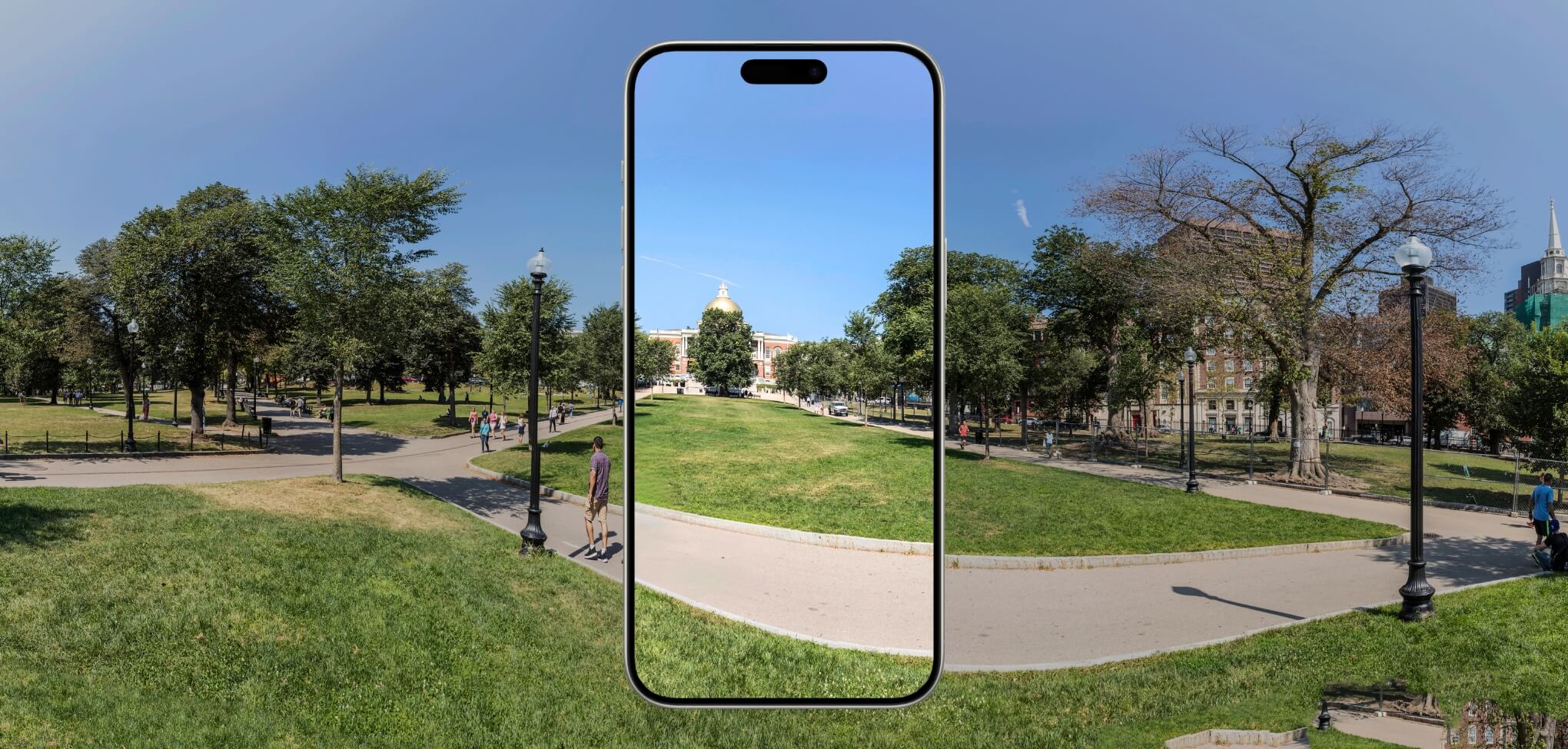
How to Edit 360° Photos on Mobile
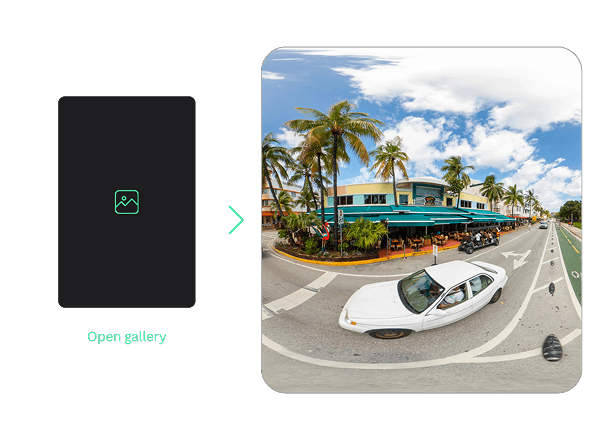
Open your photo
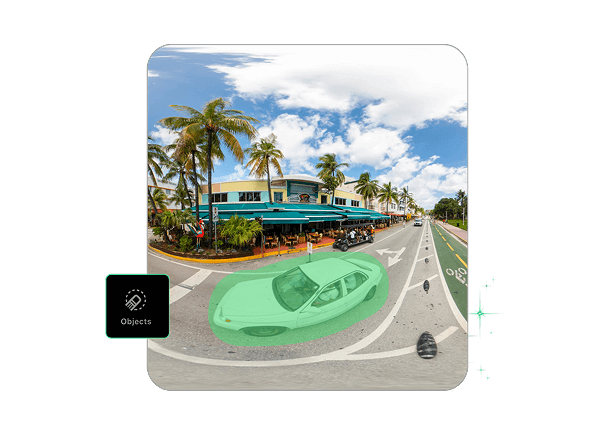
Use AI tools to enhance
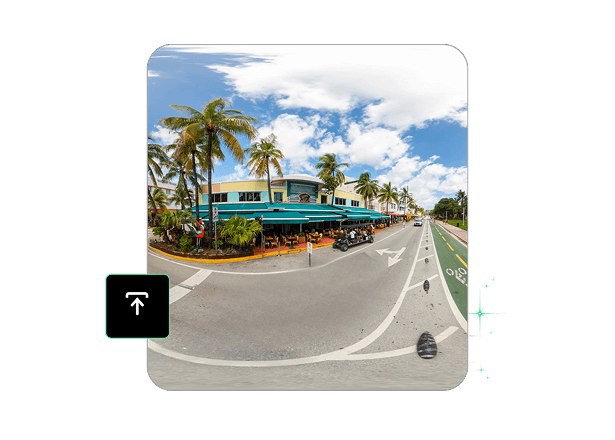
Save a natural, HD result
Reframe and Enhance 360° Photos in One Tap
Add a touch of AI photo editing magic to your images and photos to enjoy stunning results. With a toolset powered by AI algorithms, our 360 photo editor lets you enhance your images without any special skills or knowledge. Quickly remove unwanted objects, lines, and backgrounds from your photos, as well as retouch faces and apply other features of our app to achieve the desired effect.
Download TouchRetouch and take advantage of our AI-powered editor, which covers a variety of aspects to suit your needs!
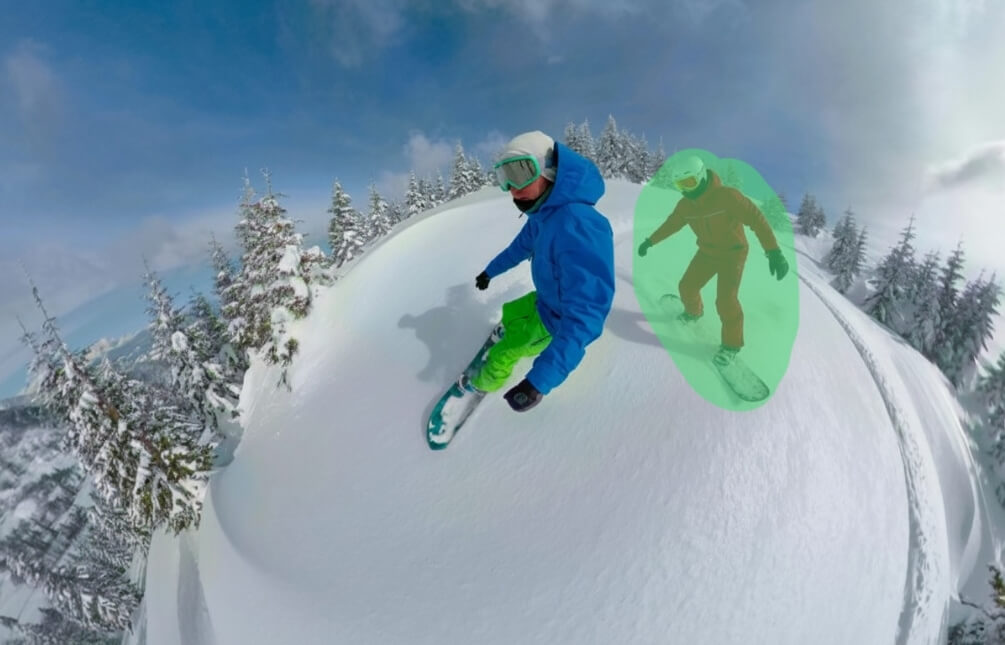
Works with any photo
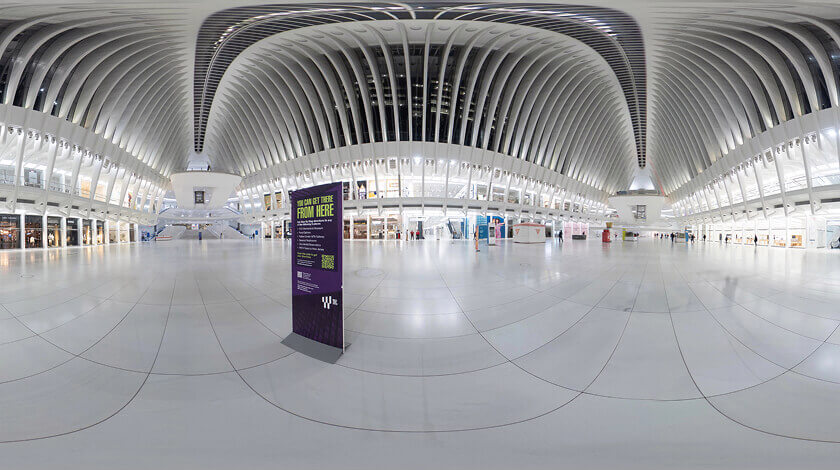
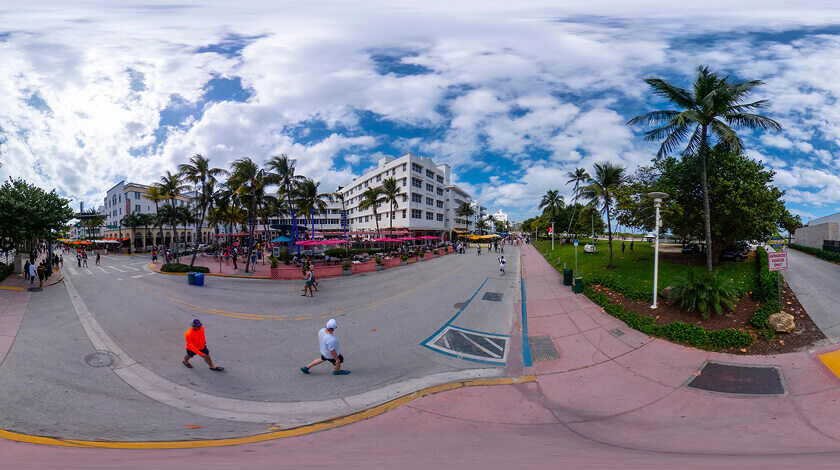

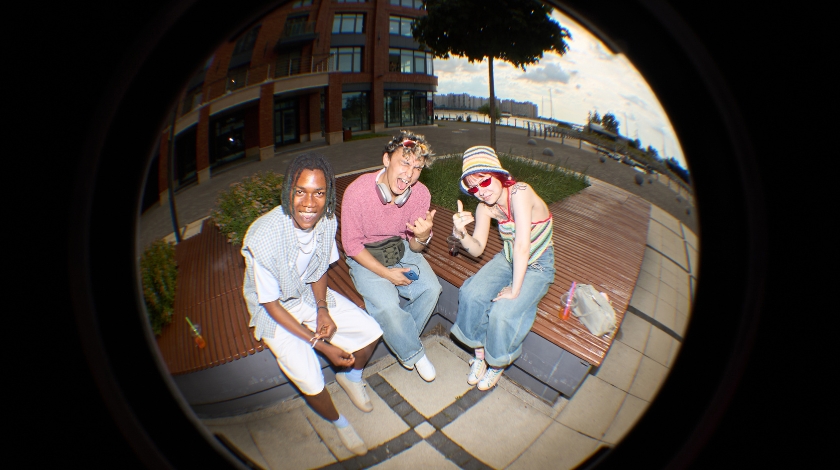
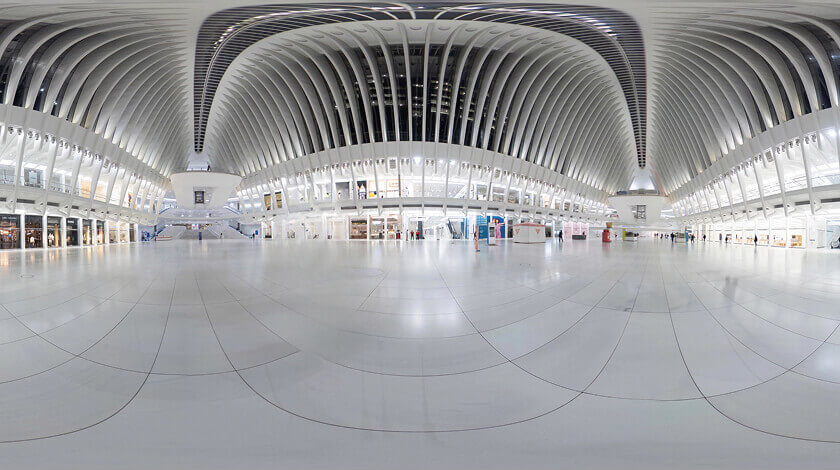
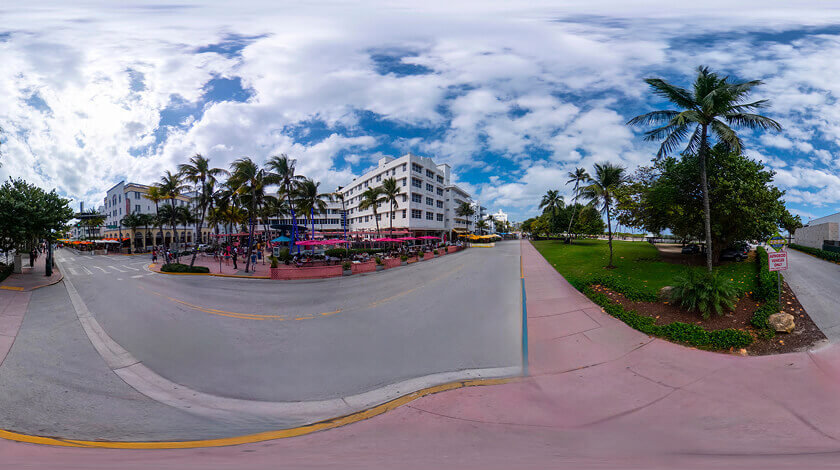

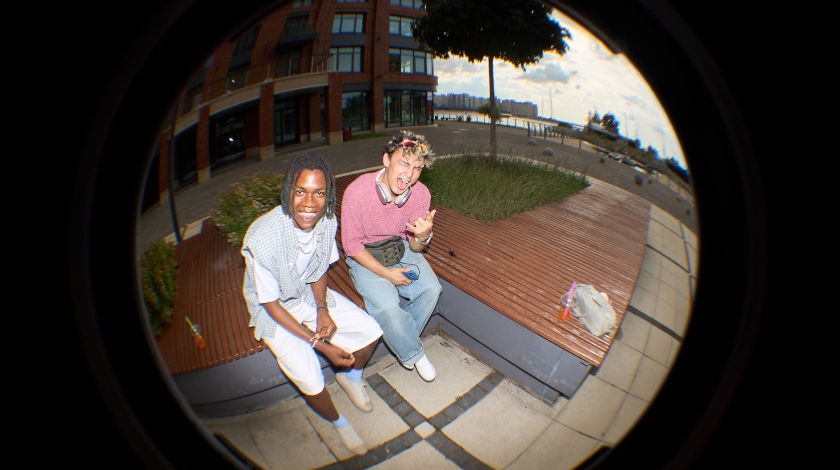
Real Use Cases for 360° Image Editing

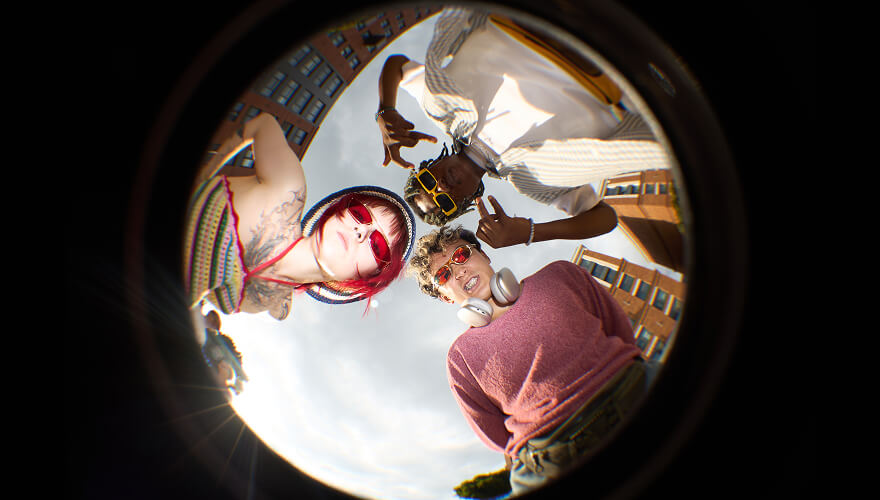

Why Use the TouchRetouch 360 Editor
More Solutions




360 Photo Editor - Frequently Asked Questions
What makes the 360 photo editor different from a regular panorama editor?
The 360 editor works with full-view spherical panoramas, unlike regular panoramic editors, which are focused on working with flat, wide-angle images.
Is it possible to clean unwanted objects inside a 360 image?
Yes, you can use tools like Remove object, Background remover, or Lines remover to clean unwanted objects inside an image.
Can I try TouchRetouch for free?
Yes, we offer a 3-day free of charge trial with all premium features unlocked.
Is there a guide to editing 360-degree photos?
Yes. The 360 degree photo editor app guide covers capturing, cleaning up and sharing 360-degree images.
Ready to Transform Your Photos? TouchRetouch Download Now

 TouchRetouch
Smart tools to clean up photos with ease
Download For Free


