
Face Fix


One bad moment shouldn't ruin a perfect photo
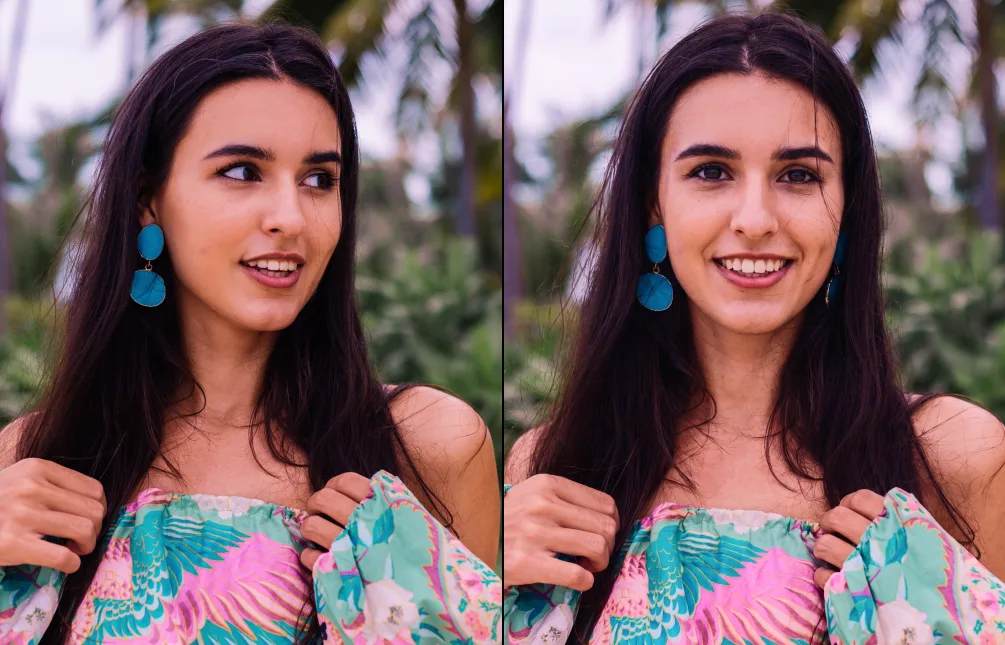
You finally got everyone together — the wedding party, the graduating class, three generations in one frame. Then someone blinked. TouchRetouch’s Face Fix uses AI expression editing so you can fix expression without retaking photo sessions and rescue that near-perfect shot. Tap the face, pick what to adjust, and let the app fix facial expression slips like a closed eye, a mid-sneeze grimace, or a quick head turn — in seconds, right on your phone.
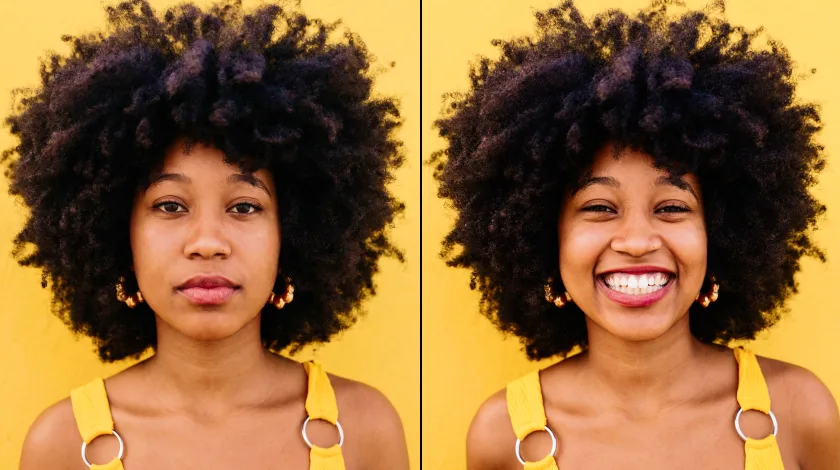
One Feature, Every Photo Worth Saving
Business & E-commerce


Social Media & Personal Photos


Professionals & Creatives
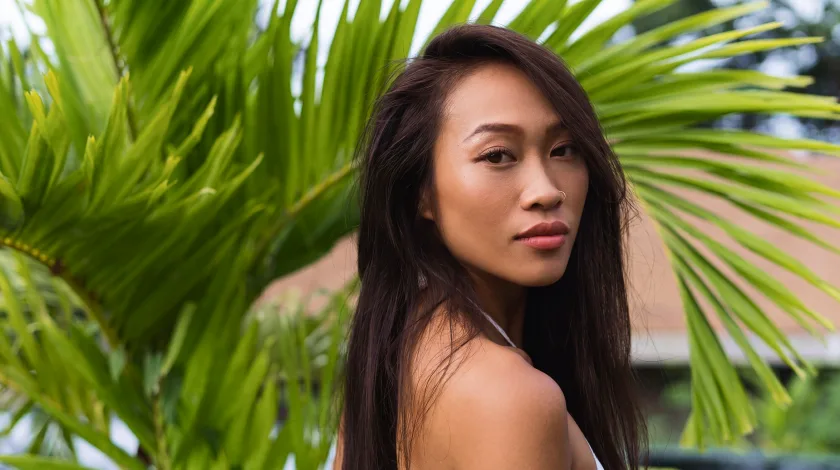

How Face Fix Works
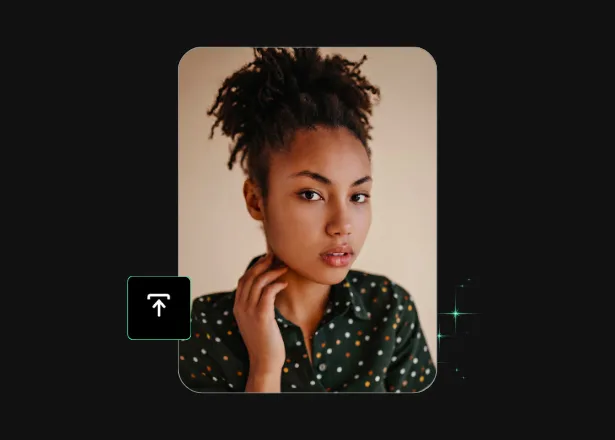
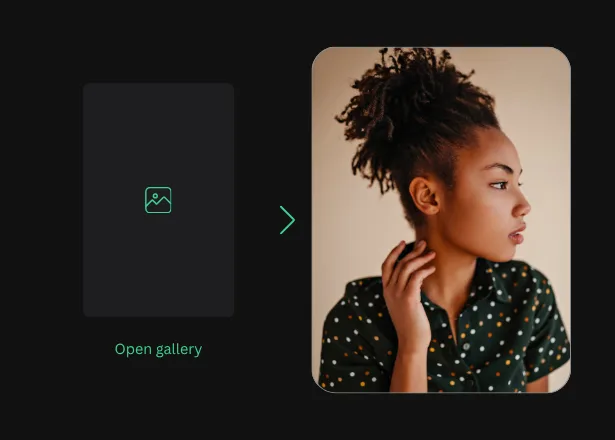
Open your photo
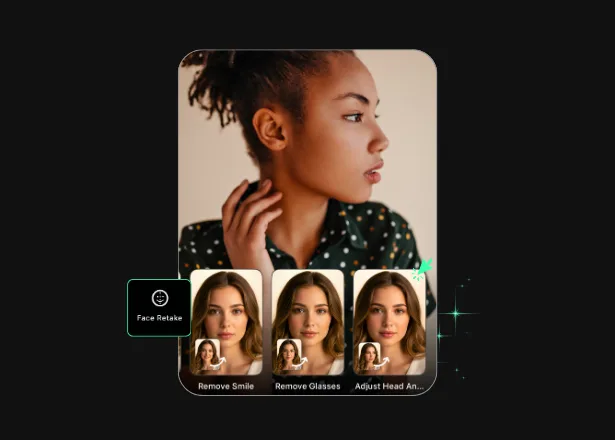
Tap the face and pick the fix
Save and share in high quality
More Than a Photo Editor
More Solutions


What Our Users Say


Face Fix Frequently Asked Questions
What does Face Fix do, and how does it work?
Face Fix is a targeted AI expression changer inside TouchRetouch. Open a photo and tap a face. The app can open closed eyes in photo subjects who blinked. It can add smile to photo frames where someone wasn’t quite ready. It can also fix head angle in photo edits, or shift the gaze direction. AI generates a natural-looking expression that blends with the person’s facial structure and the photo’s lighting.
How is TouchRetouch different from a standard photo editor?
A standard photo editor handles cropping, color correction, and filters — the surface adjustments you make to any photo. TouchRetouch goes deeper with a set of AI-powered tools built for specific photo rescues that traditional editors can’t do well. Face Fix focuses on expressions: opening eyes that closed for a blink, adding a small smile where someone wasn’t quite ready, correcting a tilted head, or shifting a gaze that drifted off-camera. It’s distinct from Face Retouch, a sibling feature inside the same app that handles skin smoothing and blemish removal rather than expression changes. The two work on the same face from different angles. TouchRetouch’s bundle gives you both, plus several other AI tools — like Remove Object, Background Remover, and Photo Enhancer — in one mobile app, no desktop required.
What image formats are supported?
TouchRetouch accepts JPG, PNG, TIFF, and HEIC files. Exports return at the same resolution you imported, so your edited shot stays gallery- and print-ready.
Can I try TouchRetouch for free?
Yes, you can try a 3-day free trial with all premium features unlocked.
Can I edit anyone's face in a photo?
No. Face Fix is built for personal photo rescue — your own photos, or photos where the subject has given you permission to edit how they appear. It’s not the right tool for editing strangers, coworkers, or anyone whose consent you don’t have. On the privacy side, TouchRetouch handles uploaded photos in line with App Store, Google Play, and applicable data-protection rules.
How natural do the edits look — and is this what the person actually looked like?
Face Fix produces natural-looking results that match each person’s face shape, skin tone, and the existing lighting in the shot. The edited area blends with the rest of the face rather than standing out. Important to be clear about: the corrected expression is AI-generated content, not a recovered moment. When you open a closed eye or add a small smile, the app generates a plausible expression that fits the person’s features — it isn’t what they actually looked like behind their closed eyelid or in an unposed instant. Face Fix is meant for personal rescue, social, and creative use, not for journalism, ID photos, court evidence, insurance claims, or any other setting where the authenticity of the image matters.
Where can I find guides on natural face fixes?
Two guides cover it step by step: face fix on mobile for natural portraits and natural face retouch on iPhone and Android.
You don't always get a second chance at the moment
With Face Fix and the rest of the TouchRetouch toolkit on iOS and Android, you don’t always need one. Three days of premium access, all features unlocked — open the app, pick the photo you were about to give up on, and start fixing the moments you wanted to keep.
Ready to Transform Your Photos? TouchRetouch Download Now

 TouchRetouch
Smart tools to clean up photos with ease
Try free for 3 days


