Solution

Photo Enhancer

Make your photos look clean, natural, and polished with Touch Retouch — an AI-powered multitool for visual improvement
TouchRetouch - Photo enhancer
Instructions

How Our AI Photo Enhancer Works

01

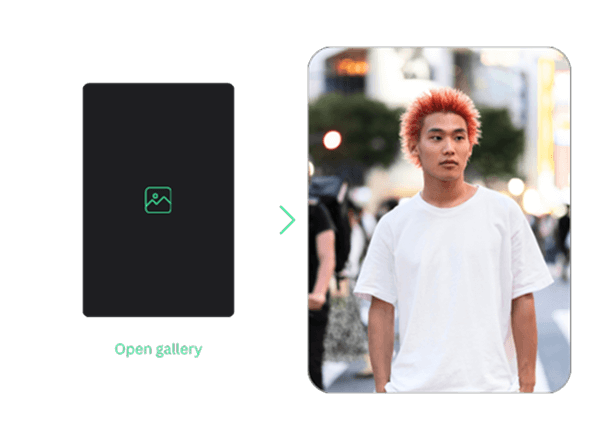
Upload Your Photo

Select a photo/image from the gallery and upload it to start editing
Upload Your Photo
02

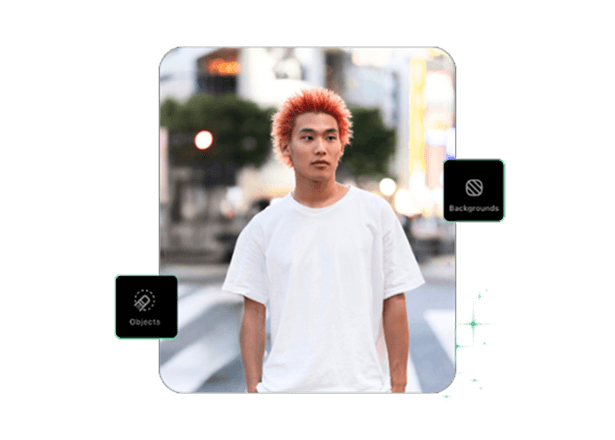
AI Photo Enhancement

Select a function you are interested in & make the changes you want to your photos, letting AI algorithms do the work
AI Photo Enhancement
03

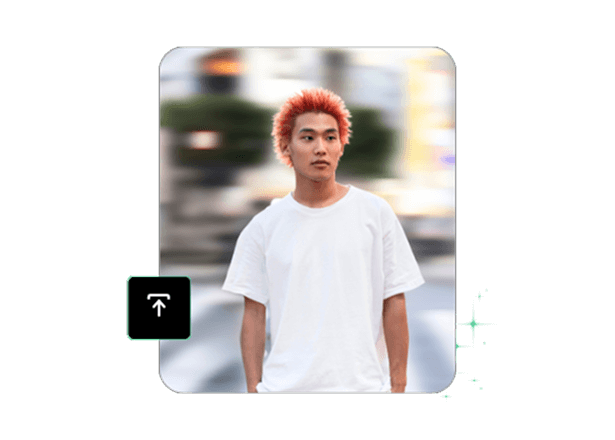
Download in High-Quality

Save changes and share your enhanced photo/image or download it in a preferred format
Download in High-Quality
Perfect photos

Make Every Photo Look Its Best

Even the perfect angle & moment can sometimes be insufficient to take the perfect photo. Unwanted objects/lines, sun glare, incorrectly applied algorithms, or random people passing by can all ruin your shot.

An AI photo enhancer is a way to eliminate these issues. Improve your images using the range of available tools in Touch Retouch. Remove unwanted objects, backgrounds, lines, shine, or specks, and fix imperfections with blemish remover so that your photos are stunning and ready to share. Touch Retouch is a multifunctional app for editing and enhancing.

Make Every Photo Look Its Best
Variants

Works with any photo

People People
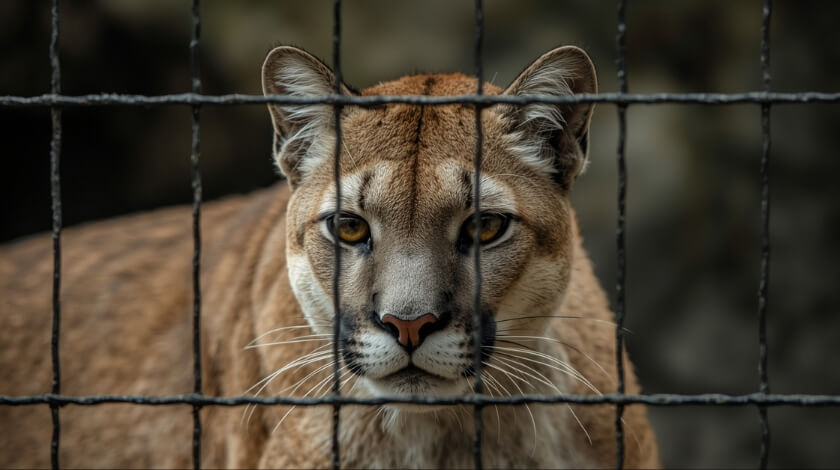
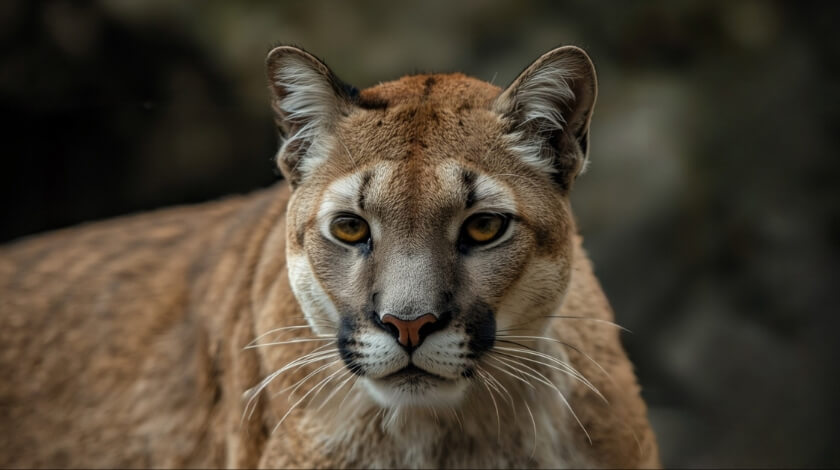
Animals Animals
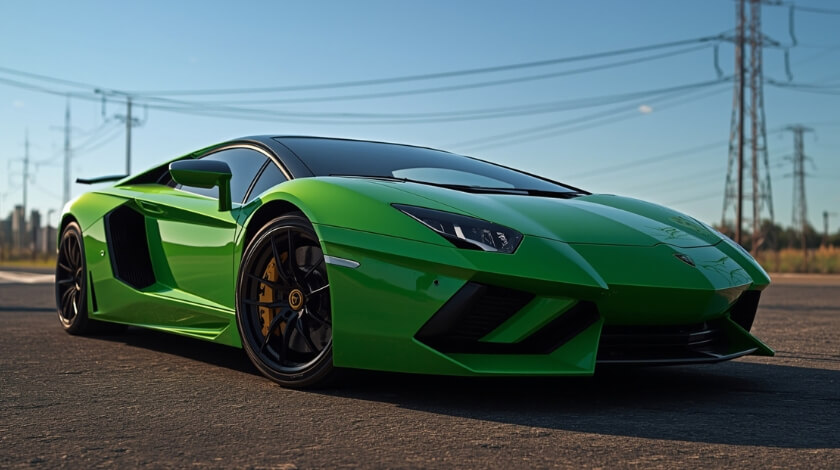
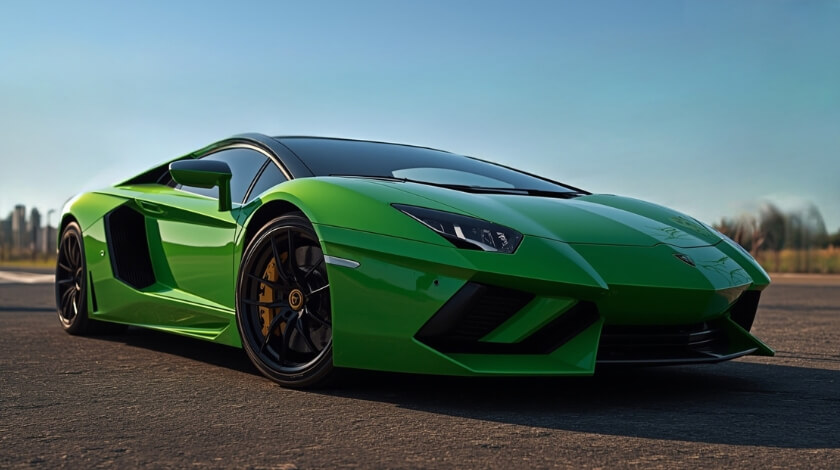
Cars Cars
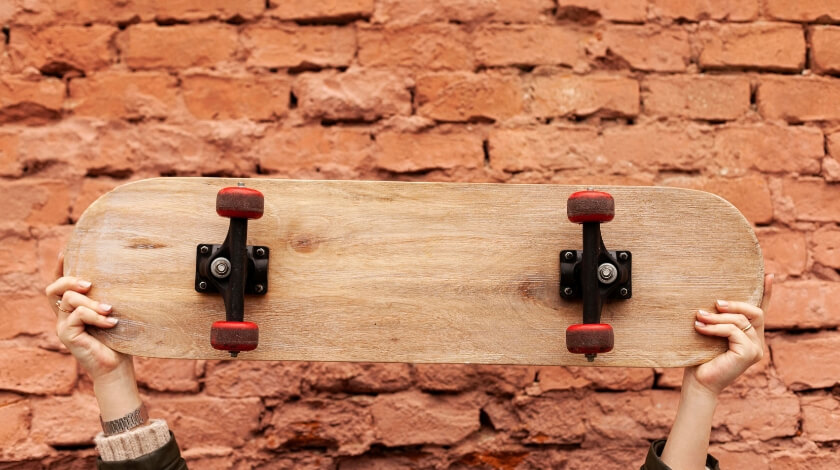
Other things Other things
Enhancer

Enhance Every Photo for Every Purpose

For Business & E-commerce
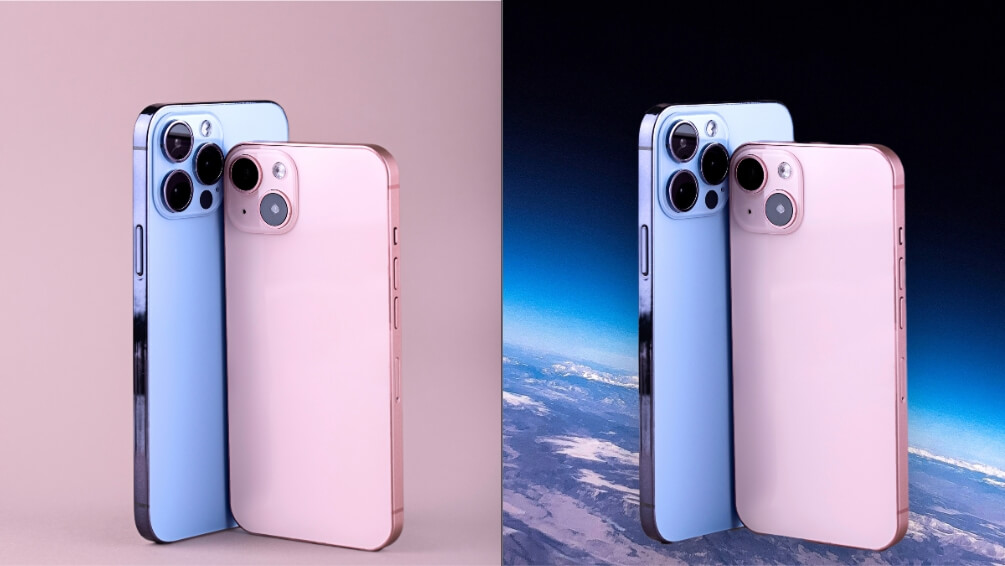
Discover the AI ​​photo enhancer app to boost sales with stunning product images. Enjoy tools to enhance your images and attract attention. Remove unwanted elements, introduce new ones, such as realistic shades, replace backgrounds, and adjust images using the easy-to-use photo editing app for business needs.
Enhance Photo For Business & E-commerce

For Social Media & Personal Use
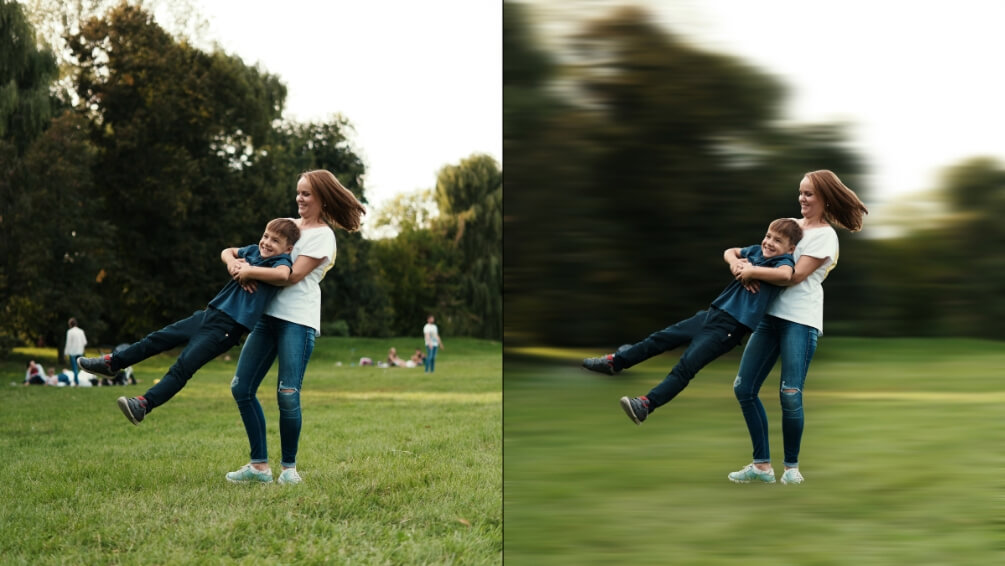
Share high-quality photos on Facebook, Instagram, Twitter, and other social media. Photos taken with your phone can look as good as professional ones with the AI ​​photo quality enhancer. With a set of tools available, editing becomes much easier. Try out a free AI photo enhancer app and discover helpful functions to remove/replace whatever you want, from objects to glares and skin imperfections.
Enhance Photo For Social Media & Personal Use

For Professionals & Creatives
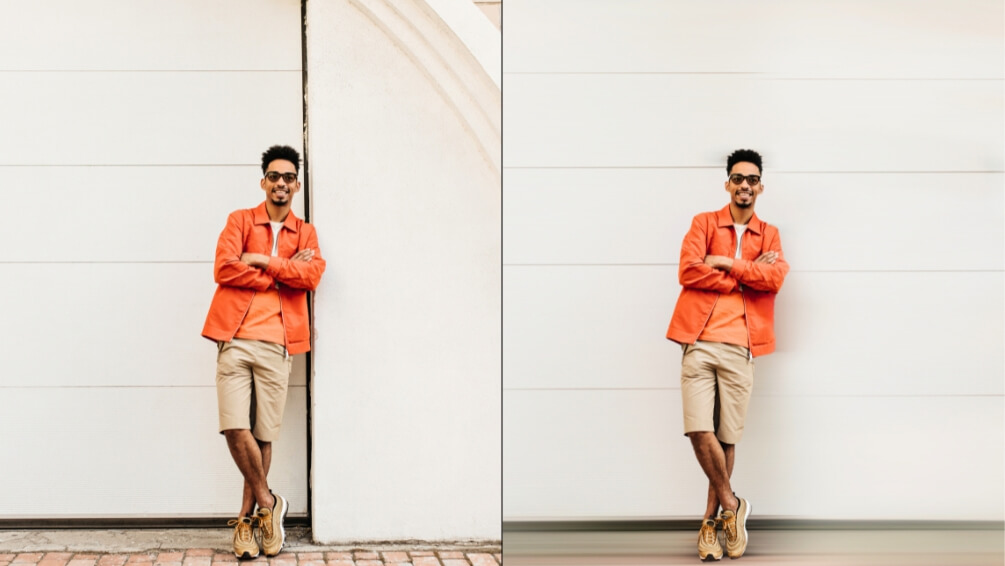
Achieve professional photo editing results in just a few clicks. From retouching and adjustments to changing image resolution, adding effects, and removing unwanted objects, our photo enhancer provides a multi-tool for photographers and creatives looking for a solution to add an artistic touch to their work.
Enhance Photo For Professionals & Creatives
Advantages

More Than Just a Free Photo Enhancer App

01

Advanced AI Technology

Take advantage of innovative AI-powered tools. With advanced intelligence for fast object identification and editing, working with photos and images is easier than ever. Enjoy the magic of AI to enhance photo quality while maintaining realistic results.

02

Multiple Solutions in One App

TouchRetouch is a multi-tool. Explore a range of tools to cover every aspect of your needs. With AI features and manual adjustments, it’s an editing hub, offering Remove Object, Face Retouch, Background Remover, Photo Resizer, AI Photo Editor, Add Shadow, and more.

03

Mobile-First Experience

Built specifically for smartphone photo editing, TouchRetouch features an intuitive UX/UI design and offers extensive AI-powered automation capabilities. Enjoy a superior mobile user experience with an all-in-one photo editing solution at your fingertips.

04

Instant Professional Results

TouchRetouch is a powerful editor that automates tasks that previously required skills and gets the job done instantly. No longer do you need to pore over manuals or wait hours; with a photo enhancer, you get stunning, professional-looking results quickly and easily.

How to

Tutorials

How to:

Remove object & switch between models

Title

Video description

How to:

Remove object & switch between models

Title

Video description
How to:
Title
How to:
Title
Features

More Solutions

Add Person

Add Person

Explore
Insert person into photo on your phone — let AI place them with matching light and perspective in seconds
Explore
AI Expand

AI Expand

Explore
Reformat, reframe, and expand any photo with TouchRetouch's AI image extender on iOS and Android
Explore
AI Photo Filter

AI Photo Filter

Explore
Pick a preset, tap once, and watch your photo take on a whole new mood, lighting, and character
Explore
Face Fix

Face Fix

Explore
Fix facial expression mishaps — a blink, a sneeze, a glance away — and save the shot in seconds on your phone
Explore
Restore Photo

Restore Photo

Explore
Bring fragile family memories back into focus with AI photo restoration — gentle, fast, and built for heirlooms
Explore
AI Edit

AI Edit

Explore
TouchRetouch's AI photo editor with text prompt lets you describe a change and apply it on your phone in seconds
Explore
AI Photo Editor

AI Photo Editor

Explore
Enjoy full and comprehensive photo editing with AI tools
Explore
Remove Glare

Remove Glare

Explore
Eliminate any unwanted light reflections and glare in your photos
Explore
Lines Remover

Lines Remover

Explore
Remove lines from your photos while maintaining a realistic look
Explore
360 Photo Editor

360 Photo Editor

Explore
Edit panoramic photos easily with user-friendly 360 tools
Explore
Add Shadow

Add Shadow

Explore
Add depth to your photos with realistic shadows for objects
Explore
AI Photo Editor

AI Photo Editor

Explore
Enjoy full and comprehensive photo editing with AI tools
Explore
Blemish Remover

Blemish Remover

Explore
Remove any blemishes, minor imperfections, or acne on the skin
Explore
Photo Resizer

Photo Resizer

Explore
Easily and effortlessly change the size and resolution of your photos
Explore
Blur Background

Blur Background

Explore
Add an artistic touch to your photos by blurring the background
Explore
Background Remover

Background Remover

Explore
Remove the background, leaving only the object you need in the photo
Explore
Face Retouch

Face Retouch

Explore
Eliminate imperfections and smooth your skin for a flawless look
Explore
Remove Unwanted Objects

Remove Unwanted Objects

Explore
Instantly remove unwanted objects, items, and people from your photos
Explore
Great app! It's very easy to remove unwanted things from photos. Everything is simple and fast, and the photos look better dmitnk
Very handy app This app is really easy to use. All functions are very convenient and work well, I don't even know what else to say...everything is cool Riklon Taigts
Awesome. Low price for perfect job! Removes objects from the photo nicely, you will not ever guess that there were any. People, wires, obstacles - clears photo from unwanted things very well. 12An123
Best app for removing unwanted objects Thank you so much for your kind words! We're thrilled to hear that our app stands out as your preferred choice for removing unwanted objects. Your support means the world to us. If you ever have any questions or feedback, feel free to reach out. Happy editing! mvmalyi
The best go-to photo editing app!! This is amazing! no words can describe how much this app is awesome. You just need to try it. Soglu
Great app, does its job at 100% Simple Ul, you don't need tutorials to understand how it works, a few clicks and your photo is perfect Ania Svitla
FAQ

AI Image Enhancer - Frequently Asked Questions

How does Touch Retouch enhance photos?

Touch Retouch is an AI-powered editing tool that provides a range of functions to cover various aspects of photo editing. From removing unwanted objects, lines, or people to erasing blemishes, imperfections, and even editing panoramic images, Touch Retouch lets you enhance your photos by correcting a variety of issues.

How is TouchRetouch different from a standard photo editor?

TouchRetouch offers a comprehensive toolkit that can work both automatically/semi-automatically. While standard editors require technical knowledge and experience, TouchRetouch offers a user-friendly and intuitive solution for your needs, so even a beginner can edit like a pro!

What types of images can I enhance?

In TouchRetouch, you can work with images in a variety of formats, including JPG, PNG, and TIFF, as well as RAW files for more advanced editing.

Can I try TouchRetouch for free?

Yes, you can enjoy a free photo quality enhancer with all premium features unlocked during a 3-day free trial.

Ready to Transform Your Photos? TouchRetouch Download Now

Install TouchRetouch on your smartphone and become a pro in photo editing
Smart tools to clean up photos with ease
Smart tools to clean up photos with ease TouchRetouch Smart tools to clean up photos with ease Download For Free