
Blemish Remover
How to Remove Blemishes With TouchRetouch App
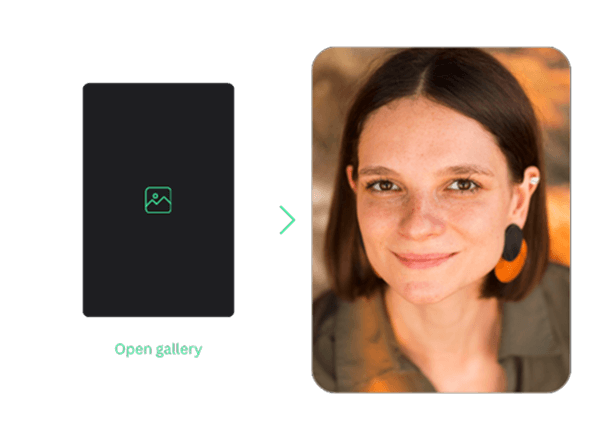
Open Your Photo
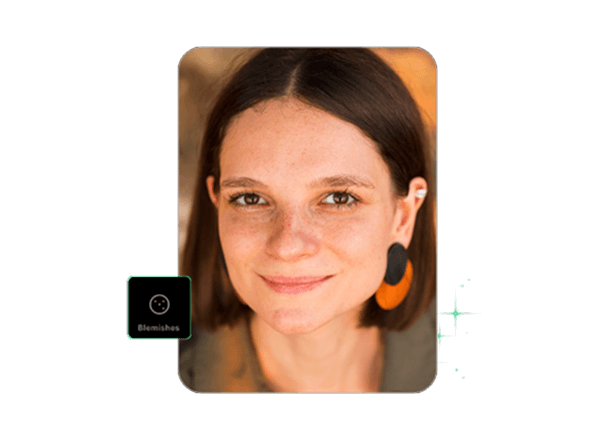
Select the Tool and Apply
Save & Share Your Edited Photo
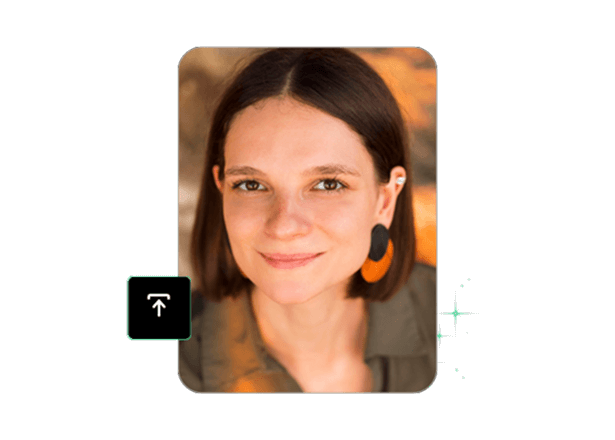
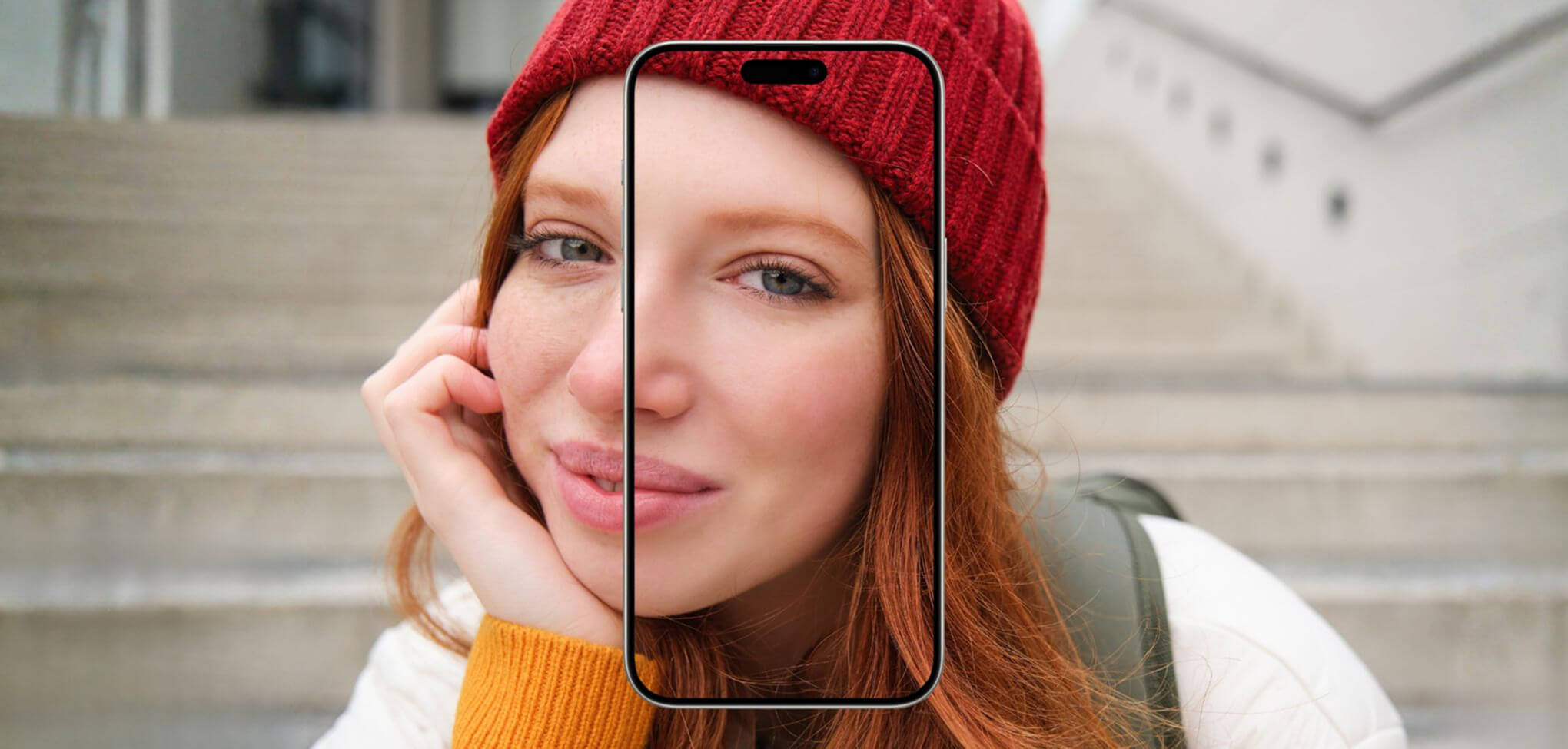
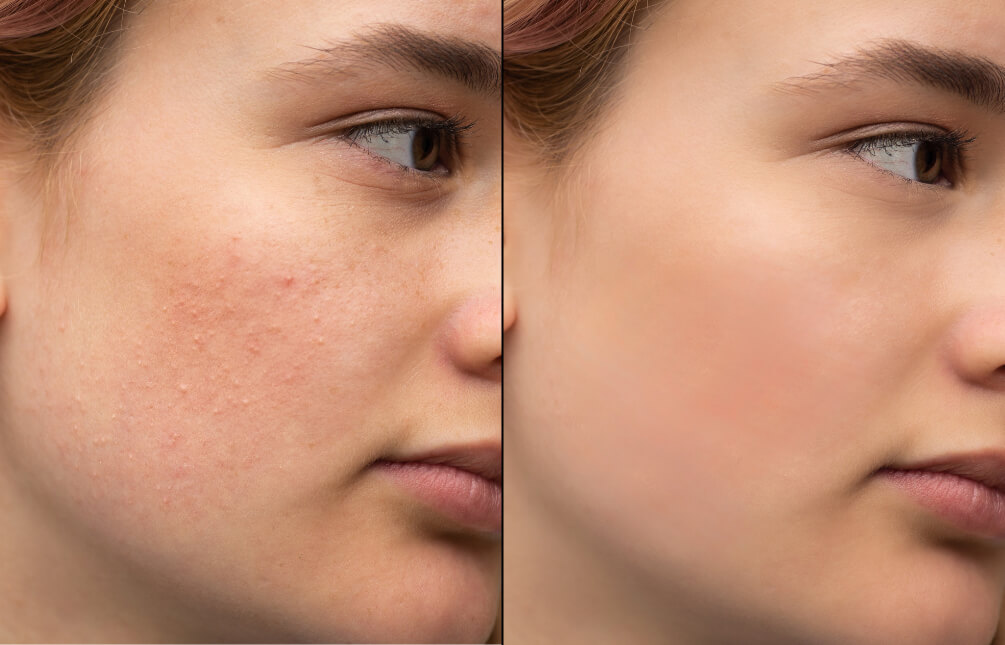
Blemish Removal That Stays Natural
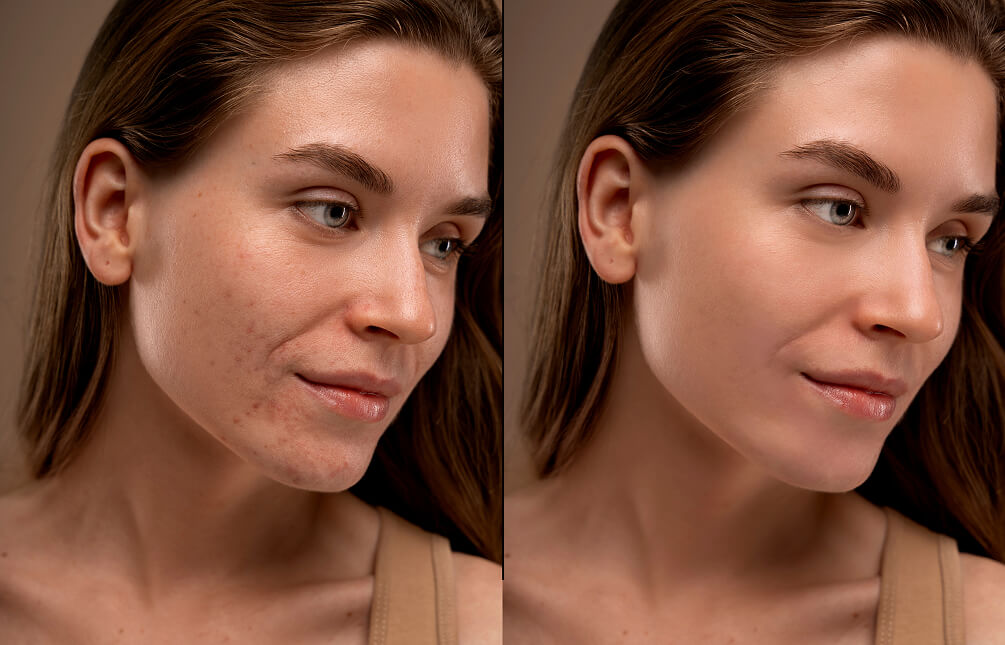
Let your selfies and every photo look their best by leveraging the magic of comprehensive AI tools. TouchRetouch is a user-friendly blemish remover photo editor, allowing for the removal of various redness, blemishes, and imperfections for smooth skin and a natural look.
Share flawless photos on social media using AI features. No more waiting or watching tutorials—simply paint out what you want to remove, and the app will instantly do the job for you!
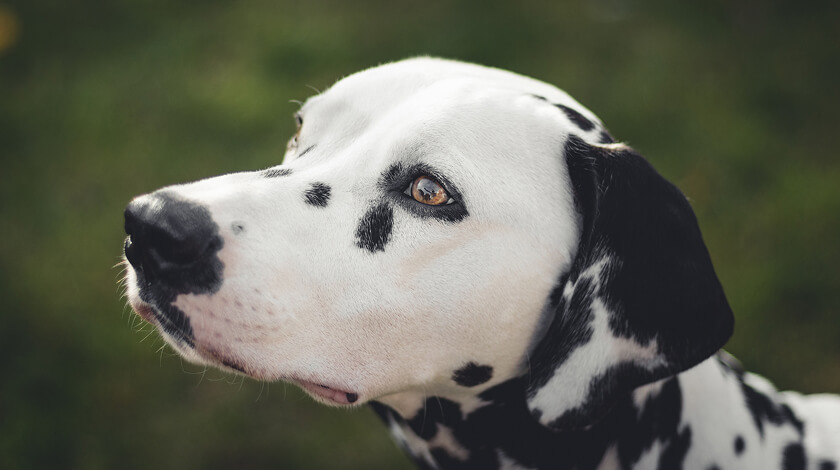
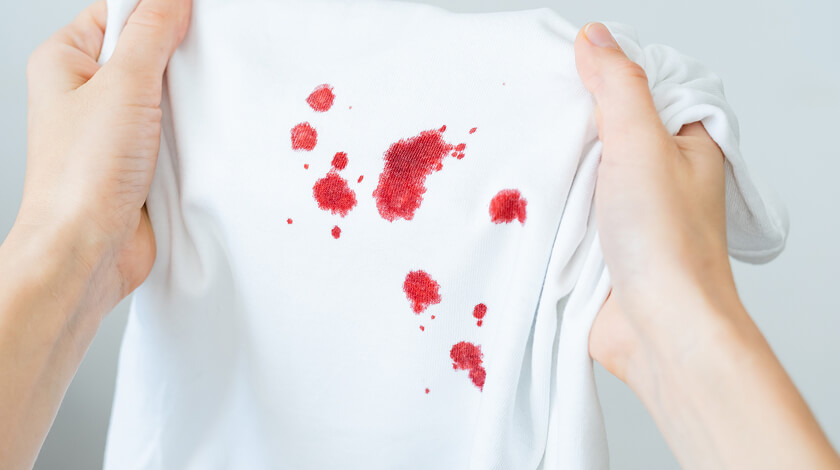
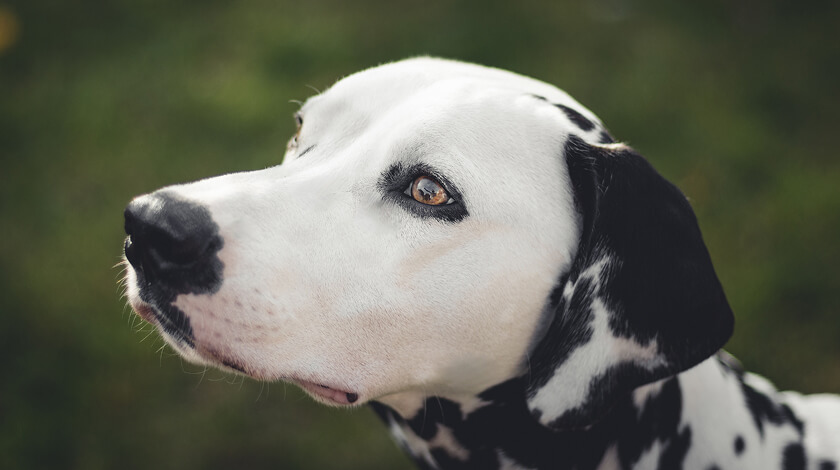
Works with any photo
 People
 Animals
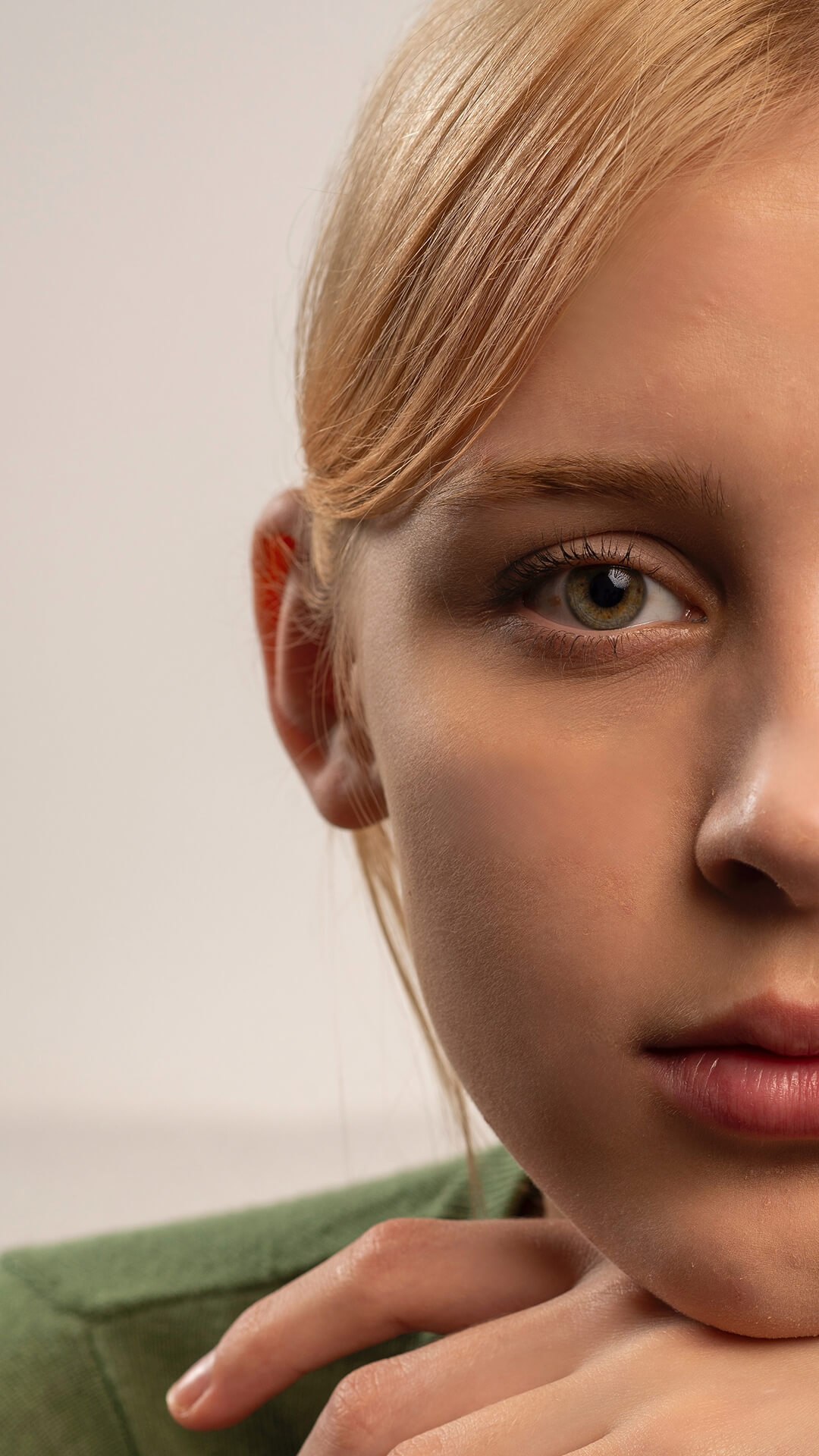
 Children
 Other things




AI Blemish Editing Made Simple
TouchRetouch leverages cutting-edge AI technology to deliver stunning results. You can quickly smooth skin texture, remove pimples and blemishes, and enhance the quality and style of your photos with automated AI tools.
Algorithms instantly identify elements in the image and edit them while making your skin look natural. With TouchRetouch, you don’t have to worry about artifacts and traces; your photos will look realistic no matter what!
Tutorials

Explore Powerful Tools Inside TouchRetouch App




Frequently Asked Questions - Blemish Remover
Can I refine the result manually if needed?
Yes, you can customize the tool’s parameters to achieve the desired result. TouchRetouch supports both automated and manual modes.
Can I combine blemish removal with other photo editor tools like background blur or skin smoothing?
Yes, TouchRetouch is a multi-tool editor with a wide range of features. Combine tools to edit images comprehensively, focusing on different details and aspects.
Can I use TouchRetouch to edit 360° images?
Yes, the app has a built-in 360 photo editor so you can work with panoramic images.
Does the tool handle different skin tones?
Yes, Blemish Removal is a versatile tool that can easily be applied to different skin tones.
Can I try TouchRetouch for free?
You can enjoy the free blemish remover app with premium features unlocked during a 3-day free of charge trial.
Ready to Transform Your Photos? TouchRetouch Download Now

 TouchRetouch
Smart tools to clean up photos with ease
Download For Free


