
AI Edit


Skip the menus. Describe the edit
You can picture the change in your head, but menus, layers, and sliders keep getting in the way. With AI Edit, you type what you want and TouchRetouch handles the rest. No tutorials. No masking. You edit photo with text the same way you’d describe it to a friend, then save the result straight to your camera roll.
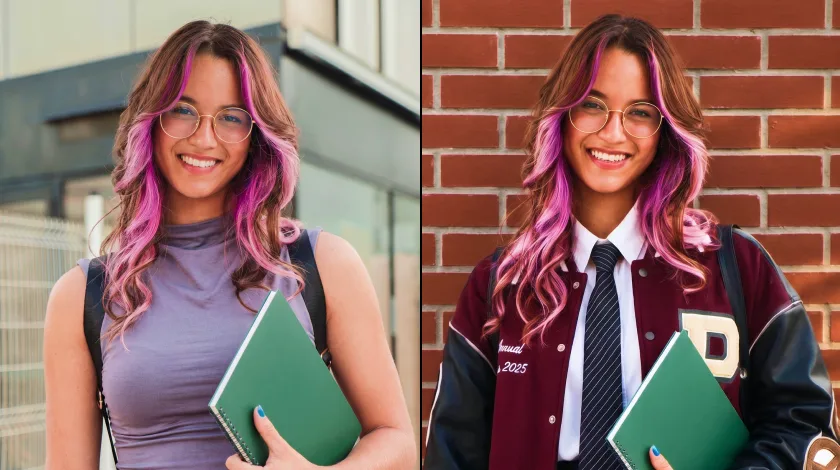
One feature, three ways to work
For Business & E-commerce


For social media and personal photos
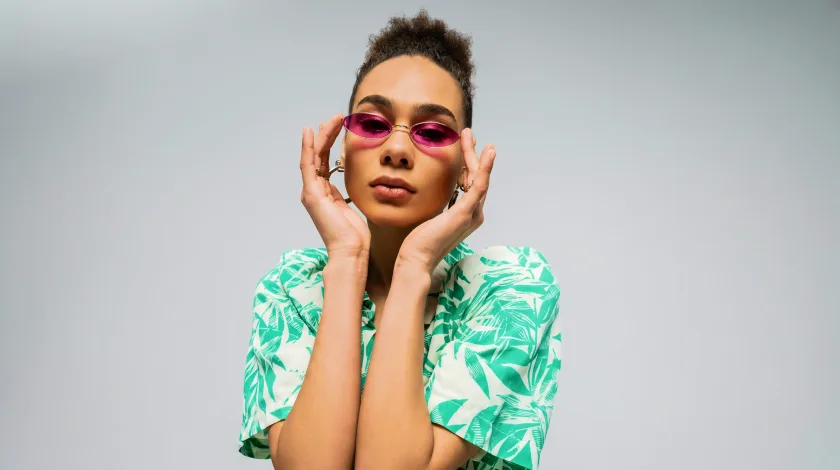
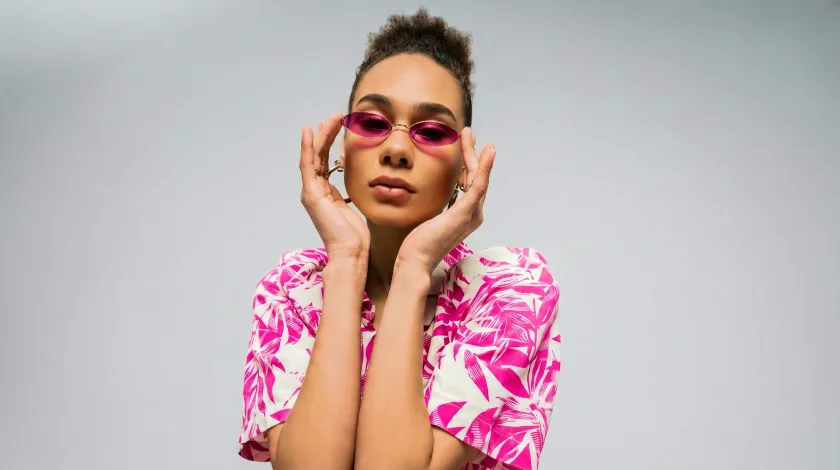
For photographers and creatives


How AI Edit works in three steps
Pick your photo and select an area
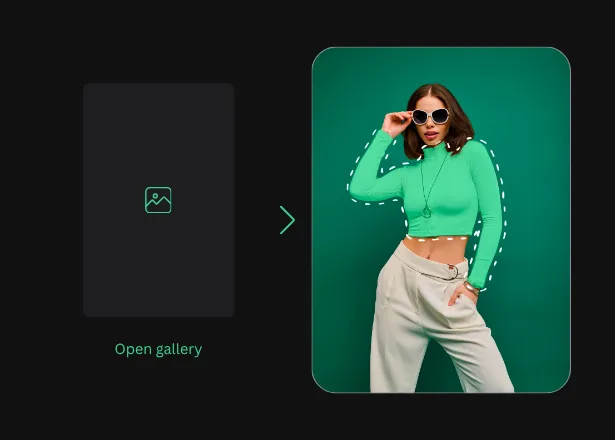
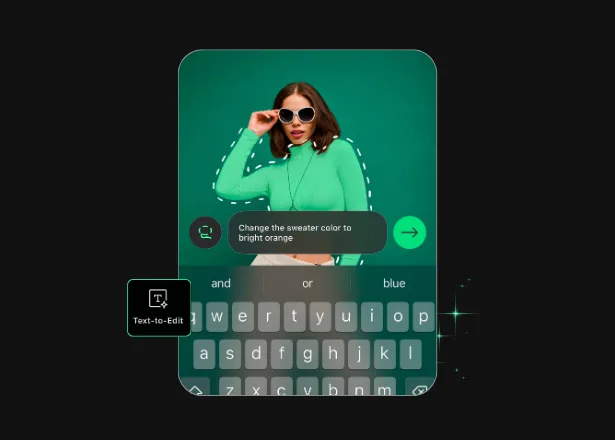
Type your prompt
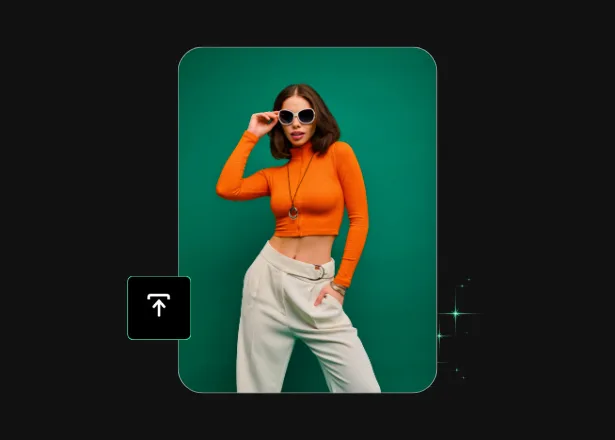
Save and share
Example prompts to copy
Stuck on what to type? Start with these and adapt the words to your photo:
- “Remove the lamppost on the left.”
- “Replace the background with a soft white studio backdrop.”
- “Change the jacket color to navy blue.”
- “Add a warm shadow under the bottle.”
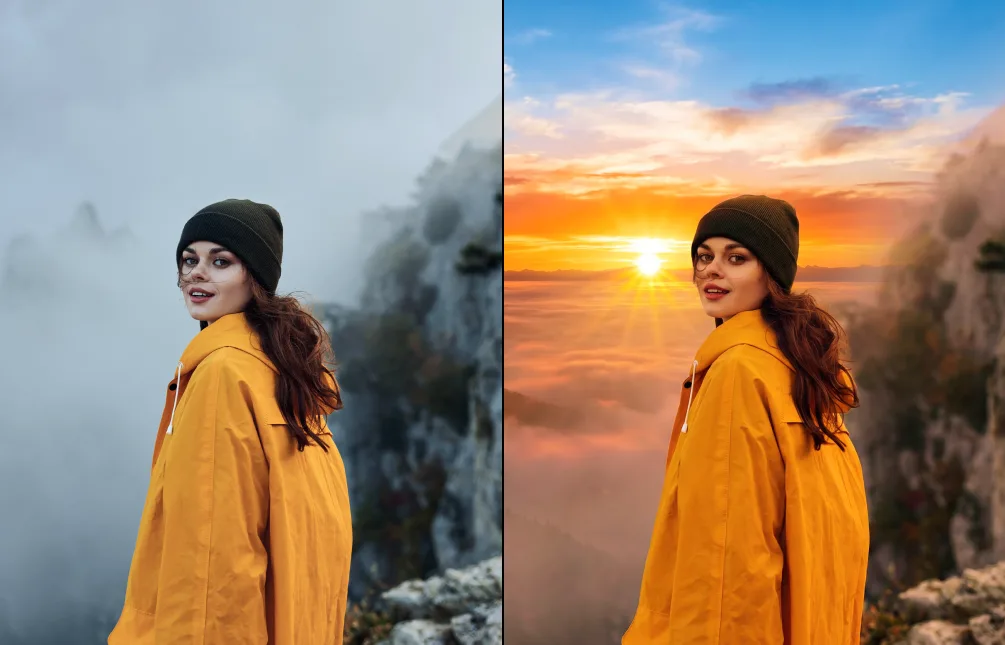
- “Brighten the sky and keep the foreground unchanged.”
- “Erase the writing on the wall.”
Why people pick TouchRetouch for AI Edit
More Solutions



AI Edit: frequently asked questions
What is AI Edit and how does it work?
AI Edit is prompt-based photo editing inside TouchRetouch. Open the app, pick a photo, select the area you want to change, and type a prompt describing the edit. The app applies it in seconds. If the first result isn’t right, rewrite the prompt and try again.
How is TouchRetouch different from a standard photo editor?
Standard editors give you sliders, layers, and masking tools to learn. TouchRetouch lets you describe and edit photo details in plain language. There’s no manual selection work — the AI handles the heavy lifting while you focus on the result.
Can I edit a specific area of a photo instead of the whole image?
Yes. You can edit specific area of photo with AI by tapping or selecting any region — a single object, a corner of the sky, a face, or the full frame — before typing your prompt. The rest of the image stays untouched.
What image formats are supported?
AI Edit works with JPG, PNG, TIFF, and HEIC. Imports and exports keep their original quality, so files are ready for print, web, or social.
Do I need to learn special prompts or syntax?
No. Plain English works. “Remove the cup,” “make the sky orange,” and “add a warm shadow under the chair” all read clearly. Write the way you’d describe the edit out loud.
How much does TouchRetouch cost?
You can try a 3-day free trial with all premium features unlocked.
Where can I learn more about AI photo editing?
These guides go deeper: Tap Edit AI: one-tap photo editing, free AI photo editing on mobile, AI photo editing software compared and how to choose an AI photo editing app.
Ready to try AI Edit? TouchRetouch Download Now

 TouchRetouch
Smart tools to clean up photos with ease
Start free 3-day trial


