
AI Photo Editor

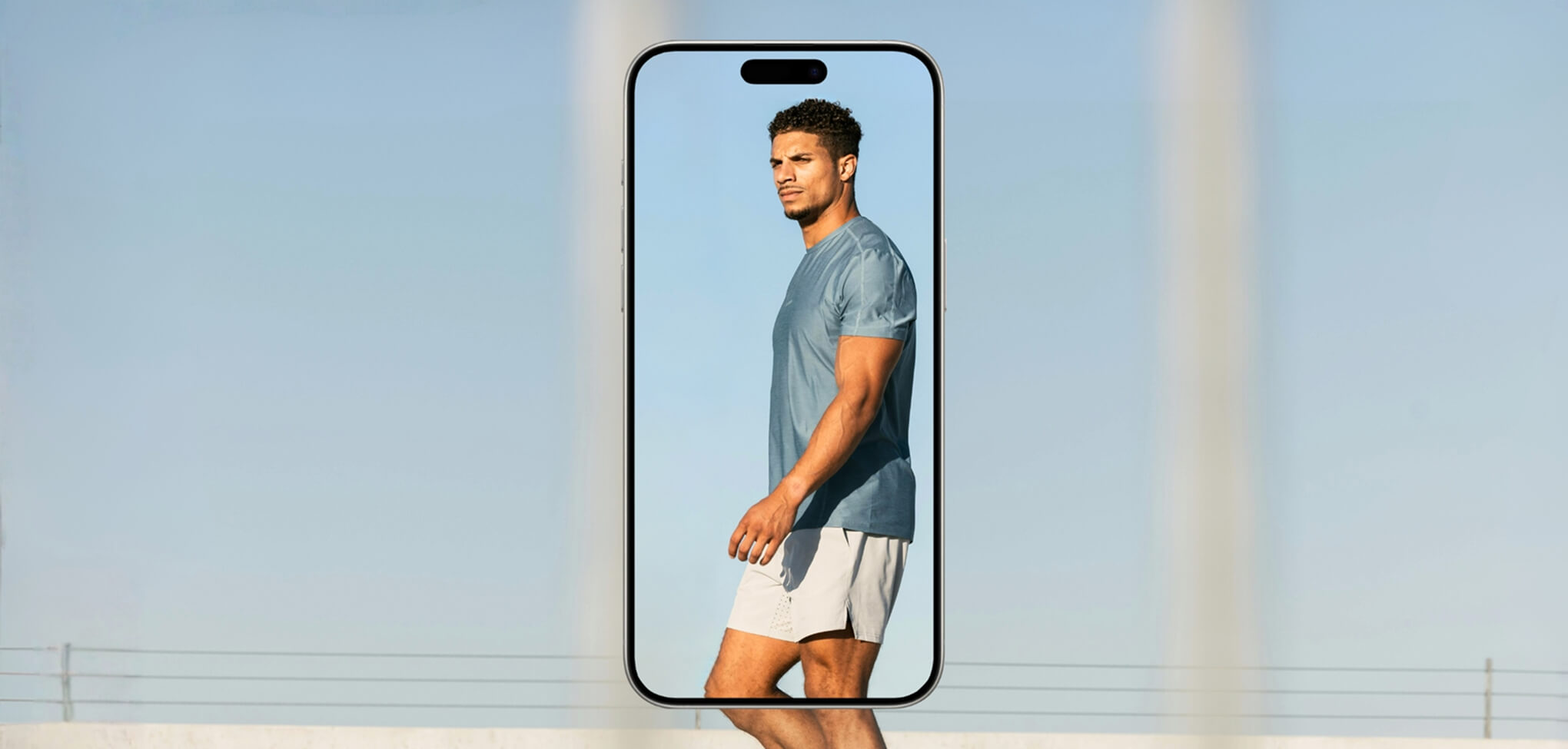
How To Edit Photos With AI in TouchRetouch App
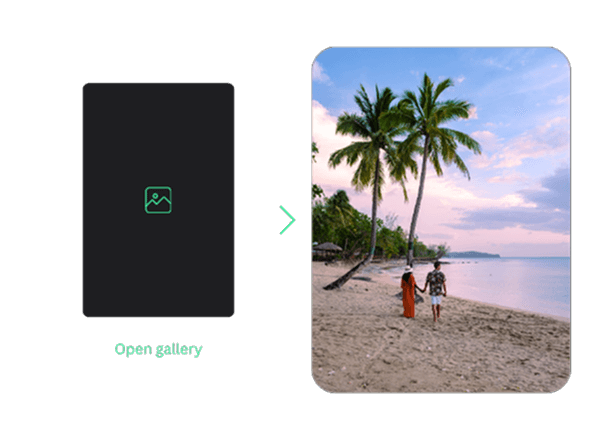
Open a photo from your gallery
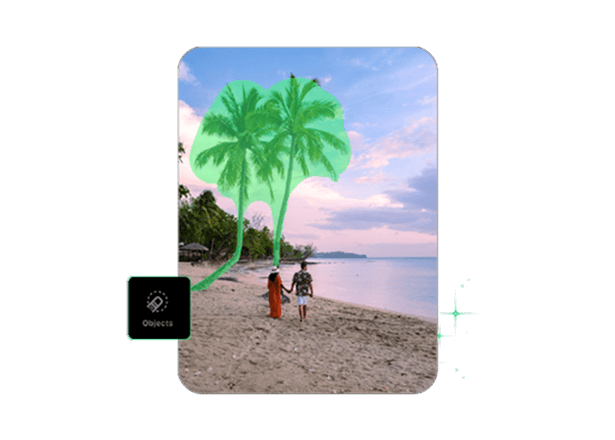
Choose the AI tool you need
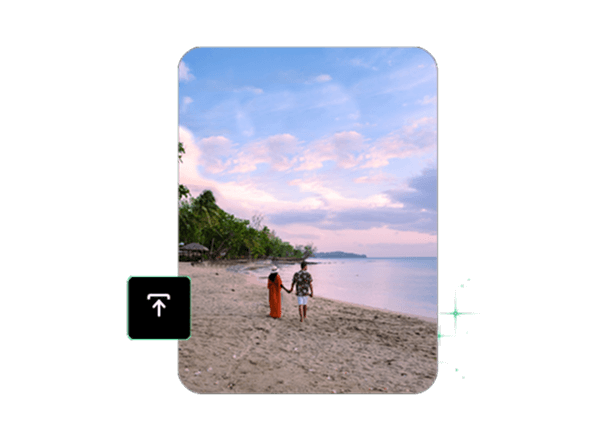
Fine-tune and save in HD
Smarter Photo Editing With AI on Your Phone
Get a radically new editing experience with our AI image editing app. We’ve built AI into TouchRetouch to make the process as easy as possible. Remove objects and annoying lines, blur and replace backgrounds, retouch faces, and more in just a few taps. Edge-aware technology allows you to highlight any object in a photo automatically without affecting the image. No artifacts, no spontaneous blurring or erasure. TouchRetouch only does what you want it to do.
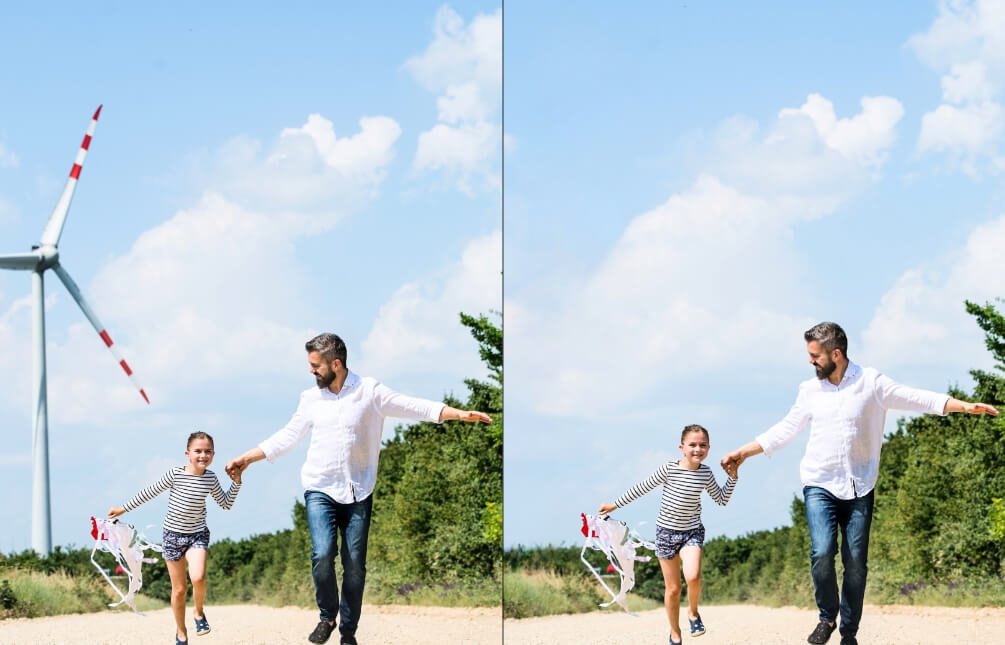
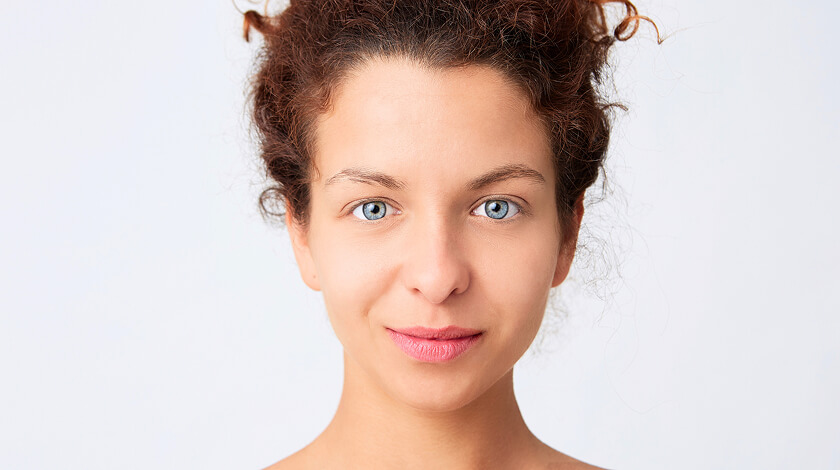
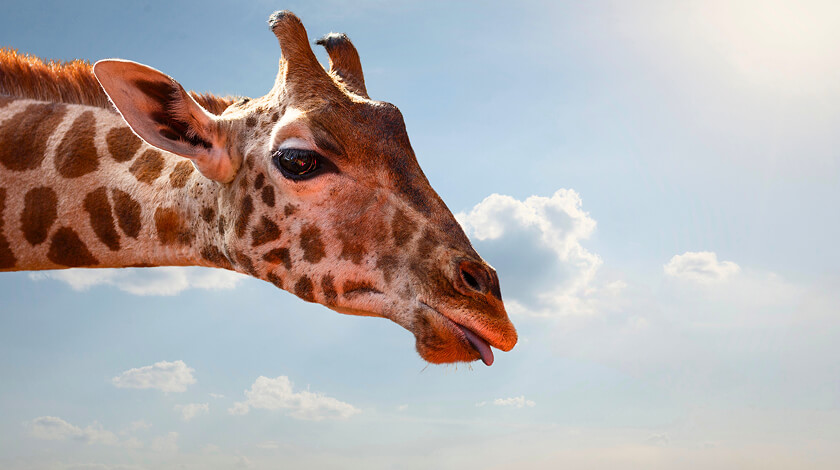
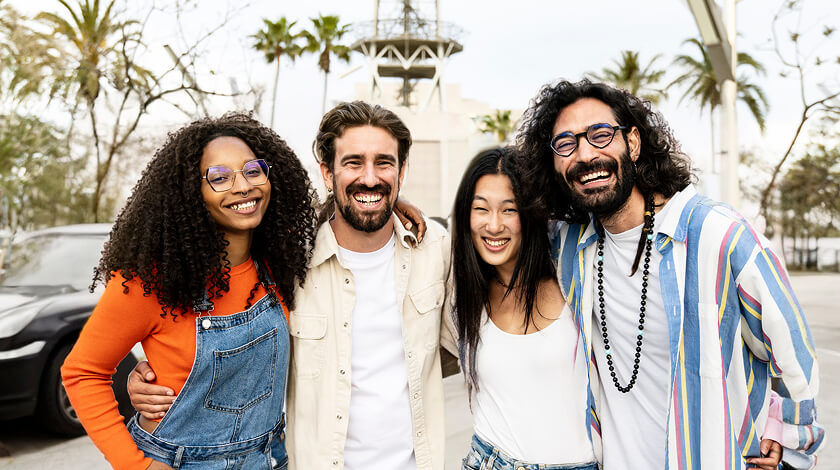
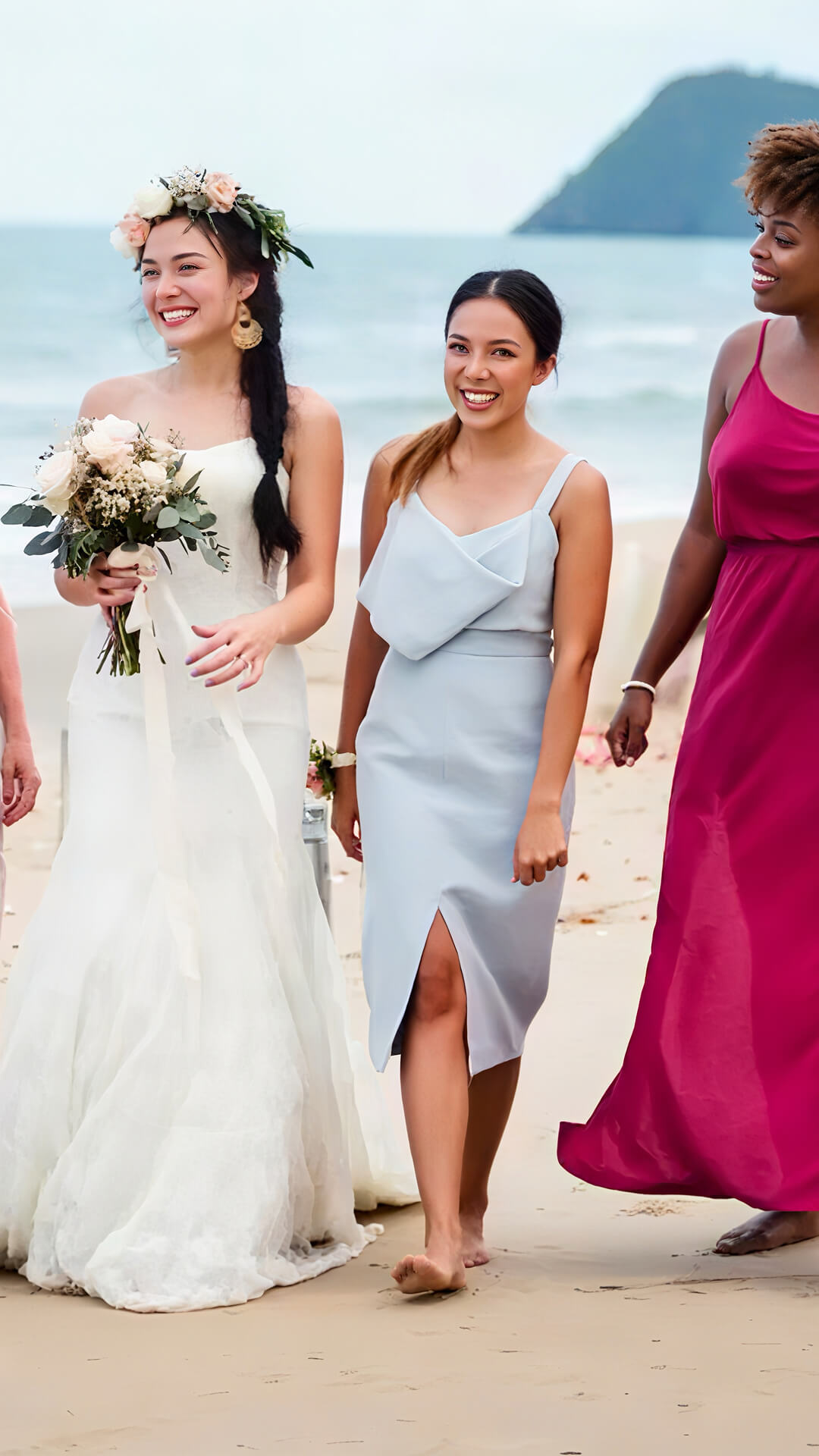
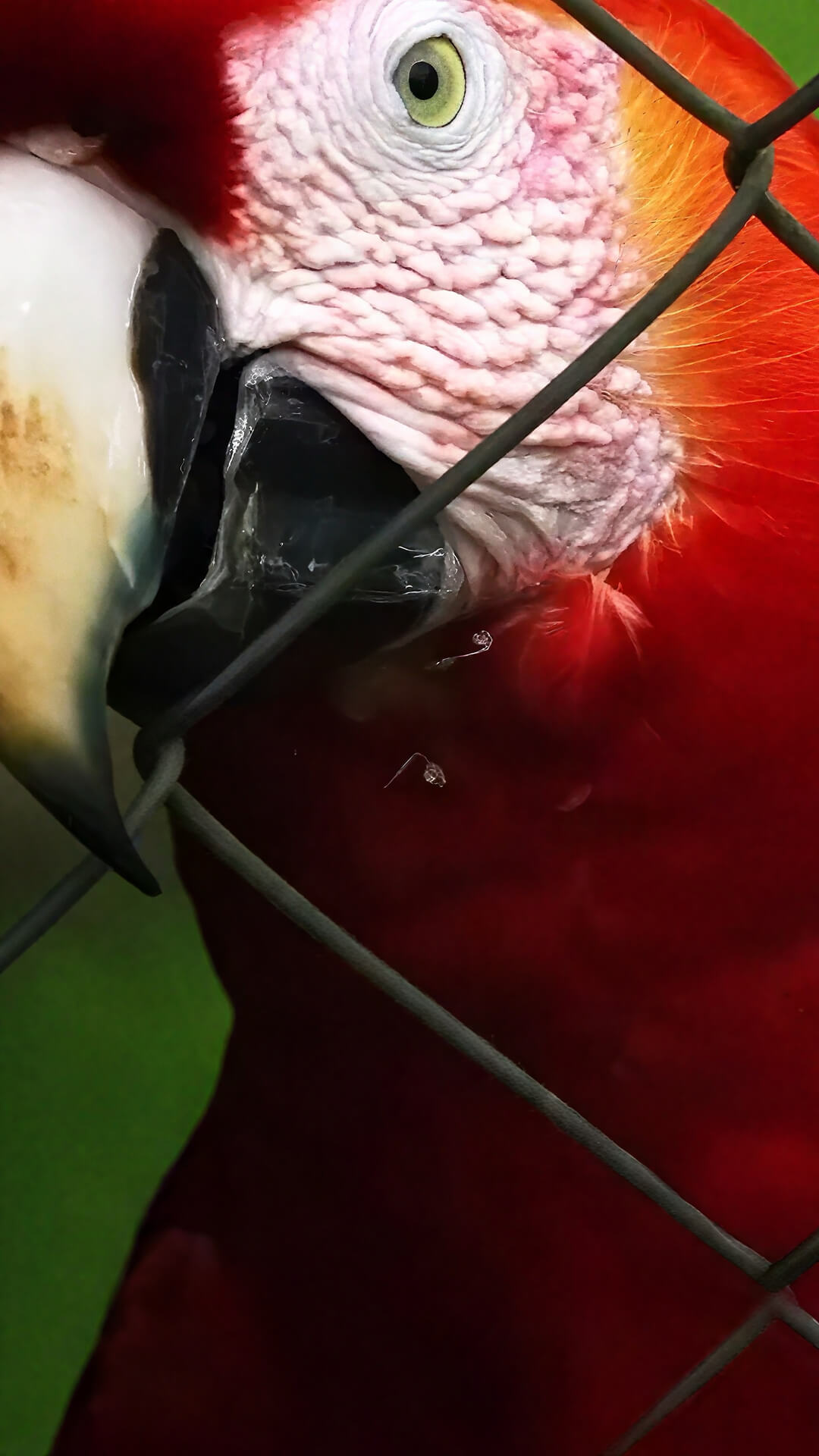
Works with any photo
 People
 Animals
 Group photo
 Other things
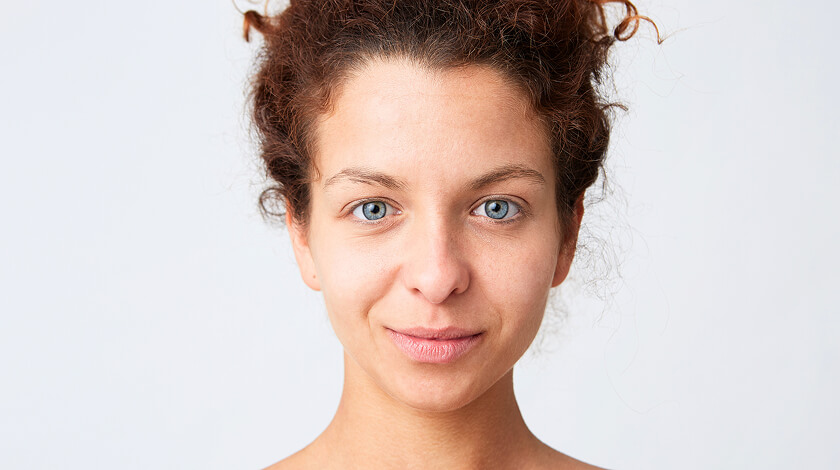
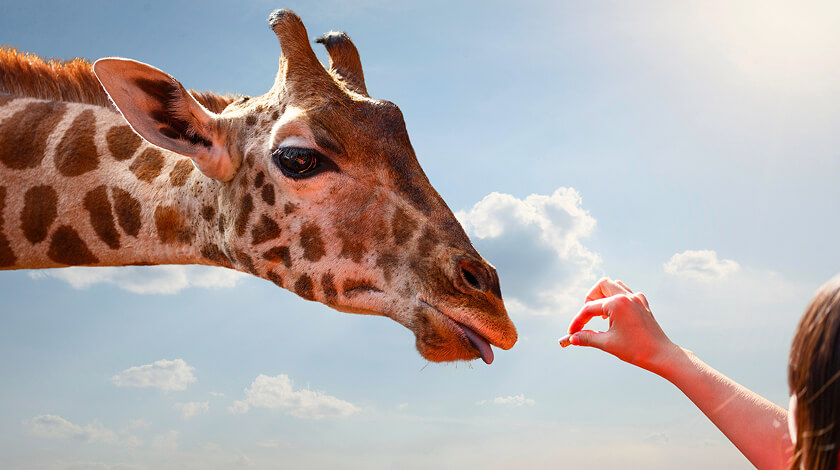
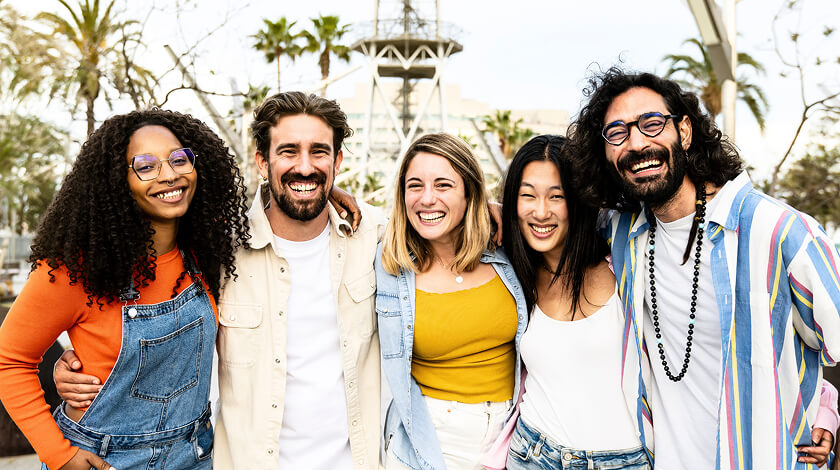


Powerful AI Photo Editing Made Easy
You used to have to spend a lot of time manually editing photos. And it was almost impossible to do it on your phone because of the small screen. But now you don’t have to wave a bunch of brushes or throw a virtual lasso like a digital cowboy. In TouchRetouch, we use AI to subtly highlight objects while preserving the natural flow of light and shadow. Now you just need to tap once and choose the settings you like. Try it now and you will be amazed.
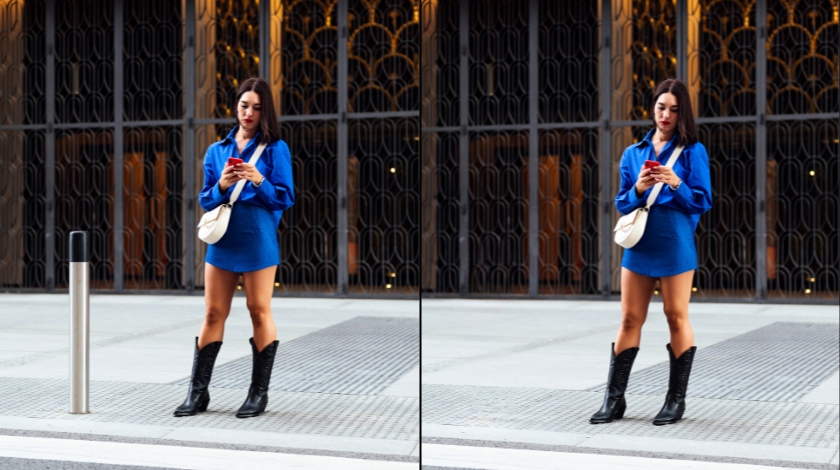
Tutorials
The Photo Editing Solutions Inside TouchRetouch
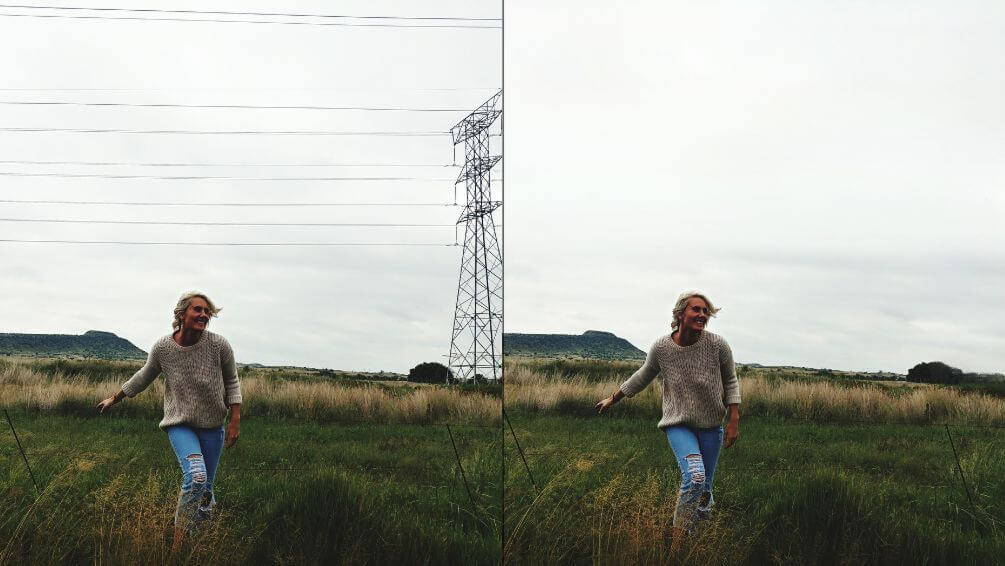
Object & Line Removal without Traces
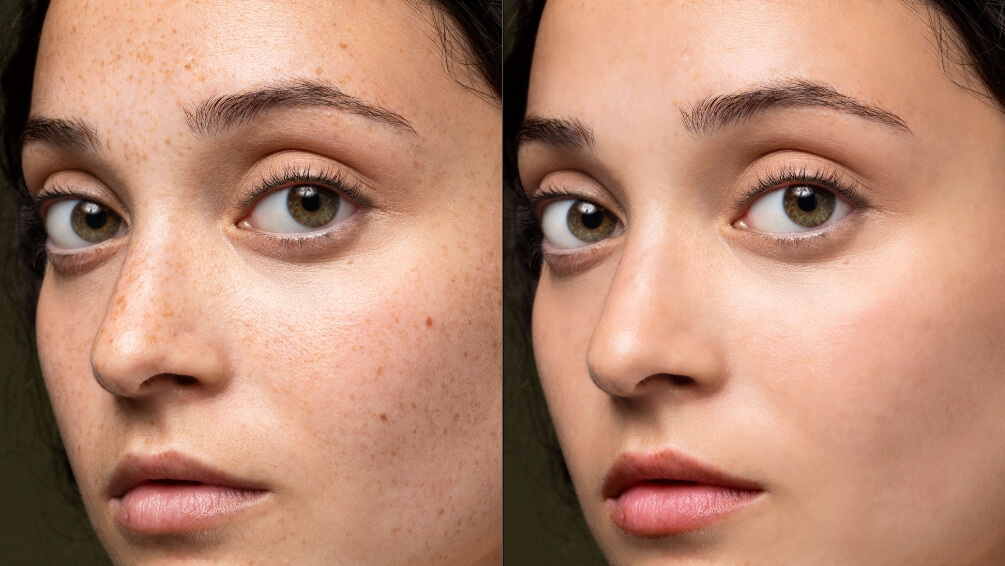
Face Retouch that Stays Natural
Background Blur & Background Remover
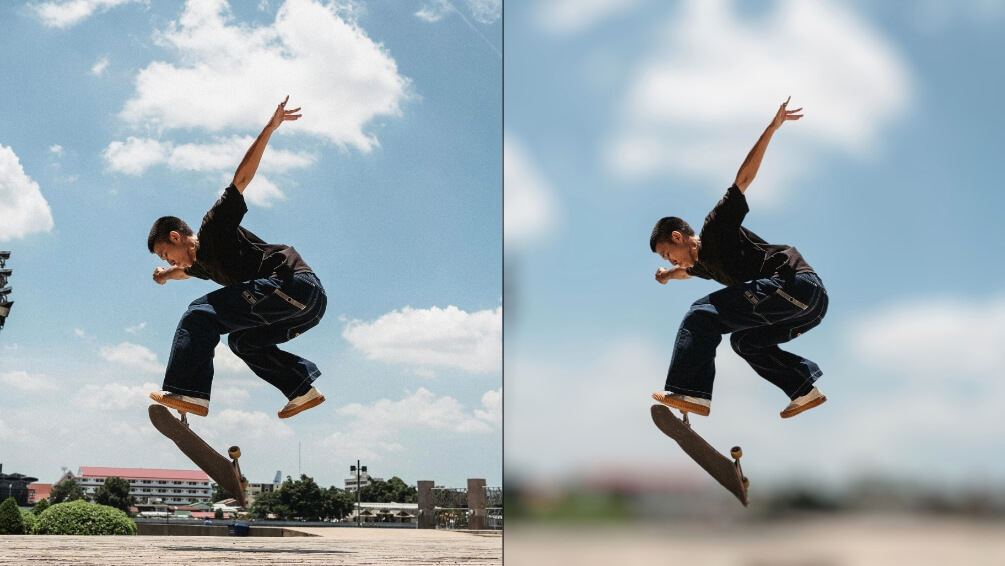
Adjust Image Size at the Export Stage
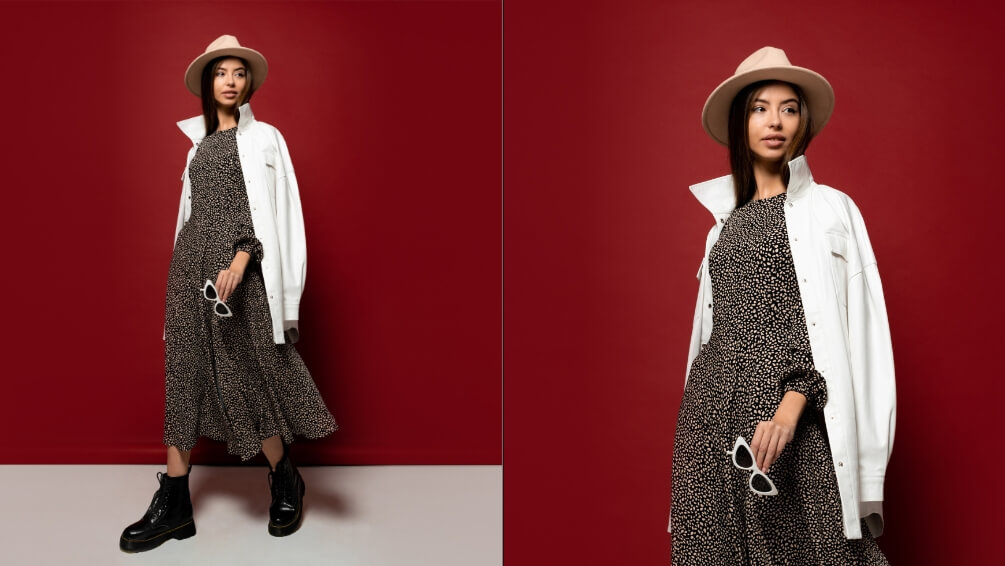
More Solutions




AI Photo Editing Guides
Frequently Asked Questions - AI Photo Editor
Can I customize my edits, or is everything fully automatic?
Yes, you can. The AI photo editor doesn’t edit the image for you; it just makes editing as easy as possible.
Is the AI photo editor available on both iPhone and Android?
Yes, you can download it from both Google Play and App Store.
What types of images can I enhance?
You can edit all the usual formats: JPEG, PNG, TIFF, etc. Unfortunately, the application does not work with RAW. Perhaps this feature will appear later.
Can I try TouchRetouch for free?
Yes. During the first three trial days, you have a free AI photo editor. None of the photo editing features is limited.
Ready to Transform Your Photos? TouchRetouch Download Now

 TouchRetouch
Smart tools to clean up photos with ease
Download For Free


