
AI Image Resizer

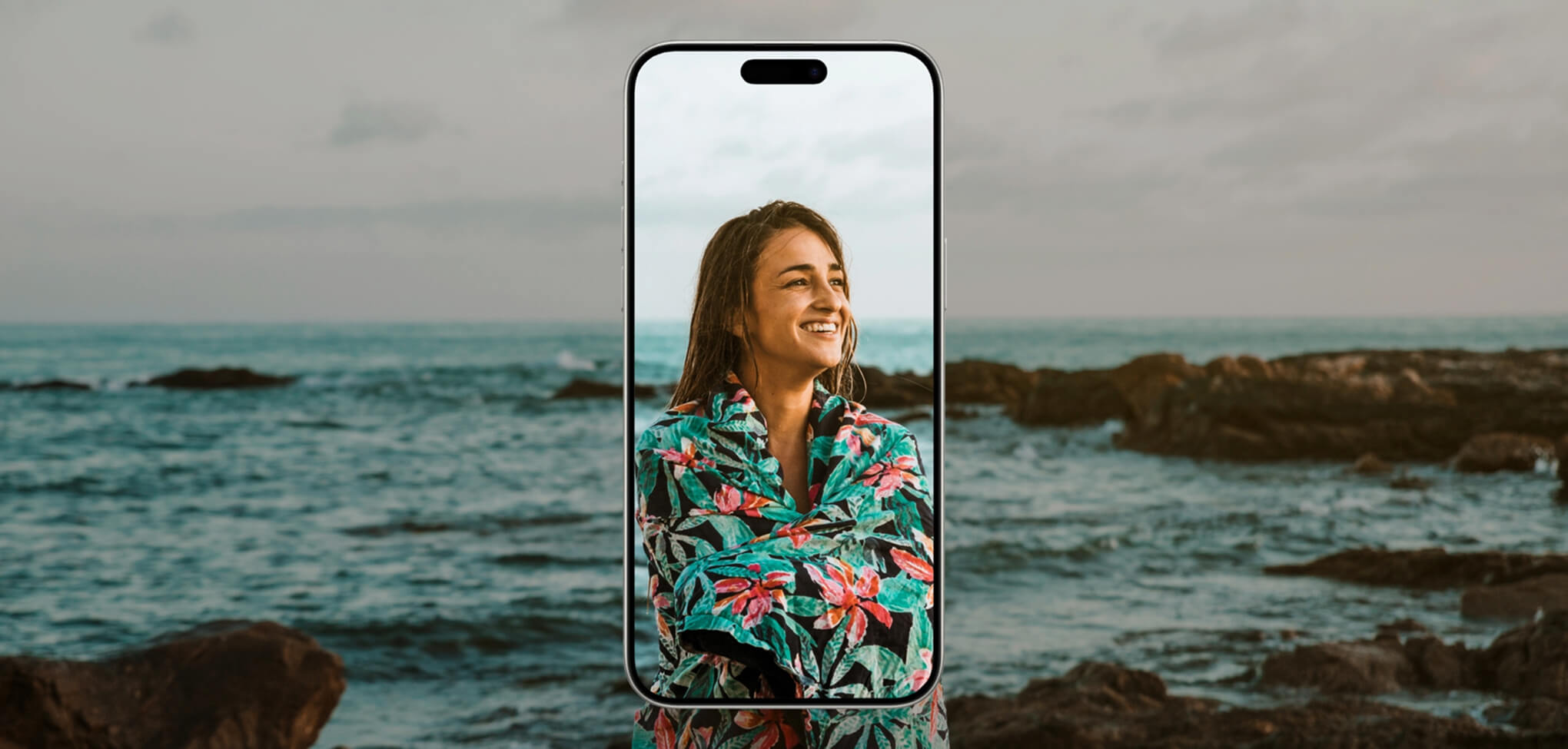
How to Resize an Image on Your Phone
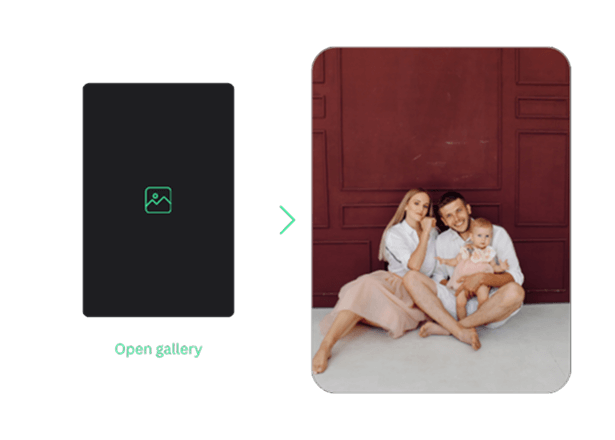
Open a Photo in TouchRetouch
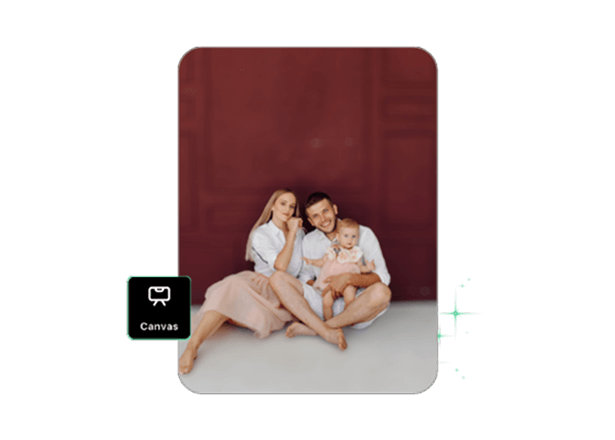
Edit It With Powerful Tools
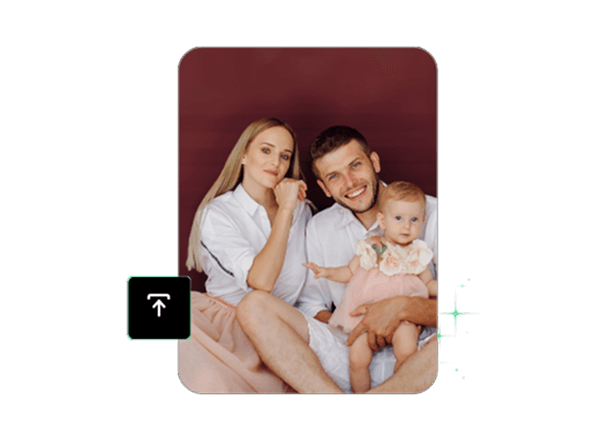
Select Export Size and Save
Resize Photos in Seconds
Resize your images to adapt them to different platforms. With TouchRetouch, you get a user-friendly tool for adjusting photo size, ensuring compatibility with social media platforms, preparing images for print, compressing them, and much more helpful features.
Using AI Image Resizer, you can easily change the format of your photo to JPG, PNG, TIFF, or HEIC and select the desired image size. Once adjusted, you can quickly download the final result.
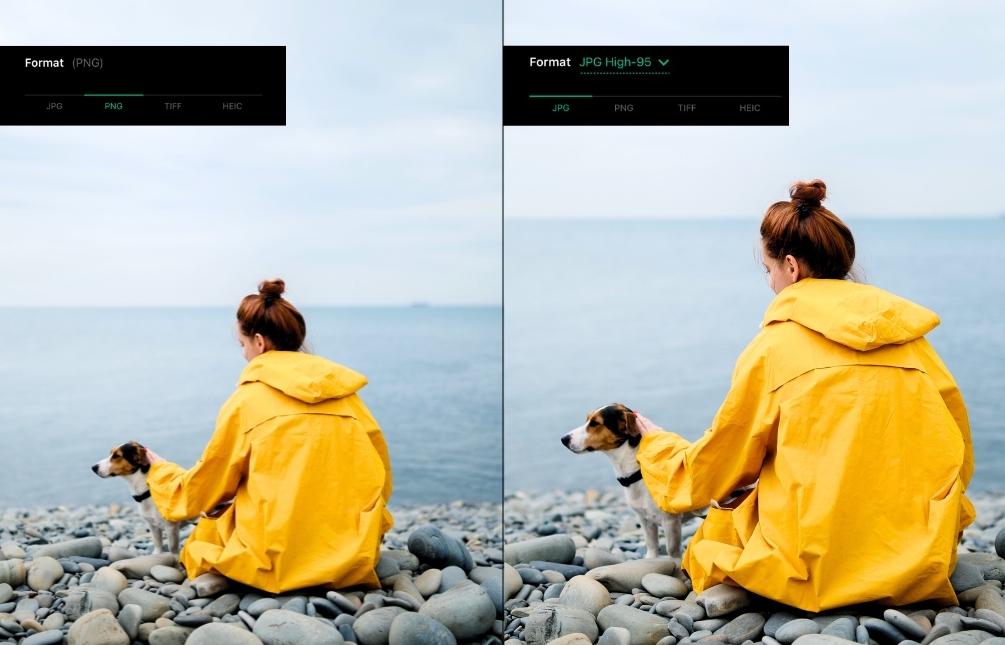
Customize Image Size Without Losing Quality
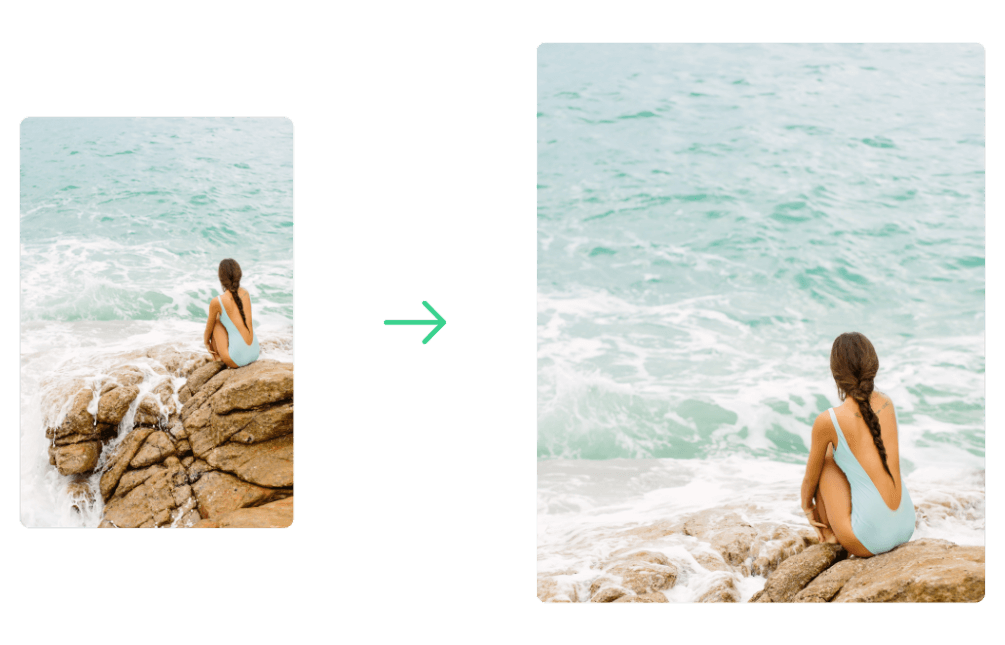
Our image resizer app enables users to compress or enlarge the image size when needed. Set the desired size in the final step, once all other edits have been made. The app makes things easier. With a photo resizer for Instagram and other social media, you can fit the platform’s standard dimensions and prevent quality loss after publishing your images.
Tutorials


Why Use TouchRetouch Instead of a Web Tool
More Solutions




Photo Resizer – Frequently Asked Questions
Can I resize images for social media or e-commerce listings?
Yes, the photo resizer is perfect for adapting image sizes for social media and e-commerce platforms.
Are my photos private when using the resizer tool?
TouchRetouch prioritizes security. You can be confident in the protection and privacy of all your files when using our photo editor.
Can I combine resizing with other photo editing features like background blur or object removal?
Yes, because the resizing feature is the last editing step before exporting the photo.
Is the photo resizer available on both iPhone and Android?
Yes, you can find and install TouchRetouch in both the App Store and Google Play.
Ready to Transform Your Photos? TouchRetouch Download Now

 TouchRetouch
Smart tools to clean up photos with ease
Download For Free


