
Background Remover


Remove Background from Photo in 3 Simple Steps
Select a photo

Remove background
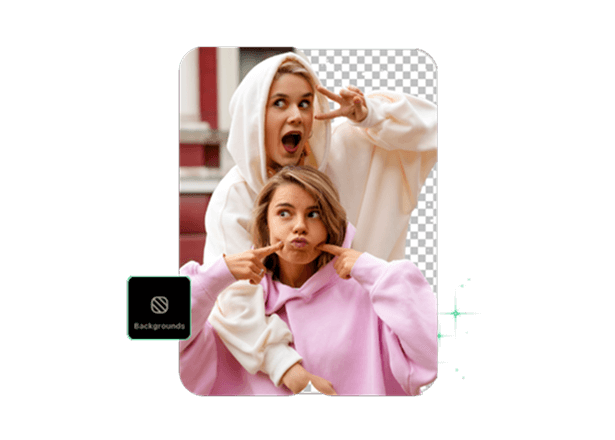
Export your photo
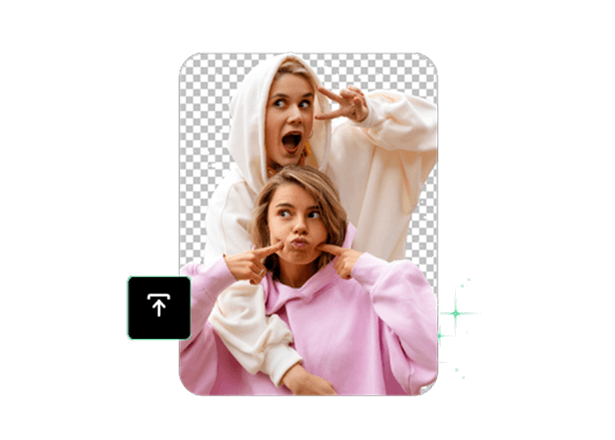
Easily Remove The Background From Your Photos
Enjoy a fast and easy background remover app. Whether it’s images, portraits, or social media posts, TouchRetouch provides user-friendly background removal tools. Get quick, clean, and professional-looking results in just a few seconds. The photo background remover app allows you to edit photos and change the background without any special skills or knowledge required. Simply upload your image, and our AI tools will do the work, delivering stunning results!

Works with any photo
 People
 Animals
 Car





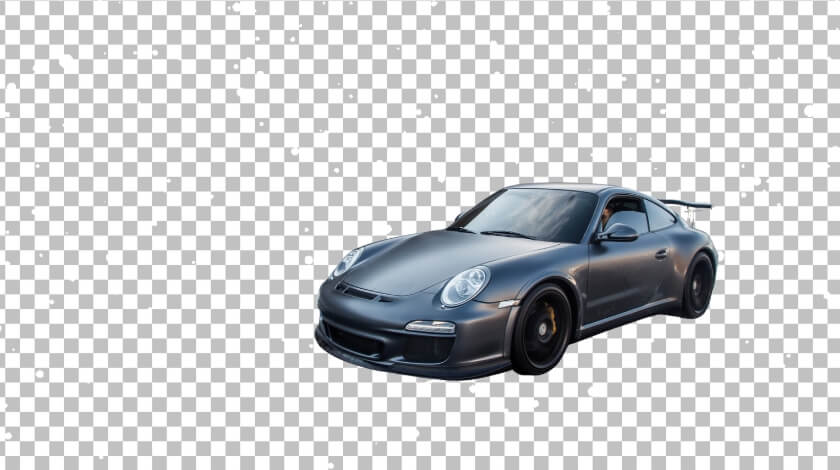
Perfect for Every Photo Editing Need
What is the best background remover app? It’s an app that provides users with solutions covering various aspects of photo editing. With TouchRetouch, you get a creative hub for your editing needs:
- Remove image backgrounds in a matter of seconds
- Leave a transparent background for extra versatility
- Add new backgrounds to spice things up
- Use background presets and generate new backgrounds
- Change colors and add solid or gradient backgrounds
- Blur backgrounds to highlight your subject or reduce distractions
- Use a clean, white background for your images

Why TouchRetouch is the Best Background Remover
More solutions




Background Remover – Frequently Asked Questions
Can I try TouchRetouch for free?
Yes, you can enjoy a 3-day free trial with all premium features unlocked.
Are my photos safe when editing with TouchRetouch?
Yes, TouchRetouch complies with international law, as well as App Store and Play Store rules. This guarantees the complete safety of your photos and images while using the app.
Is TouchRetouch’s background eraser easy to use for beginners?
Yes, the app’s UX/UI design is designed to provide a simple and intuitive photo editor experience, while AI algorithms automate your actions.
Can I remove bg from images with complex edges (hair, fur)?
With TouchRetouch, you can remove complex image backgrounds, but in some situations, manual adjustments may be required for the best results.
What file formats are supported?
TouchRetouch is compatible with formats such as JPG, PNG, TIFF, and HEIC
Is there a guide to removing backgrounds on mobile?
Yes. The image background remover guide shows how to erase, replace or blur a background on iPhone and Android, and compares the main tools.
Ready to Transform Your Photos? TouchRetouch Download Now

 TouchRetouch
Smart tools to clean up photos with ease
Download For Free


