Solution

AI Photo Cleaner

Remove objects, unwanted people, and any other elements from your photos with a comprehensive AI photo cleaner app
TouchRetouch - Photo cleaner
Instructions

How to Use the Photo Cleaner

01

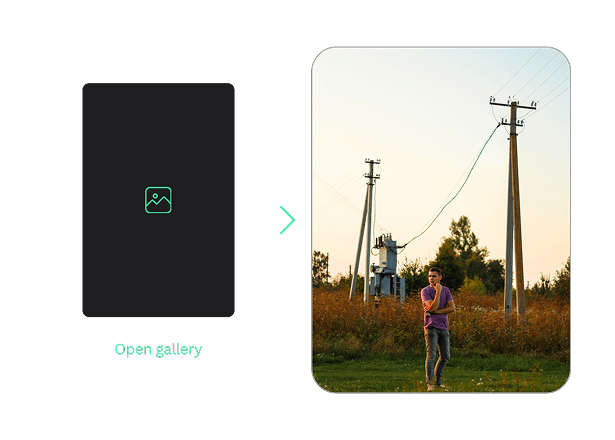
Open a Photo from Your Gallery

Simply upload your image from the gallery to start editing
Open a Photo from Your Gallery
02

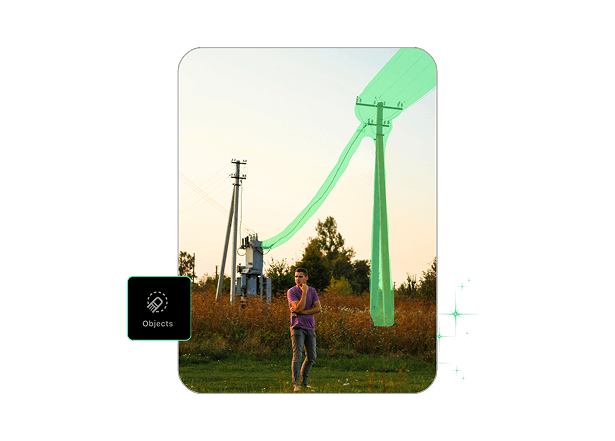
Select the Tool and Apply

Select a removal tool from those available in the app to remove specific elements (background, lines, people), paint out an area, and click Apply
Select the Tool and Apply
03

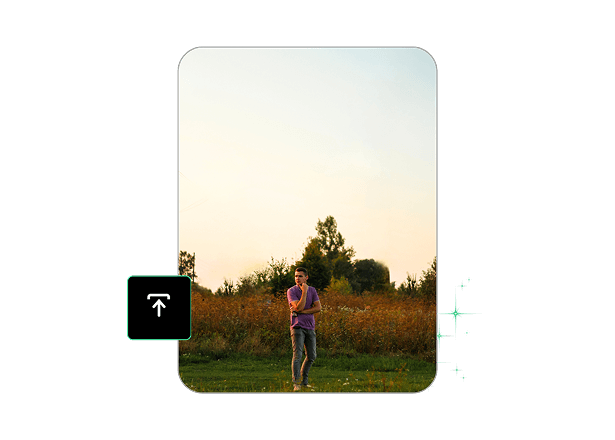
Save & Share Your Edited Photo

Review the result, save your edits, and share a photo/image
Save & Share Your Edited Photo
AI editing tools

Clean Up Photos with AI — Fast and Natural

TouchRetouch offers a range of powerful AI editing tools to get rid of any object you want to remove from a photo with a single click. Leveraging advanced artificial intelligence algorithms, our app quickly identifies the elements you select and delivers instant results, while maintaining a natural look without artifacts or traces.

From features for removing backgrounds and power lines to tools for removing text and fine details, TouchRetouch guarantees stunning outcomes!
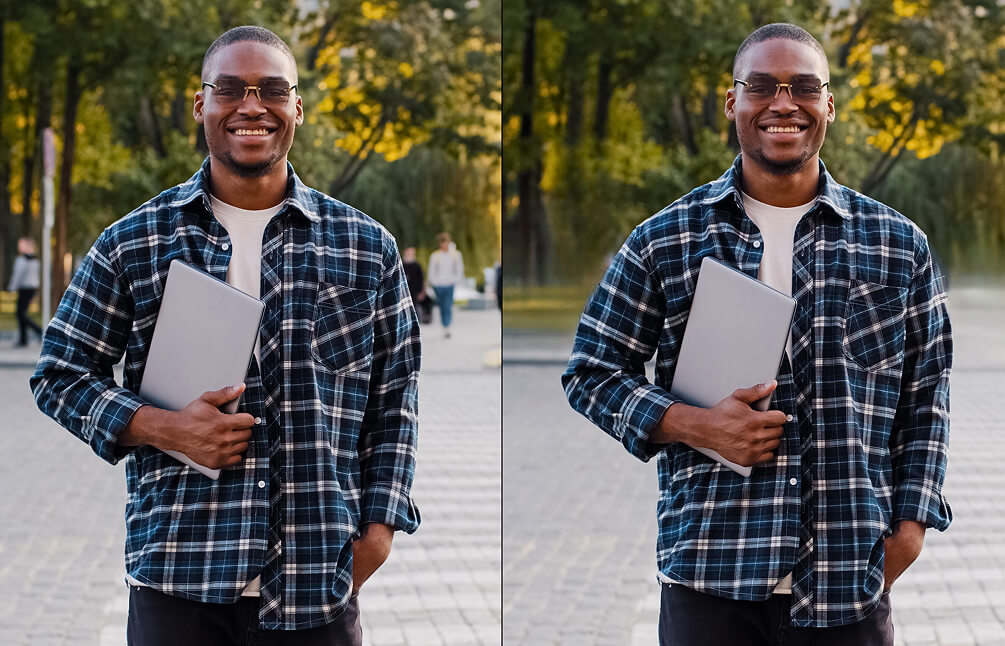
AI Photo Cleaner

Make Photos Ready for Social, E-Commerce and More

Use AI Photo Cleaner to perfect your product images for websites, selfies & portraits for social media, and even restore old photos, removing various imperfections and signs of aging.

TouchRetouch is a versatile tool that enables you to edit photos in many ways. Photo Cleaner is an in-demand feature, allowing you to remove unnecessary elements from your images, leaving only the valuable ones. Best of all, the app does it all automatically and instantly, providing an all-in-one solution in your pocket.
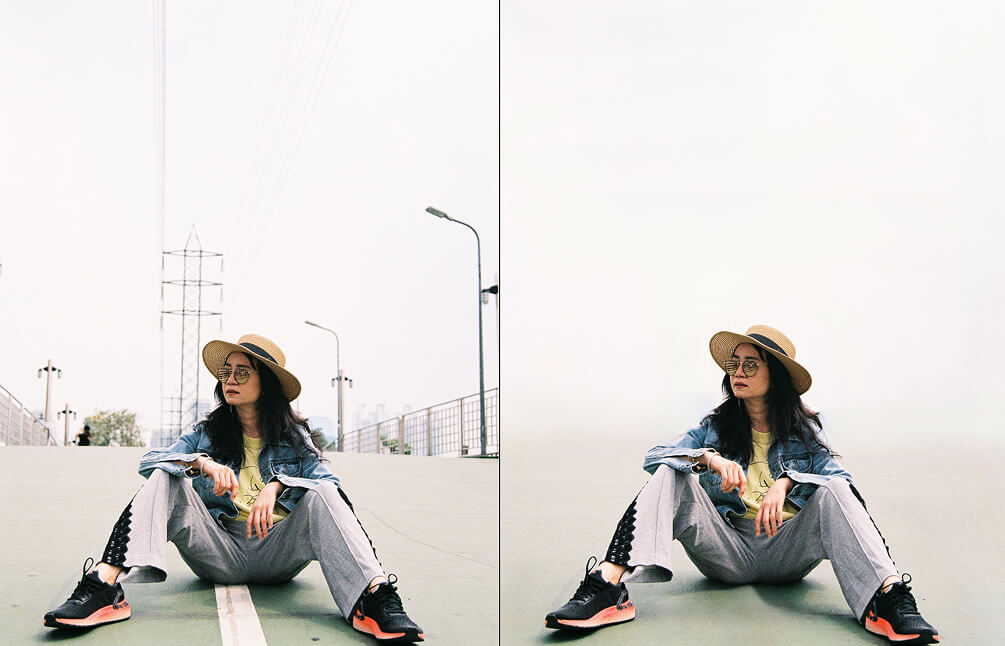
Variants

Works with any photo

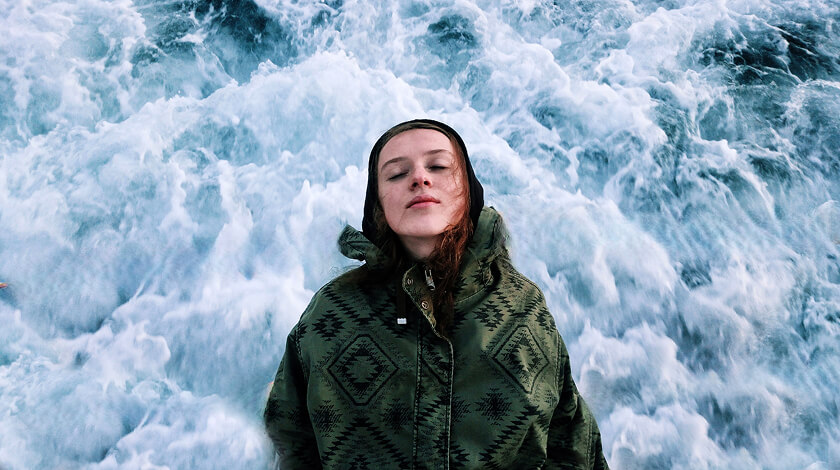
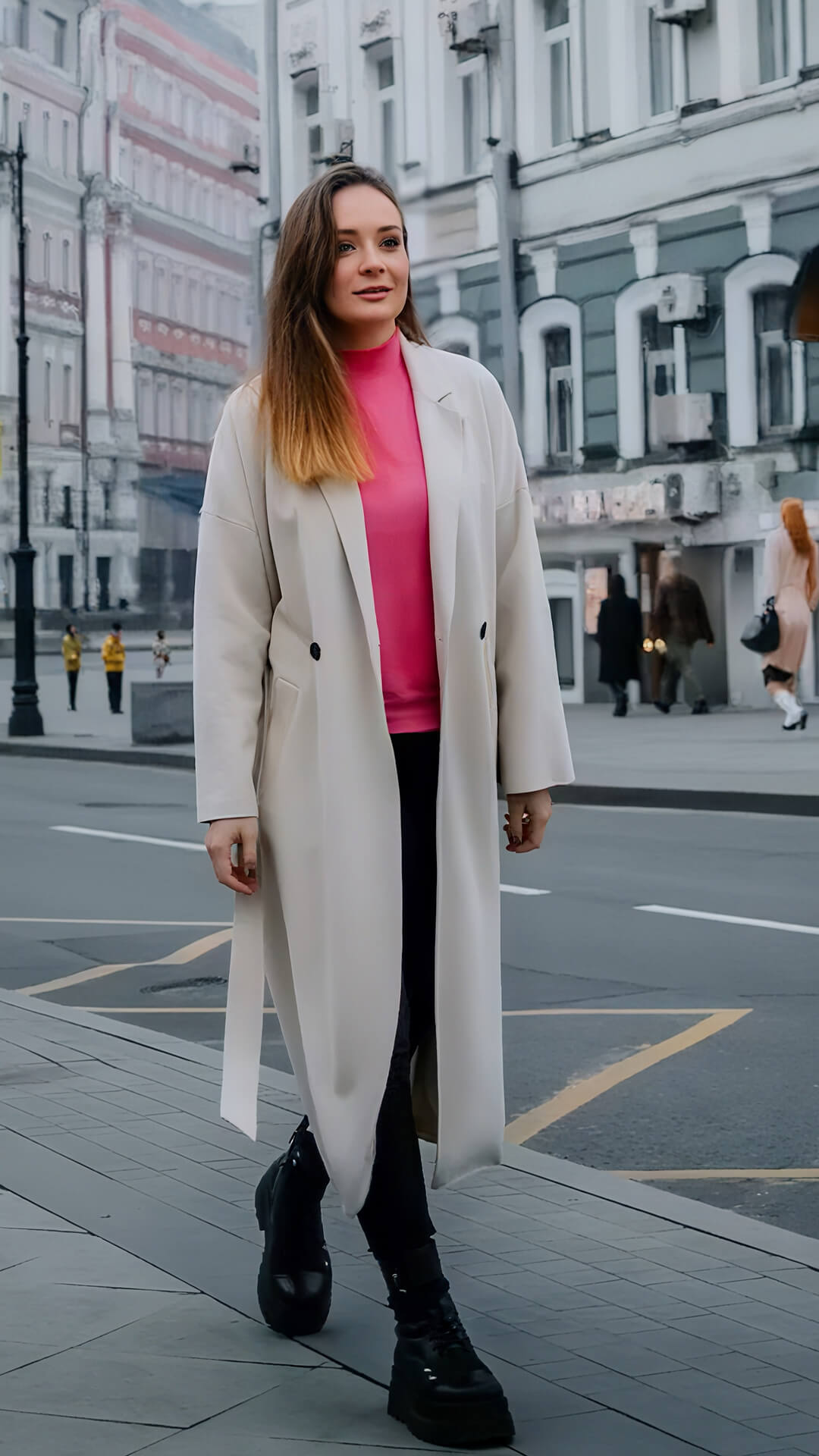
People People
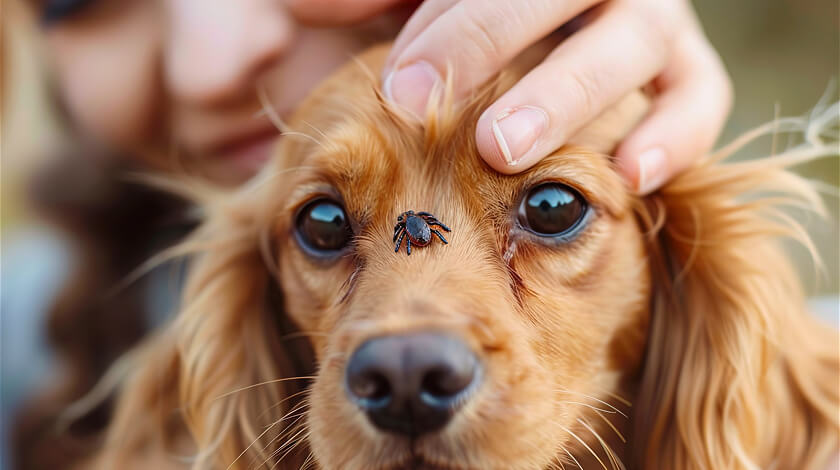
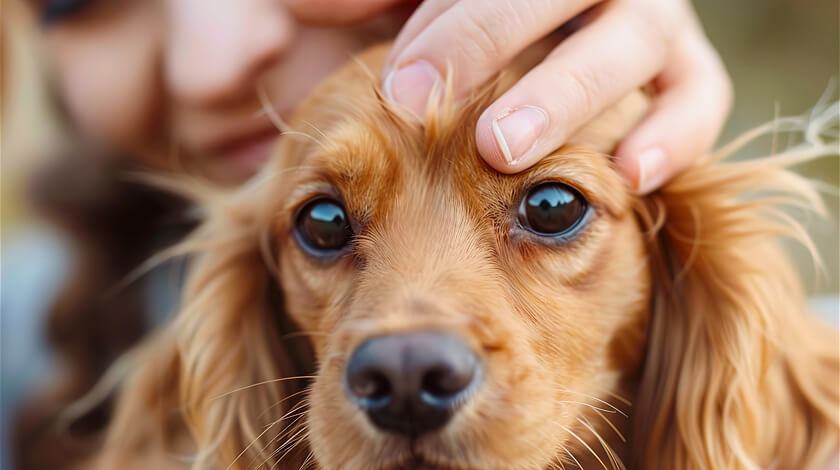
Animals Animals
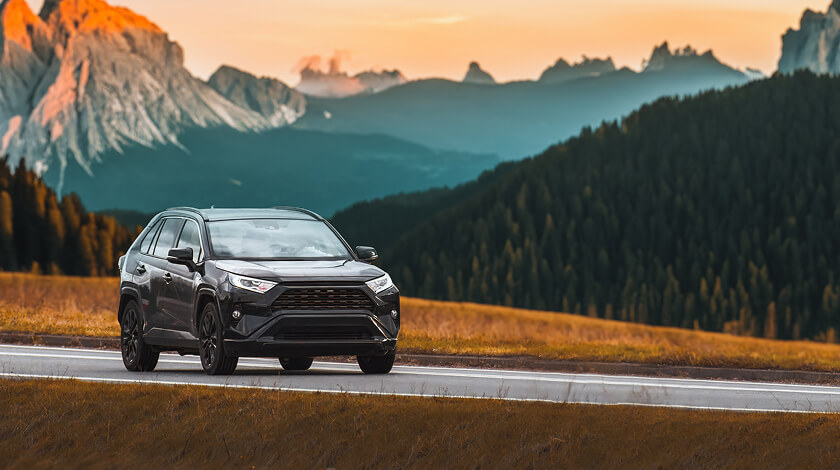
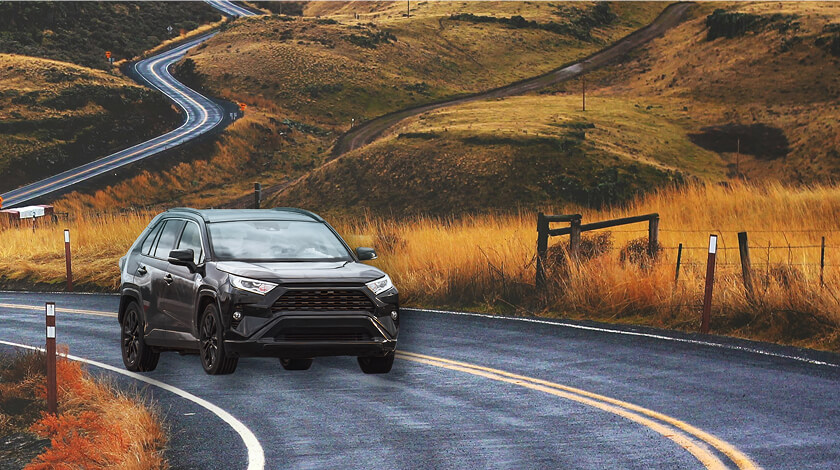
Cars Cars
Other things Other things
How to

Tutorials

How to:

Erase people from background

How to:

Work with 360 photo

How to:

Erase people from background

How to:

Work with 360 photo
How to:
How to:
How to:
How to:
Remove Object

Explore Additional Photo Editing Options

01

Remove Unwanted Objects From Photo

Use the Remove Object feature to paint out a specific area to highlight an unwanted object in a photo and let AI do the job. You can also adjust the brush size to customize the tool for greater precision.

02

Remove Unwanted Text

Easily remove text and watermarks from your images using AI Photo Cleaner. Without leaving marks, artifacts, or long wait times, the app instantly removes unwanted text from images.

03

Remove People From Your Photos

Don’t let random passersby ruin your perfect shot! With our AI-powered removal solution, you can quickly erase as many people from your photo as you want without compromising image quality.

04

Remove Other Unwanted Things

Whether it’s small objects, artifacts, blur, or glare, TouchRetouch allows you to quickly and automatically remove unwanted elements from your photos. Simply select the area and enjoy the results.

Features

More Solutions

Add Person

Add Person

Explore
Insert person into photo on your phone — let AI place them with matching light and perspective in seconds
Explore
AI Expand

AI Expand

Explore
Reformat, reframe, and expand any photo with TouchRetouch's AI image extender on iOS and Android
Explore
AI Photo Filter

AI Photo Filter

Explore
Pick a preset, tap once, and watch your photo take on a whole new mood, lighting, and character
Explore
Face Fix

Face Fix

Explore
Fix facial expression mishaps — a blink, a sneeze, a glance away — and save the shot in seconds on your phone
Explore
Restore Photo

Restore Photo

Explore
Bring fragile family memories back into focus with AI photo restoration — gentle, fast, and built for heirlooms
Explore
AI Edit

AI Edit

Explore
TouchRetouch's AI photo editor with text prompt lets you describe a change and apply it on your phone in seconds
Explore
AI Photo Editor

AI Photo Editor

Explore
Enjoy full and comprehensive photo editing with AI tools
Explore
Remove Glare

Remove Glare

Explore
Eliminate any unwanted light reflections and glare in your photos
Explore
Lines Remover

Lines Remover

Explore
Remove lines from your photos while maintaining a realistic look
Explore
360 Photo Editor

360 Photo Editor

Explore
Edit panoramic photos easily with user-friendly 360 tools
Explore
Add Shadow

Add Shadow

Explore
Add depth to your photos with realistic shadows for objects
Explore
Blemish Remover

Blemish Remover

Explore
Remove any blemishes, minor imperfections, or acne on the skin
Explore
Photo Resizer

Photo Resizer

Explore
Easily and effortlessly change the size and resolution of your photos
Explore
Blur Background

Blur Background

Explore
Add an artistic touch to your photos by blurring the background
Explore
Photo Enhancer

Photo Enhancer

Explore
Enhance photos with brightness, clarity, and contrast adjustments
Explore
Background Remover

Background Remover

Explore
Remove the background, leaving only the object you need in the photo
Explore
Face Retouch

Face Retouch

Explore
Eliminate imperfections and smooth your skin for a flawless look
Explore
Remove Unwanted Objects

Remove Unwanted Objects

Explore
Instantly remove unwanted objects, items, and people from your photos
Explore
Great app! It's very easy to remove unwanted things from photos. Everything is simple and fast, and the photos look better dmitnk
Very handy app This app is really easy to use. All functions are very convenient and work well, I don't even know what else to say...everything is cool Riklon Taigts
Awesome. Low price for perfect job! Removes objects from the photo nicely, you will not ever guess that there were any. People, wires, obstacles - clears photo from unwanted things very well. 12An123
Best app for removing unwanted objects Thank you so much for your kind words! We're thrilled to hear that our app stands out as your preferred choice for removing unwanted objects. Your support means the world to us. If you ever have any questions or feedback, feel free to reach out. Happy editing! mvmalyi
The best go-to photo editing app!! This is amazing! no words can describe how much this app is awesome. You just need to try it. Soglu
Great app, does its job at 100% Simple Ul, you don't need tutorials to understand how it works, a few clicks and your photo is perfect Ania Svitla
FAQ

AI Photo Cleaner - Frequently Asked Questions

Can the AI photo editor combine multiple tools like blemish remover, background blur, and object removal in one workflow?

Yes, you can use and combine the various tools available in the app to fit your editing needs

What makes an on-device photo editing app safer than web-based tools?

TouchRetouch is an official app that complies with the App Store and Google Play data protection and storage policies, as well as international laws. You can be confident that the app only has access to the files you interact with

Which types of images can I edit and clean up?

TouchRetouch supports image formats such as JPG, PNG, TIFF, and HEIC

Can I try TouchRetouch for free?

Yes, you can try a 3-day free of charge trial with all premium features unlocked to check TouchRetouch in action

Are there step-by-step guides to cleaning up photos?

Ready to Transform Your Photos? TouchRetouch Download Now

Install TouchRetouch on your smartphone and become a pro in photo editing
Smart tools to clean up photos with ease
Smart tools to clean up photos with ease TouchRetouch Smart tools to clean up photos with ease Download For Free