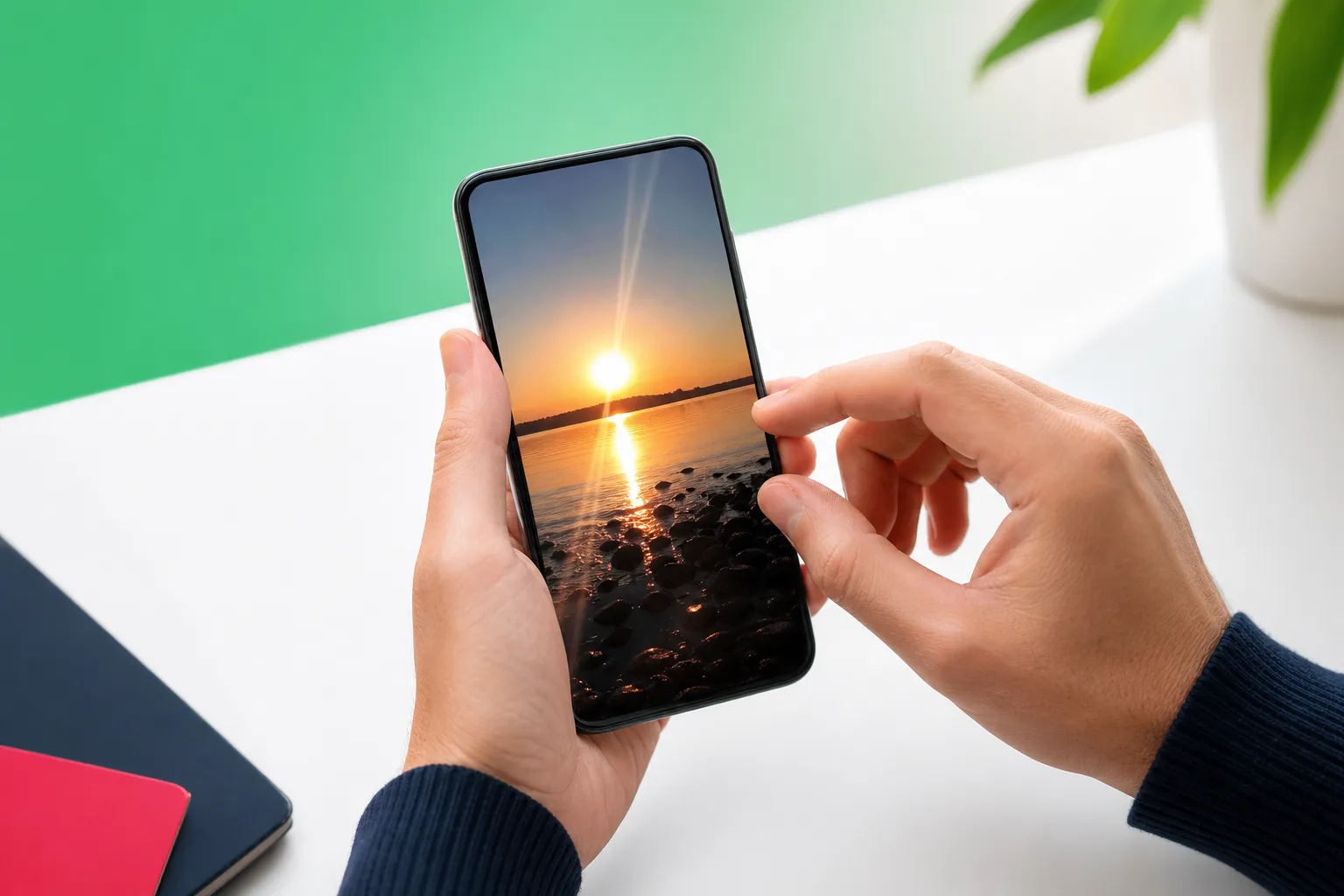
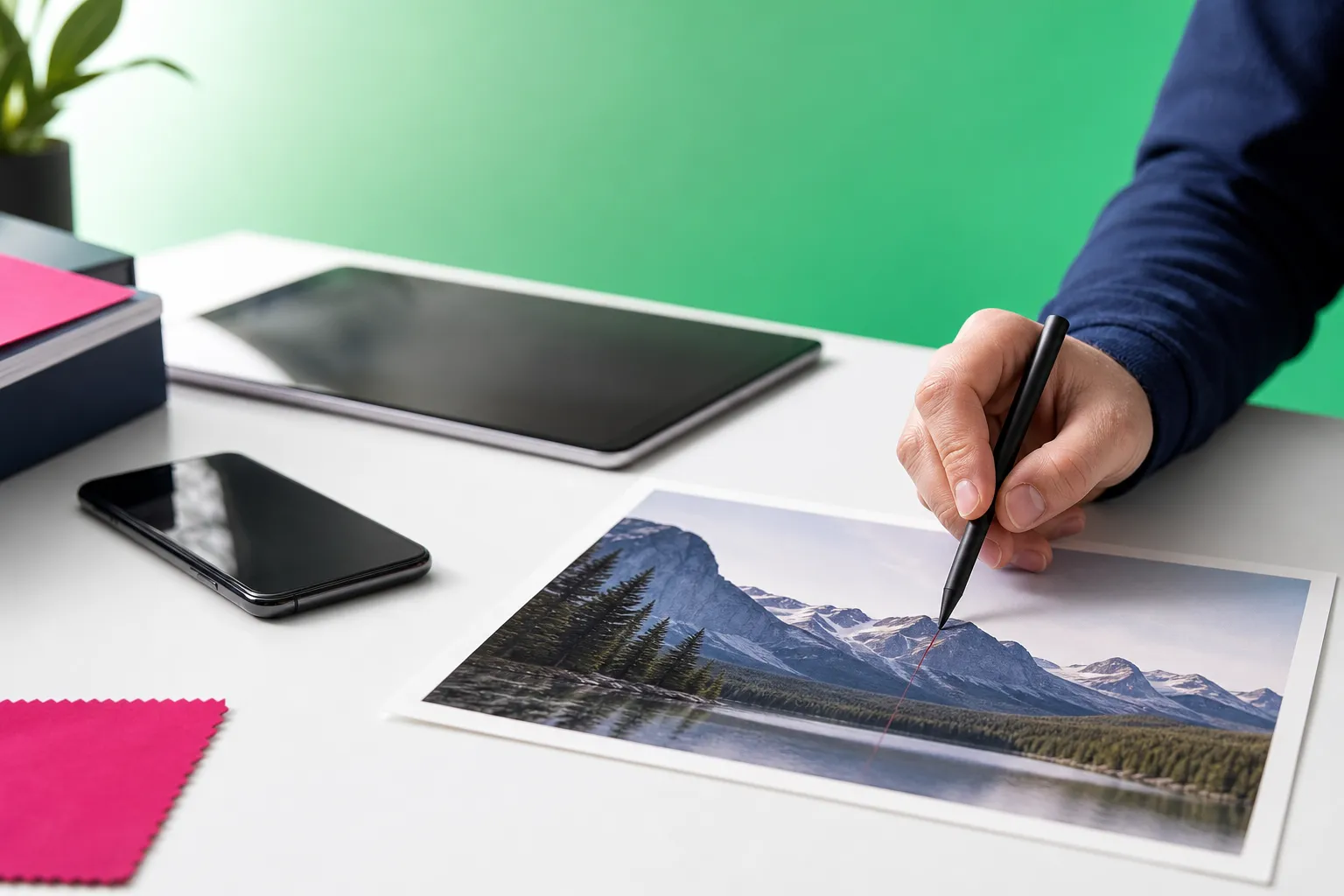
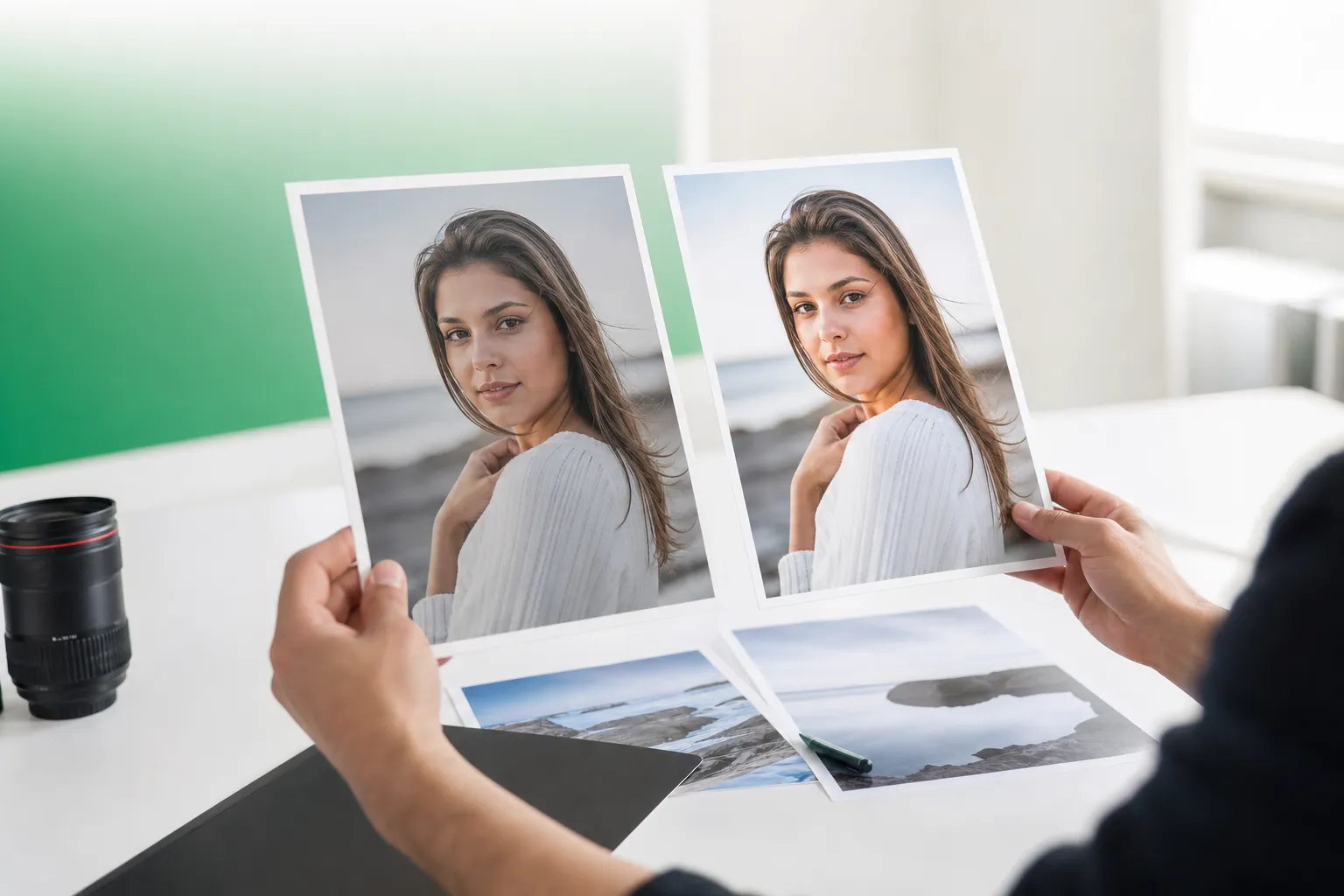
If you want an easy photo editor for cleaning up pictures on your phone, TouchRetouch focuses on the tasks many people care about most: removing distractions, refining portraits, and changing backgrounds without the learning curve of a full editing suite. Instead of trying to be everything at once, it is built for fast, focused retouching on mobile.
That matters if your usual edits involve photobombers in travel shots, power lines across a skyline, fence mesh in front of an animal photo, or a portrait that needs subtle polish. TouchRetouch is developed by ADVA Soft GmbH in Berlin, Germany and is designed specifically for photo cleanup and AI-assisted retouching on iPhone, iPad, and Android.
Why choose a specialist app instead of a full editing suite
What people usually mean when searching for an editor
Many people start with broad searches such as online photo editor because they want a simple way to fix a picture quickly. Sometimes that means removing an unwanted person, cleaning a messy background, or making a portrait look more polished rather than needing a large desktop workspace with layers and advanced design tools.
When a cleanup-focused app is the better fit
TouchRetouch is a specialist mobile app built for cleanup and retouching, not a browser-based online image editor or a replacement for desktop software. It is the better fit when your main goal is removing unwanted objects, people, wires, fences, and small distractions, or when you want background replacement, scene transformations, subtle face retouching, and selective blur from your phone or tablet.
This also helps you self-qualify quickly. If your ideal workflow is to edit image online in a browser, use a full desktop toolkit, or manage broad multi-purpose production work, you are looking for a different category of software.
What TouchRetouch does not try to replace
TouchRetouch is mobile-only on iPhone, iPad, and Android, with limited Mac access through Apple Silicon compatibility. There is no standalone desktop version, no Windows app, and no browser-based workflow for people searching for a photo editor for PC or a way to edit photo online.
It also does not offer video editing, RAW editing, collages, batch automation, or a browser-based edit image online experience. If you need a broad toolkit for many different creative tasks, a general-purpose editor will suit you better.
What TouchRetouch does best as a photo editor
Remove Objects for everyday distractions
Remove Objects is the core tool. You mark the unwanted area with the Brush or Lasso, adjust brush settings for tighter control, and use Restore if you want to bring back part of a selection. This works well for things like litter on a beach, a sign near a landmark, or a blemish on a wall in a property photo.
Erase AI and Person Removal for people in the background
For faster cleanup, Erase AI automatically detects common distractions and background people while keeping the main subject unchanged. It is useful when a travel shot has strangers behind you or when a street scene includes bins, signs, or shadows that pull attention away from the subject.
Person Removal is especially helpful for group photos. The app can detect all people in the image, let you remove selected individuals, and then adjust the remaining composition naturally. That makes it practical for family photos, reunion shots, or social posts where one extra person throws off the frame.
Line Removal and Mesh Removal for wires and fences
Line Removal is built for power lines, cables, and similar linear distractions. You can tap or mark part of the line, and the app finds the full line automatically; for curved segments, manual control points give you more control. This is one of the clearest examples of where a specialist cleanup tool can feel more direct than general free photo editing software.
Mesh Removal handles fences and foreground mesh with a simple tap-and-go workflow. That is useful for zoo photos, sports shots taken through a barrier, or any image where a visible grid sits between the camera and the subject.
Backgrounds, Smart Scenes, and selective Blur for creative edits
Backgrounds lets you remove the existing background and replace it with a built-in preset or your own image. You can also apply background blur for a softer look, cleaner product image, or a more focused profile photo. If you want related ideas, see how to add a realistic shadow to an image after changing a background.
Smart Scenes transforms the look of an existing photo with AI-powered scene changes. It can alter scene appearance, hairstyles, and backgrounds without requiring layers or prompt writing. This is not image generation from scratch; it is a transformation tool for photos you already have.
Natural FaceRetouch for subtle portrait refinement
Natural FaceRetouch is designed for gentle portrait improvement rather than heavy filters. You can smooth skin, brighten eyes, enhance a smile, reduce wrinkles on the face and neck, even skin tone, and add eye highlighting while keeping natural facial features intact.
Blur adds selective softness where you want privacy, focus, or a more flattering portrait feel. And when automatic cleanup depends on scene complexity, Clone Stamp gives you a manual finishing tool for precise texture repair. That combination is a strong reason some users consider it among the best free photo editing app options to try before deciding whether the specialist workflow matches their needs.
For a practical walkthrough, this guide on how to remove objects from photos on iPhone and Android shows the kind of edits the app is built to handle.
Who this mobile image editor is for
Travel, family, and everyday photo cleanup
This app suits travelers who want to remove photobombers, signs, wires, and crowds from trip photos without sitting down at a desktop. It also works well for parents and families who want cleaner group shots by removing a stray object, a background person, or a distraction near the edge of the frame.
Social content and product-style images
Social media creators can use it to make distraction-free images for Instagram, TikTok, and Facebook. It also fits portrait users who want natural-looking retouching and anyone building cleaner product or profile images with background replacement and selective blur instead of relying on an image editor online.
Property and listing photos on the go
Real estate professionals and small business users can tidy property or listing photos by removing small distractions before posting. In short, this is for quick, focused mobile editing rather than broad desktop-style production work or an editing pictures sites workflow.
iPhone, iPad, Android, and Mac compatibility
Using it as an iPhone photo editor
TouchRetouch supports iPhone, iPad, and iPod touch with iOS 14.0 or later. If you want an iphone photo editor for object removal, background cleanup, or subtle portrait retouching, the app is built around a mobile-first touch workflow rather than desktop menus.
Editing on iPad for a larger workspace
On iPad, you get the same feature set with more screen space for precise selections. That makes detailed brushing around wires, people, or portrait edges easier, especially when using Remove Objects, Line Removal, or Clone Stamp.
Android support and download option
TouchRetouch is also available on Android through Google Play. Some AI-powered features require an internet connection, so that is worth knowing if you plan to edit while traveling or away from a stable connection.
What Mac access includes and what it does not
Mac access is limited to Apple Silicon compatibility on Mac with Apple M1 or later via macOS 11.0+. It is not a standalone desktop version, and there is no Windows app, no dedicated photo editor for PC release, and no browser-based online picture editor.
Download TouchRetouch for free on iOS and start removing unwanted objects today.
Download TouchRetouch for free on Android and start removing unwanted objects today.
Free options, pricing, and how to decide
Is it a free online photo editor alternative
If you are comparing tools like a free online photo editor, TouchRetouch belongs to a different category. It is not a browser-based service, not a photo editor online free tool, and not an editing site for people who want to edit photo online from any computer.
What free download means here
TouchRetouch is free to download; premium AI features require a paid subscription. Check the App Store or Google Play for current pricing, which varies by region. That is the clearest way to think about it: you can install the app easily, then decide whether the premium AI tools match your editing needs.
Specialist cleanup app vs general-purpose software
Choose TouchRetouch if you want fast mobile cleanup: object removal, person cleanup, line and mesh removal, background replacement, Smart Scenes, Natural FaceRetouch, and selective blur. If you specifically need a broad desktop workflow, a PC-first setup, batch processing, RAW editing, or a browser tool to edit image online, a general-purpose editor is the better match.
There are also a few trust signals worth noting. TouchRetouch is developed by ADVA Soft GmbH, was selected by Apple as an Editors’ Choice app, and has an approximate 4.7-star average across the App Store and Google Play as of writing; current ratings should be verified before publication. It also preserves original photo quality and EXIF data on export, which is useful when you want cleanup without stripping image information.
If your main need is a specialist mobile retouch app rather than broad free photo editing software, this is a clear and honest fit. For another focused use case, you can also explore how to remove glare from glasses in a photo.
Frequently Asked Questions
Is TouchRetouch an online photo editor?
No. TouchRetouch is a mobile app for iPhone, iPad, iPod touch, and Android, not a browser-based online photo editor. Some AI-powered features require an internet connection, but editing happens through the app rather than a web workspace.
Can I use TouchRetouch on a PC or Windows computer?
No, there is no PC or Windows version. Mac access is limited to Apple Silicon compatibility on Macs with M1 or later, and there is no standalone desktop release.
What kind of edits is TouchRetouch best for?
It is best for removing unwanted objects, background people, wires, fences, and small distractions from photos. It also supports background replacement, Smart Scenes transformations, Natural FaceRetouch, selective blur, and manual cleanup with Clone Stamp.
Is TouchRetouch free to use?
TouchRetouch is free to download; premium AI features require a paid subscription. Check the App Store or Google Play for current pricing, which varies by region.
Does TouchRetouch work on iPhone, iPad, and Android?
Yes. It supports iPhone, iPad, and iPod touch with iOS 14.0 or later, and it is also available for Android on Google Play. iPad offers the same mobile-first workflow with more room for precise edits.
TouchRetouch stands out by being honest about what it is: a specialist photo editor for cleanup, retouching, and scene transformation on mobile. If your typical edits involve removing distractions, refining portraits, or replacing backgrounds, it gives you a more focused path than a broad desktop-style suite.
Try TouchRetouch — remove distractions from your photos in seconds. For more details about features and platforms, see the TouchRetouch app information and official download guidance.
FAQ
What is the best photo editor for quick cleanup and retouching?
A good photo editor for quick cleanup and retouching should make it easy to remove distractions, refine portraits, and change backgrounds without a steep learning curve.
Can I remove unwanted objects from photos with a photo editor?
Yes, many photo editor tools include object removal features that let you erase people, wires, blemishes, and other distractions in just a few taps.
Is AI retouching useful for portrait editing?
Yes, AI retouching can speed up portrait editing by smoothing skin, reducing blemishes, and improving facial details while keeping the image natural.
Can I change the background using an online photo editor?
Yes, an online photo editor can help you replace or refine backgrounds quickly, especially when it includes automatic subject selection or AI masking tools.
Do I need advanced editing skills to use a photo editor online?
No, many modern photo editor online tools are designed for beginners and focus on simple workflows for cleanup, retouching, and image enhancement.