Backgrounds Tool: Background Customization
Personalize your background to fit your style.
Quick steps
- Tap Backgrounds to auto-remove the background.
- Tap Background and choose a new one from preset styles.
- Resize or reposition your subject using the Position tool.
- Adjust the canvas ratio for your desired format.
With our Backgrounds tool, you can effortlessly change the backdrop of your images, enhancing their overall appeal.
Whether you’re a photographer, blogger, or casual user looking to enhance your portfolio, create stunning promo visuals, or prepare a headshot for your CV, this tool offers endless possibilities and the flexibility you need for any project.
Enhance your images with blur effects, vibrant colors, or images from Unsplash to make your photos stand out.
Step 1
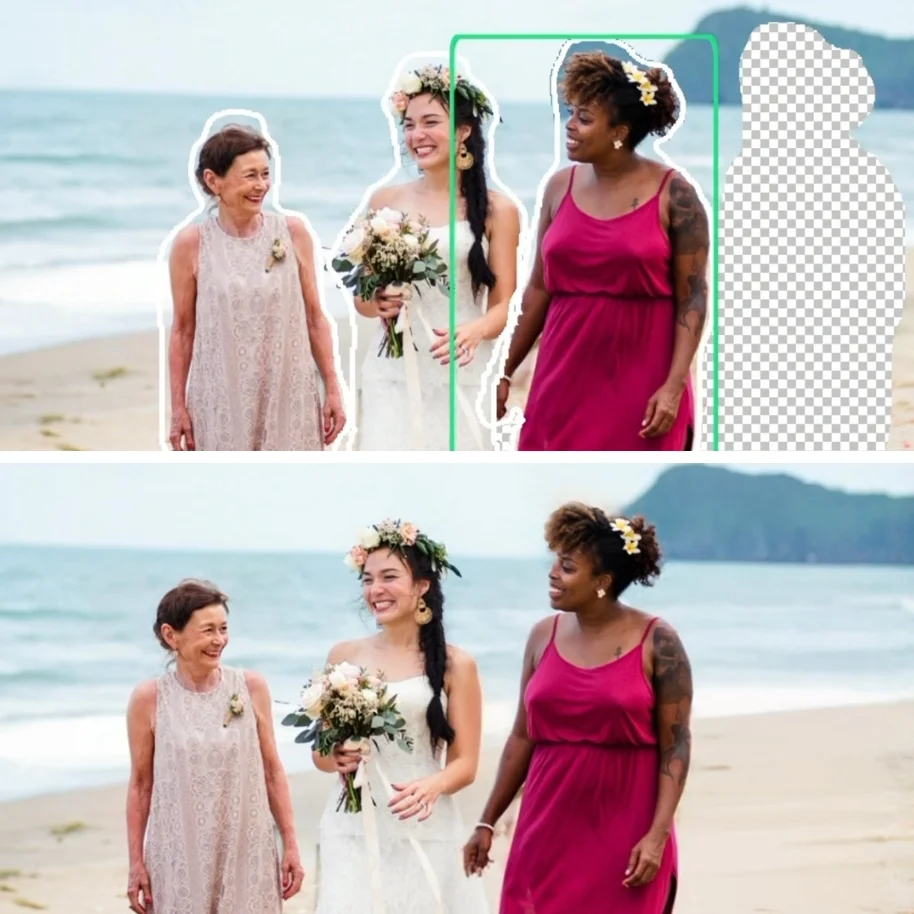
Select Backgrounds from the main menu. The app will instantly remove the background, leaving your subject intact.
Step 2
Choose a new background from the preset categories or import a photo from Files, Photos, Clipboard, or Unsplash.
PRESET BACKGROUND CATEGORIES
- Blur: Add a soft, out-of-focus look.
- Color: Use solid color backdrops or create a custom color background using the Color Picker.
- Scene, Nature, Texture: Choose from various themes to add depth and character to your photo.
- Gradient: Apply gradient backgrounds or create custom gradients using the Gradient Picker to blend colors beautifully.
TIPS & TRICKS
Adaptive Adjustments: Tap the three dots on the selected option to modify the subject’s tone and color to harmonize with the new background.
Step 3
Use the Position tool in the Backgrounds submenu to resize, rotate, or reposition the subject within the new background to fit your desired composition.
Note: Use two fingers for adjustments.
Step 4
Use the canvas ratio options to change the aspect ratio of your image.
If you need a specific aspect ratio for your image, use the canvas ratio adjustment feature to change the dimensions of your background to fit your preferred format, whether it’s for social media or printing.
CANVAS RATIO OPTIONS
Original, Free, Custom
Predefined ratios: 1:1, 2:3, 3:4, 4:5, 9:16
Social media presets:
Instagram Post, Instagram Story, Facebook Cover, Facebook Post
Note: Drag the frame handles to manually resize the canvas if needed.