If you are searching for an ai photo editor free online, you probably want the fastest path from “this photo is almost good” to “now it’s ready to share.” For many people, that means removing a stranger in the background, cleaning up a distracting sign, swapping a messy backdrop, or giving a portrait a subtle refresh without learning complicated desktop software.
That is where expectations matter. Some tools work in a browser, while others are built specifically for phones and tablets. TouchRetouch is a mobile photo-editing app developed by ADVA Soft GmbH in Berlin, Germany, and it is designed for photo cleanup and retouching on iOS and Android rather than as an ai photo editing website.
It also helps to be clear about what the app does not do. TouchRetouch does not generate images from text prompts and does not edit video. Its Smart Scenes feature transforms an existing photo into a different look, but it does not create a brand-new image from scratch.
What people really mean when they search for an online AI editor
Why browser-based editing sounds appealing
When someone looks for an ai photo editor online, the appeal is obvious: open a tab, upload a photo, make a quick change, and move on. That low-friction workflow feels convenient, especially if you only need a simple cleanup before posting to social media or sending a photo to family.
Many of these searches are commercial in nature. People are comparing easy options, not shopping for advanced desktop suites. Typical goals include removing people in the background from a travel shot, replacing a background behind a portrait, or improving a selfie without spending time on layers, masks, or technical controls.
Where online tools often fall short for photo cleanup
Browser tools can be useful, but they are not always the best fit for cleanup work. Uploading files, waiting for processing, and working on a smaller in-browser interface can feel less direct than editing a photo that is already on your phone. If your main need is object removal, a specialist mobile app often feels more focused.
Another issue is feature mismatch. Some services position themselves as AI editors but lean more toward prompt-based styling or image generation. That is different from practical photo retouching. If you already have a photo and simply want to erase a photobomber, remove wires, or soften a distracting background, direct editing tools are usually more useful than prompt workflows.
What TouchRetouch is — and what it is not
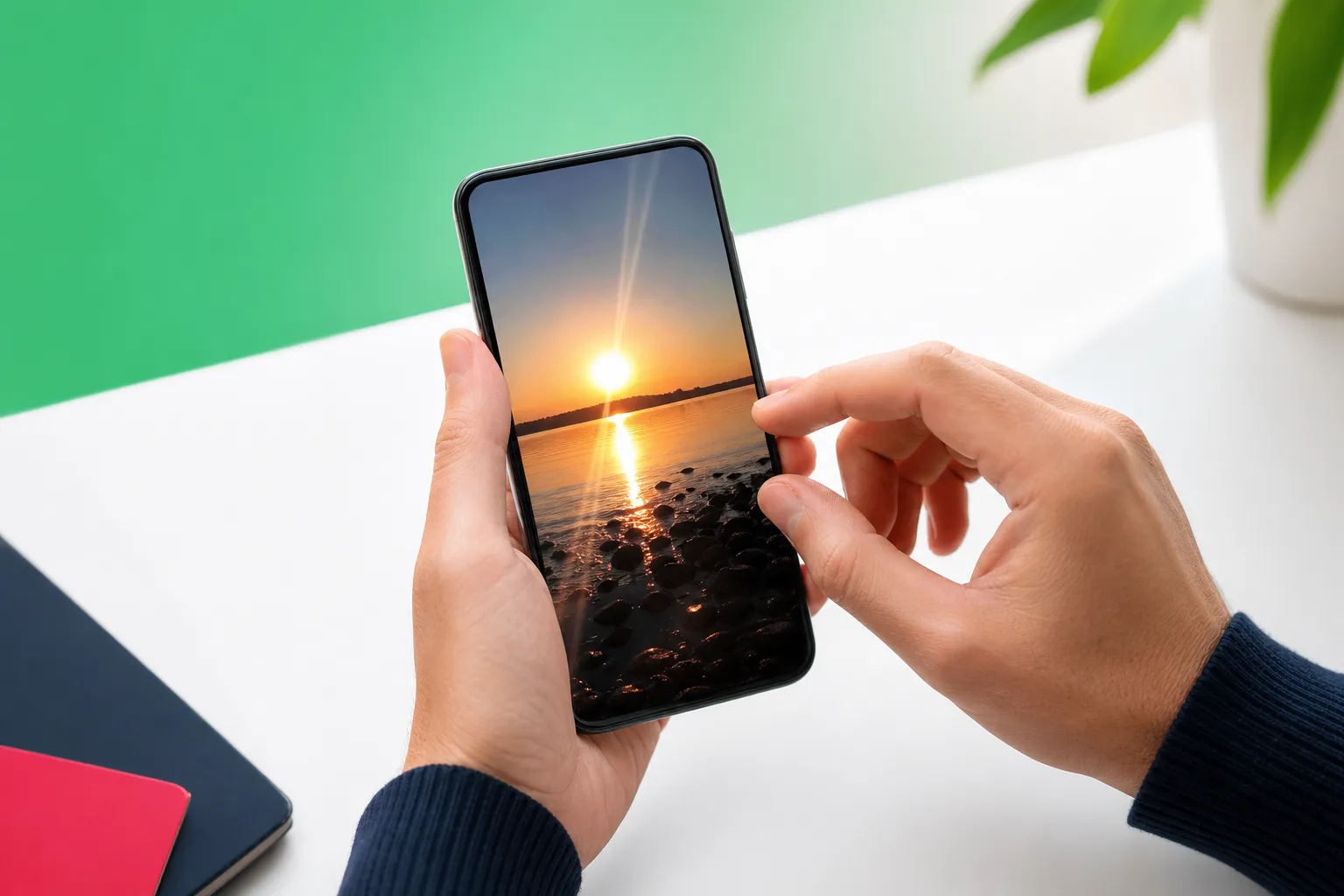
TouchRetouch is a mobile photo-editing app for iPhone, iPad, and Android devices. It is not a browser editor, and there is no standalone desktop version. For users who prefer editing on a phone or tablet, that is the point: your photos are already on your device, and the interface is built around cleanup and retouching tasks.
The app focuses on improving existing photos. It helps remove unwanted objects, people, lines, meshes, and blemishes, and it also includes background replacement, portrait retouching, blur, and AI scene transformation. Some AI-powered features require an internet connection, and premium AI features require a subscription.
So if your search for an ai photo editing software free really means “I want a simple way to improve a photo I already took,” TouchRetouch is a practical alternative to a browser-first workflow. If you specifically need a web-based editor, it is better to know upfront that TouchRetouch is not touch retouch online in the browser sense.
A practical alternative to an ai photo editor free online
Remove distractions with Erase AI
TouchRetouch is best understood as a specialist cleanup app. Instead of trying to do everything, it focuses on the edits people make most often on real photos. That makes it a strong fit for anyone looking for an ai photo editing app free to download and test before deciding whether the premium AI tools are worth it.
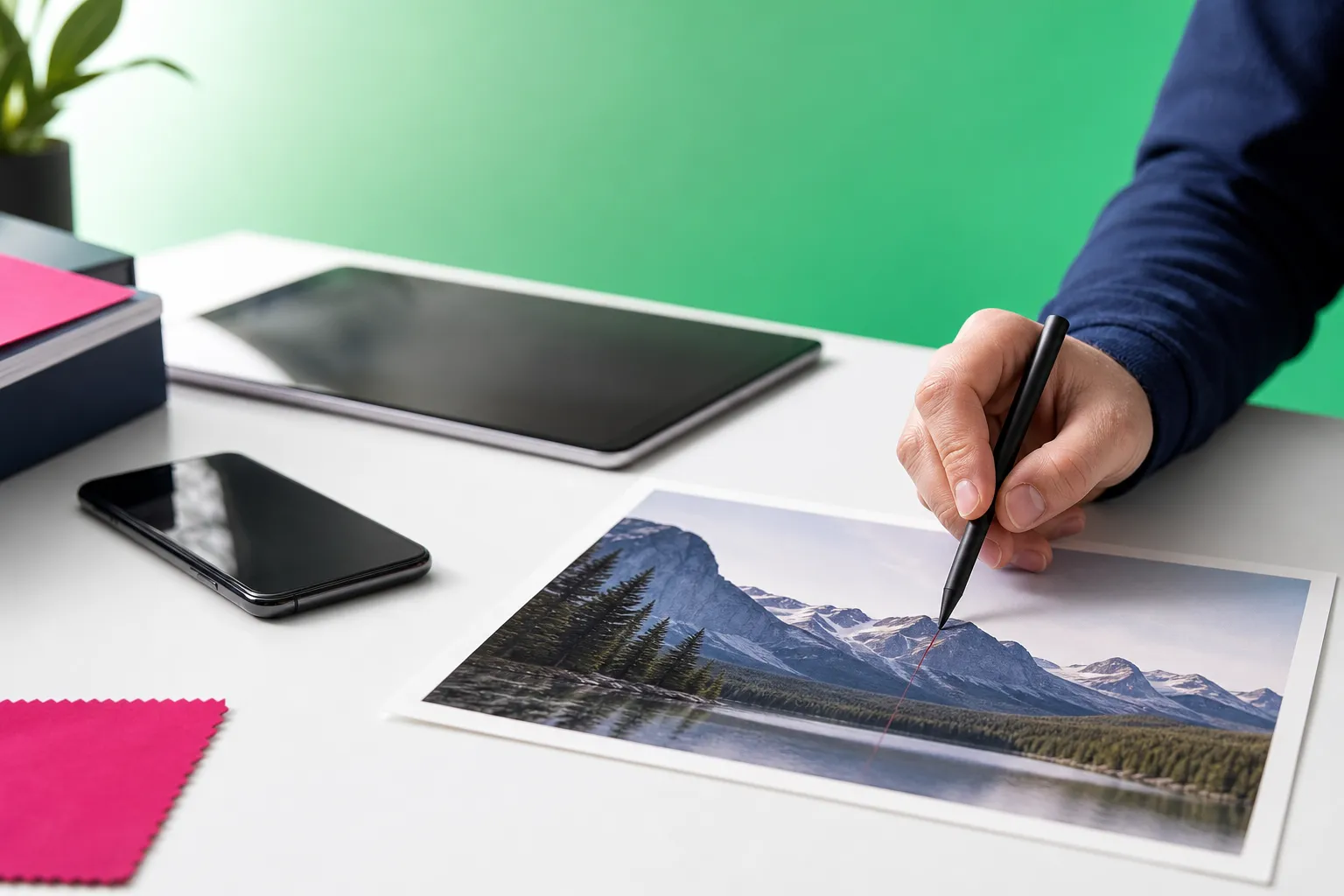
Erase AI is designed for common distractions that pull attention away from your subject. It can detect background people and everyday clutter such as signs, trash cans, stop lights, and shadows, then help remove them while leaving the main subject unchanged. A city portrait with a bright street sign behind the subject is a good example of where this kind of cleanup matters.
Clean up group shots with Person Removal
Group photos create a different challenge. Sometimes the shot is great except for one person at the edge, or a crowded scene makes the composition feel messy. Person Removal detects all people in the image so you can remove selected individuals while the app fills the empty space and adjusts the remaining composition naturally.
This is especially useful for family photos, travel pictures, and casual event shots. If one person blinked, stepped into frame, or simply does not belong in the final image, the tool gives you a direct way to simplify the photo without rebuilding it from scratch.
Swap or blur the backdrop with Backgrounds
Backgrounds handles another common request: changing what is behind the subject. The feature can automatically remove the original background and replace it with a built-in preset or a custom image. It also supports background blur, which is useful when you want a depth-of-field style look or a cleaner portrait for social profiles.
A practical example is a portrait taken in a busy room that would look better with a softer or simpler backdrop. Another is a product photo where the subject stands out more clearly against a cleaner replacement background. For users comparing an ai photo editing free online tool to a mobile app, this kind of direct control is often more valuable than broad but shallow editing options.
Refresh portraits with Natural FaceRetouch
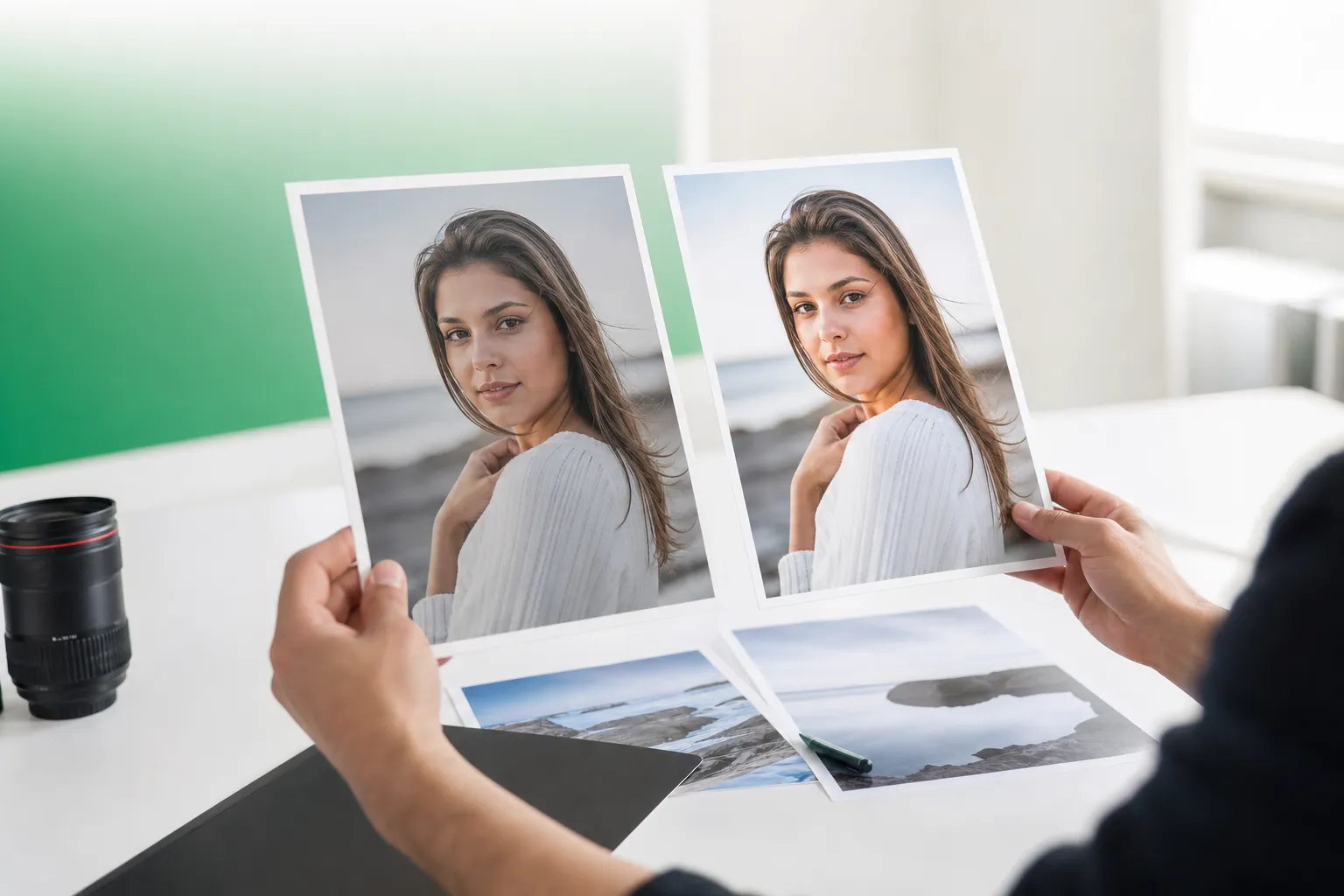
Natural FaceRetouch is built for subtle portrait improvements. It can smooth skin, brighten eyes, enhance a smile, reduce wrinkles on the face and neck, even skin tone, and add eye highlighting while preserving natural features. The goal is a polished photo that still looks like the person in it.
That makes it useful before sharing a portrait, updating a profile photo, or saving a family picture that deserves a little extra care. It is not about heavy filters or artificial changes. It is about making small edits that help the photo feel finished.
Change the mood of a photo with Smart Scenes
Smart Scenes adds a different kind of creative option. It uses one-tap AI filters organized into categories to transform the look of an existing photo. That can include changes to hairstyles, backgrounds, and the overall scene appearance, which gives you a fast way to explore different moods without prompt writing.
This matters because many searches around adva smart or AI editing are really about convenience. Smart Scenes transforms a photo you already have; it does not generate a new image from text. If you are looking for ai photo editing by cs editz style inspiration but want a simpler mobile workflow, this is a more direct route.
Results depend on scene complexity, and heavily textured or complicated backgrounds sometimes need a little manual refinement with Clone Stamp. TouchRetouch also includes specialist tools such as Remove Objects with Brush and Lasso, Restore for precision, Line Removal for wires, Mesh Removal for fences, and Blur for selective focus or privacy. The app preserves original photo quality and EXIF data on export, which is a practical advantage when you want to keep your file information intact.
For iPhone and Android users: how TouchRetouch fits your workflow
Using TouchRetouch on iPhone and iPad
If your search is closer to ai photo editing iphone, TouchRetouch is built to fit that use case. It supports iPhone, iPad, and iPod touch on iOS 14.0 or later. It is also available on Mac with Apple M1 or later via macOS 11.0+ compatibility and on Apple Vision via visionOS 1.0+.
That setup works well for people who already manage their photo library inside Apple devices. You can clean up a travel photo on an iPhone, refine a portrait on an iPad, or access the app on compatible Apple hardware without switching to a browser tab or desktop workflow.
Using TouchRetouch on Android phones and tablets
For Android users, TouchRetouch is available through Google Play. The experience is aimed at the same mobile-first editing style: open a photo from your device, remove distractions, make portrait adjustments, replace a background, and export the finished image without moving files between platforms.
This is especially practical for on-the-go editing. A traveler can remove photobombers from a landmark shot, a parent can clean up a family photo before sharing it, and a creator can blur or replace a background before posting a portrait.
Who gets the most value from a mobile retouch app
Mobile editing suits people whose photos already live on their phone. Travelers often want to remove signs, wires, or crowds from city scenes. Parents often want to tidy up group photos. Social media creators often need quick background cleanup or subtle face adjustments before posting.
There is no browser-based TouchRetouch editor and no standalone desktop version. That is worth repeating for anyone comparing an ai photo editing website with a mobile app. TouchRetouch is free to download; premium AI features require a paid subscription. Check the App Store or Google Play for current pricing, which varies by region.
Download TouchRetouch for free on iOS and Android and start removing unwanted objects today.
No-sign-up searches, free trials, and what to expect
What users mean by free with no sign up
Searches for ai photo editing free no sign up usually come from people who want to test a tool without creating an account, learning a complex interface, or committing to a long workflow. They want to open a photo, try a cleanup, and see whether the result is good enough for their needs.
The same goes for searches around ai photo editing with no restrictions. In practice, people are often looking for low friction, not literally unlimited access to every premium feature. They want clarity on what they can try and what requires payment.
TouchRetouch free: what that actually means
Here is the straightforward version: TouchRetouch is free to download; premium AI features require a paid subscription. Check the App Store or Google Play for current pricing, which varies by region. That means you should not expect unrestricted premium use, and it is better to evaluate the app based on whether its cleanup-focused workflow matches what you actually want to edit.
When a mobile app is a better fit than an ai photo editing website
A mobile app is often simpler than a browser tool because your photos are already on your device. You do not have to upload, re-download, or manage tabs. The interface is also centered on practical edits such as object removal, background changes, and portrait touch-ups rather than broad design tasks.
If you specifically need an ai photo editing website, TouchRetouch is not that product. If you want a focused retouch app free from desktop-style complexity, use this checklist:
- Browser editor: best if web access is your top priority
- Mobile app: best if your photos are on your phone and you want direct cleanup tools
- Sign-up friction: consider whether you want to avoid account-heavy workflows
- Editing goal: object removal and retouching vs prompt-based generation
- Platform preference: browser, iPhone, iPad, or Android
TouchRetouch search terms: app, mobile app, free, and APK questions
TouchRetouch app and TouchRetouch mobile app explained
If you searched for the TouchRetouch mobile app, the answer is simple: it is a mobile photo editor for iOS and Android focused on cleanup and retouching. It is not a web app, and it is not a desktop-first editor. That makes it a strong match for people who want to remove objects, tidy portraits, or simplify backgrounds directly on a phone or tablet.
Its specialist tools are part of that value. Alongside AI features, the app includes Remove Objects with Brush and Lasso, Restore for precision, Line Removal for wires, Mesh Removal for fences, Clone Stamp for manual refinements, and Blur for selective focus or privacy.
TouchRetouch free, TouchRetouch gratis, and TouchRetouch gratuit
Searches such as touchretouch free, touchretouch gratis, touchretouch gratuit, and retouch app free all point to the same question: what does it cost to start? The compliant answer remains the same: TouchRetouch is free to download; premium AI features require a paid subscription. Check the App Store or Google Play for current pricing, which varies by region.
That wording matters because it sets the right expectation. You can download the app and explore it, but premium AI tools are part of the subscription model rather than unrestricted free access.
Is TouchRetouch online?
No. TouchRetouch is not an online editor in the browser sense. If you are searching for touch retouch online because you want to edit in a web tab, this app is not built for that workflow.
Instead, it is designed for mobile editing. That includes practical tasks such as removing a person from a travel photo, cleaning fence lines from an outdoor shot, or making a portrait look more polished before sharing.
What to know about unofficial APK-related searches
If you come across searches for touchretouch apk download, the safe answer is to avoid unofficial versions. Unofficial APK files are unsafe and may violate ADVA Soft’s terms of service. The only recommended sources are the official App Store and Google Play listings.
For more details, see the official TouchRetouch APK safety and download FAQ. That is the right place to confirm safe download guidance without risking your device or account.
For Spanish-language tutorial intent
Some users search for “touchretouch” remover objetos tutorial because they want quick, visual guidance. TouchRetouch includes in-app tutorials, and the app is available in 17 languages, which helps users learn the tools without needing a separate course or complex manual.
If your goal is a specific cleanup task, these related guides may help too: how to remove objects from photos on iPhone and Android, a guide to removing glasses glare from a photo, and practical ways to add shadow to an image for a more polished look.
How to choose the right AI photo editing tool for your needs
Choose a browser tool if you need web access first
If your top priority is editing inside a browser from any device, a web-based editor makes sense. That is especially true when your main requirement is access rather than specialist cleanup. People searching for ai photo editing prompts or ai photo editing prompts for women are often looking for prompt-driven styling or text-based image generation, which is a different category.
Choose TouchRetouch if cleanup and retouching matter most
If you already have a photo and want to improve it directly, TouchRetouch is the better fit. It is built for removing distractions, cleaning group photos, replacing backgrounds, transforming scenes, and making natural portrait edits on mobile without relying on prompt writing.
Quick decision guide before you download
Choose based on workflow first: browser access, mobile convenience, object removal quality, portrait touch-ups, background replacement, and whether you want prompt-based generation or direct editing. TouchRetouch does not generate images from text, but it gives everyday users a focused way to improve real photos they already have.
If that sounds like what you need, ai photo editor free online may not be the best format after all. Clean up your photos with TouchRetouch — download now.
Frequently Asked Questions
Is TouchRetouch an online photo editor I can use in a browser?
No. TouchRetouch is a mobile photo-editing app for iOS and Android, not a browser-based editor. There is also no standalone desktop version, although it is compatible with Mac on Apple M1 or later via macOS support.
Can I use TouchRetouch for free?
TouchRetouch is free to download; premium AI features require a paid subscription. Check the App Store or Google Play for current pricing, which varies by region.
Does TouchRetouch generate images from text prompts?
No. TouchRetouch does not generate images from text prompts. Smart Scenes transforms an existing photo with AI-powered scene changes, but it does not create a new image from scratch.
Is TouchRetouch available for iPhone and Android?
Yes. It is available for iPhone, iPad, and iPod touch on iOS 14.0 or later, and for Android through Google Play. It also works on Mac with Apple M1 or later via macOS 11.0+ compatibility and on Apple Vision via visionOS 1.0+.
Is it safe to download TouchRetouch from an unofficial APK site?
No. Unofficial APK versions are unsafe and may violate ADVA Soft’s terms of service. The safe option is to download TouchRetouch only from the official App Store or Google Play listing.
If you started by looking for an easy browser tool, the main takeaway is simple: not every search for an online editor is really about the browser. Many people actually want fast cleanup, natural retouching, and background control on the device they already use most. That is where TouchRetouch fits best.
For anyone comparing an ai photo editor free online with a mobile-first alternative, TouchRetouch offers a practical path for removing distractions and improving real photos on iPhone, iPad, and Android. Clean up your photos with TouchRetouch — download now.
FAQ
Is there a good AI photo editor free online for mobile users?
Yes, but many online tools are limited on mobile, so a dedicated AI photo editing app often gives faster performance, better touch controls, and cleaner object removal.
What should I use instead of a browser-based AI photo editor online on my phone?
A mobile app is usually the better choice because it is optimized for phone screens, supports precise retouching gestures, and makes repeated edits more convenient.
Can I do AI photo editing free online with no sign up?
Some tools offer AI photo editing free online with no sign up, but they often restrict exports, features, or image quality compared with a full mobile editing app.
Is AI photo editing on iPhone better in an app than on a website?
Yes, AI photo editing on iPhone is often better in an app because apps typically load faster, work more smoothly with your photo library, and provide more accurate retouch tools.
What features matter most when choosing an AI photo editing app free option?
The most important features are clean object removal, easy retouch controls, fast processing, natural-looking results, and a simple mobile workflow that helps you finish edits quickly.