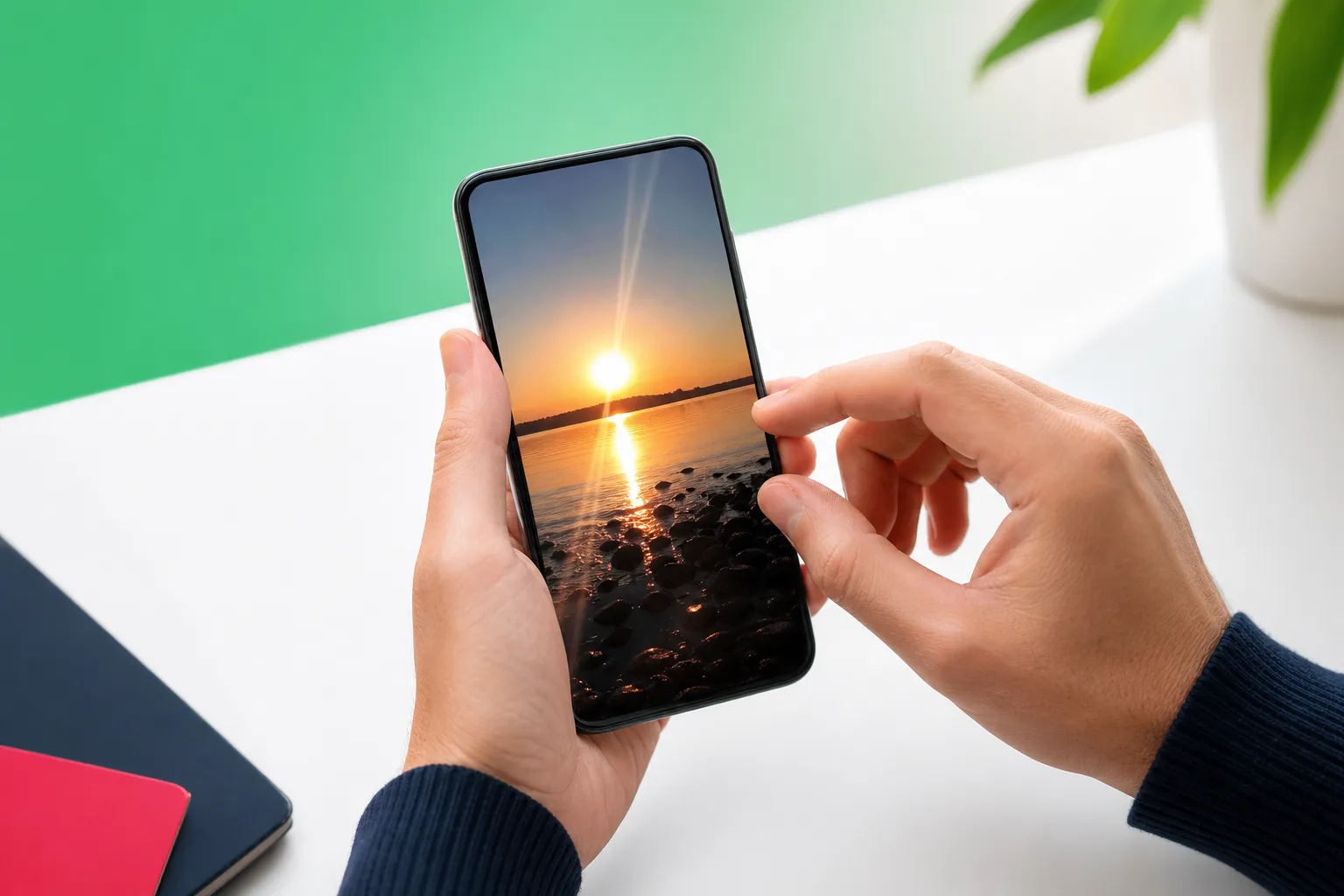
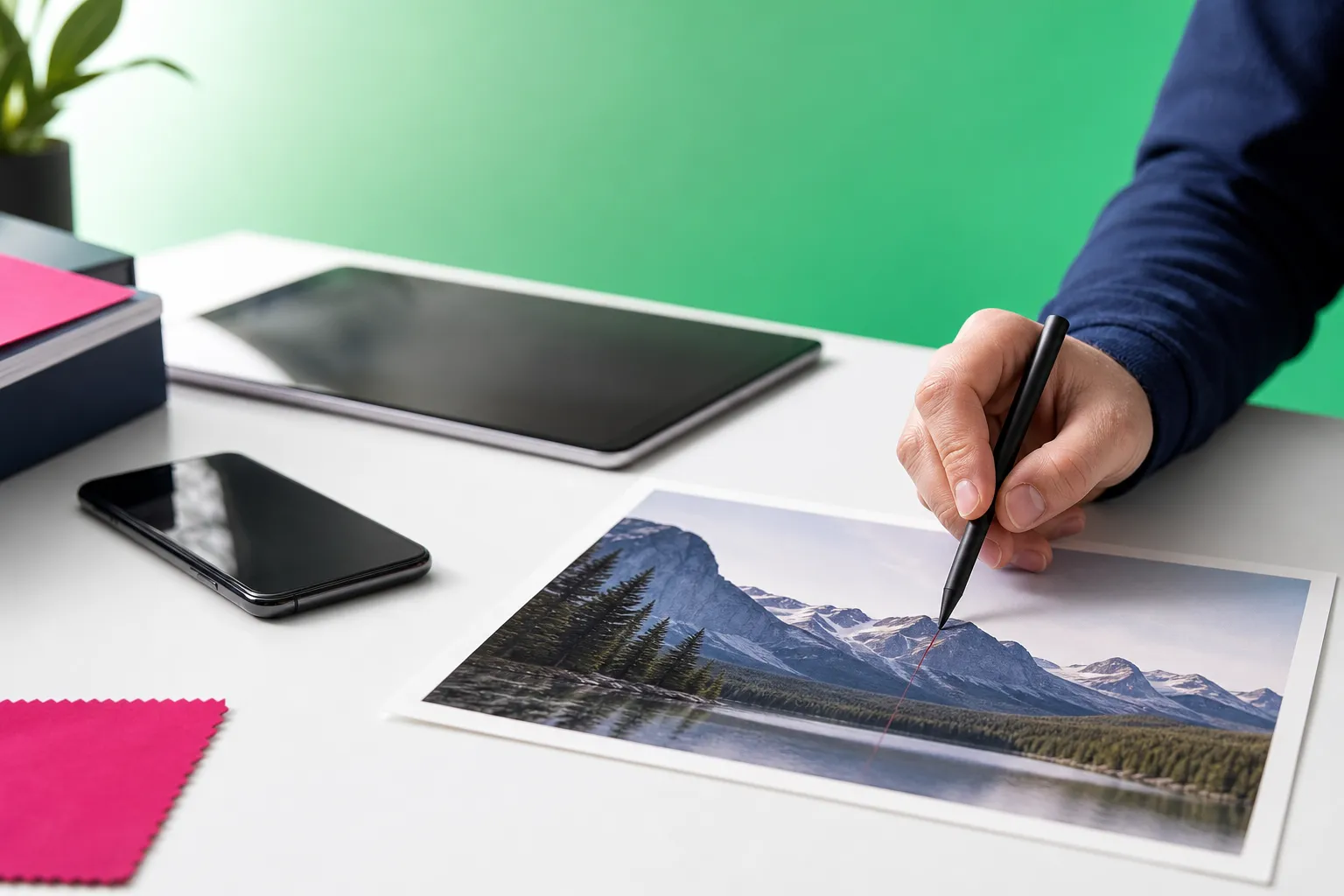
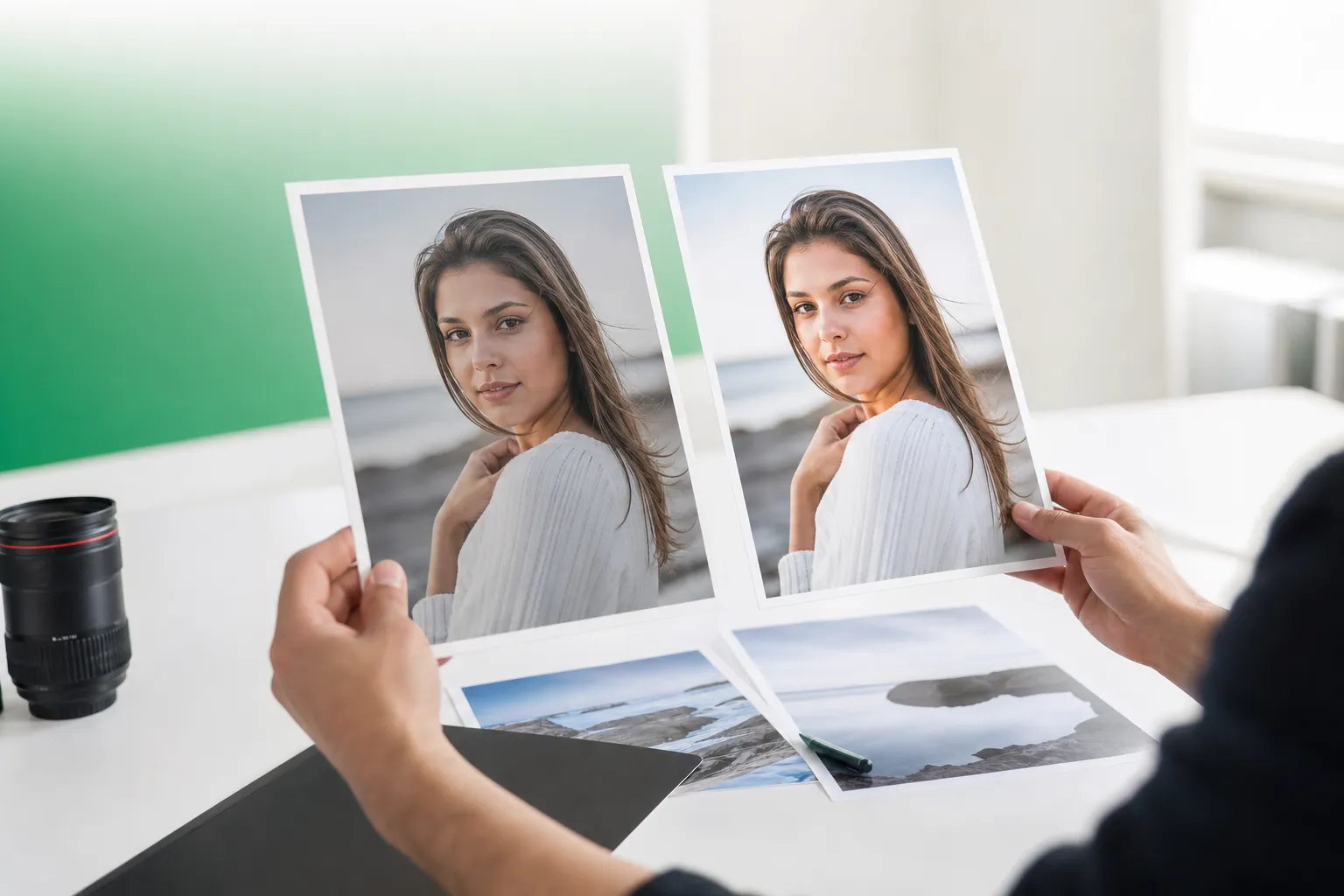
Clean up distractions, retouch portraits naturally, and transform photos right from your phone with TouchRetouch. If you want an ai retouch app that feels simple on mobile, this editor is built to help you remove unwanted elements, refresh portraits, and make bigger visual changes without juggling a long list of unrelated tools.
TouchRetouch is a mobile photo-editing app for iOS and Android developed by ADVA Soft GmbH. It focuses on photo cleanup and retouching from a smartphone or tablet, not video editing. Some AI-powered features require an internet connection, and results depend on photo resolution, scene complexity, and how detailed the background is.
What an AI photo retouch app actually does
A simple definition for everyday mobile editing
A photo retouching app uses AI and guided editing tools to help you spot, select, and remove distractions with less manual work. In plain terms, it helps you clean up a photo by erasing things that pull attention away from the subject, while also offering subtle portrait and background edits.
What people usually want to fix in photos
Most people are not looking for complex desktop workflows on a phone. They usually want to remove photobombers, street signs, wires, trash cans, blemishes, or small background distractions, then make a portrait look polished but still natural. Some also want to swap a background or transform the overall look of a scene from a mobile device.
Why phone-first editing matters
Phone-first editing matters because the photo is already in your camera roll, ready to share, post, or send. TouchRetouch is designed for that mobile workflow, with a clean interface and in-app tutorials that make editing easier to learn. It is photo editing only, and while many edits are straightforward, complex backgrounds sometimes need manual refinement with tools like Clone Stamp.
Why TouchRetouch stands out as an ai retouch app
Specialised for removing unwanted elements
TouchRetouch stands out because it is built as a specialist cleanup tool rather than a broad editor packed with unrelated categories. If your main goal is to remove unwanted objects, erase people, fix wires, or tidy up a portrait, that focused approach reduces friction and keeps the workflow clear.
A focused alternative to broad mobile editors
Broad editors can be useful when you need many kinds of adjustments in one place. TouchRetouch takes a different route: it is designed specifically to help users clean up photos with tools such as Remove Objects, Erase AI, Person Removal, Line Removal, Mesh Removal, Clone Stamp, Backgrounds, Smart Scenes, Natural FaceRetouch, and Blur.
Recognition and trust signals to mention carefully
Apple selected TouchRetouch as an Editors’ Choice app, which is a strong trust signal for mobile users. It also has an approximate 4.7-star average rating across the App Store and Google Play as of writing, though exact ratings should always be verified before publishing. For readers comparing options, that makes it a credible candidate for the best object removal app category.
Tools that help you clean up and transform photos
Erase AI for background distractions and everyday clutter
Erase AI is designed for the kind of clutter that often sneaks into otherwise good photos. It can detect and select people in the background, remove them, fill the gaps, and keep the main subject unchanged. It is also useful for signs, trash cans, stop lights, shadows, and similar distractions in travel, street, or casual portrait shots.
Person Removal for group photos and travel shots
Person Removal is especially helpful when you like a group photo but want to remove one or more people from the frame. The tool detects all people in the image, lets you choose who to remove, and adjusts the composition to keep the result looking natural. That makes it practical for family photos, tourist landmarks, and crowded public spaces.
Remove Objects and Clone Stamp for precision control
Remove Objects is the core feature of this ai retouch app. You can mark an area with the Brush or Lasso, adjust brush settings for more precise selection, and use Restore if you need to bring part of the original area back. For many common edits, this is the fastest way to erase objects from a photo.
When the background is detailed or heavily textured, Clone Stamp gives you more control. It lets you copy texture from one part of the image to another, which is useful for repairing brick walls, patterned floors, grass, water, or other complex surfaces after automatic removal.
Backgrounds and Smart Scenes for bigger visual changes
Backgrounds handles automatic background removal and replacement. You can swap in one of the built-in presets, use your own image, or apply background blur for a depth-of-field effect that helps the subject stand out. This is useful for portraits, product-style photos, and cleaner social posts.
Smart Scenes goes further by transforming an existing photo into a different look with AI-powered filters across multiple categories. It can change the overall scene appearance, including background and style elements, but it does not generate images from scratch. For users who want more than cleanup, it adds creative flexibility without requiring layers or prompt writing.
Natural FaceRetouch for subtle portrait enhancement
Natural FaceRetouch is built for subtle, realistic portrait editing. It can smooth skin, brighten eyes, enhance a smile, reduce wrinkles on the face and neck, even skin tone, and add eye highlighting while preserving natural facial features. The goal is a refreshed look, not an over-edited one.
If you want more portrait-specific help, you can also explore guides like remove glasses glare from a photo and add shadow to an image for related editing needs.
Line Removal and Mesh Removal for wires and fences
Line Removal is made for power lines, cables, and other linear distractions. You tap or mark part of the line, and the app detects the full line automatically; for curved segments, manual control points give you more precision. Mesh Removal handles fences and foreground mesh with a simple two-step process that detects and removes the obstruction.
If your main goal is learning the cleanup workflow, this guide on how to remove objects from photos on iPhone and Android is a useful companion to the app’s built-in tutorials.
iPhone and Android download options
Ai retouch app iphone and iOS compatibility
If you are looking for an Ai retouch app iphone option, TouchRetouch supports iPhone, iPad, and iPod touch with iOS 14.0 or later. It is also available on Mac with Apple M1 or later via macOS 11.0+ and on Apple Vision via visionOS 1.0+. That makes it a practical Ai retouch app ios choice for users already in the Apple ecosystem.
Ai retouch app for android availability
For Android users, TouchRetouch is available through Google Play. If you want an Ai retouch app for android with a clean interface and in-app tutorials, it offers a straightforward way to start editing from your phone or tablet.
How to download safely from official stores
For any Ai retouch app download, the safest option is the official store listing. Unofficial APKs are unsafe and may violate ADVA Soft terms. Download TouchRetouch for free on iOS and start removing unwanted objects today. Get TouchRetouch on Google Play.
Free download, subscriptions, and online alternatives
Is there an ai retouch app free download option
TouchRetouch is free to download; premium AI features require a paid subscription. Check the App Store or Google Play for current pricing, which varies by region. If you are searching for an Ai retouch app free download, that means you can install the app without paying upfront, while premium AI access is handled through subscription.
What premium AI access means in TouchRetouch
The subscription-required premium AI features are Erase AI, Blur, Backgrounds, Smart Scenes, FaceRetouch, and Person Removal. The app still offers strong value as a specialist mobile cleanup tool, especially for object-removal workflows, but it does not promise free premium access.
Looking for AI photo retouch online free options
Some users compare a Free AI retouch app with browser-based editors when searching for AI photo retouch online free tools. TouchRetouch is not an online editor; it is designed for mobile use on iOS and Android. Its advantages include focused tools, phone convenience, and preserved photo quality and EXIF data on export, while its limits are clear: it is not a desktop replacement, and some AI features need a subscription.
When TouchRetouch is the right choice
Best fit for travel, portraits, social posts, and property photos
TouchRetouch is a strong fit for travellers, families, social media creators, real estate professionals, and anyone who wants natural-looking cleanup from a phone. It works especially well when your main goal is removing distractions, cleaning up backgrounds, refreshing portraits, or making a scene look more polished before sharing.
When manual refinement matters
For simple edits, the automatic tools do a lot of the work. For complex scenes, Clone Stamp helps refine detailed areas like patterned walls, crowded backgrounds, or textured ground where precision matters more.
Final mobile CTA
Remove unwanted objects from your photos — try TouchRetouch free. If you want a specialist mobile editor focused on cleanup, portrait touch-ups, background replacement, and scene transformation, this ai retouch app is built for that job. Get it on the App Store or Google Play and start editing where your photos already live.
Frequently Asked Questions
What is an AI retouch app?
An AI retouch app is a photo editor that uses AI-assisted tools to help remove distractions or enhance parts of an image with less manual effort. On mobile, that usually means cleaning up unwanted objects, improving portraits subtly, or changing backgrounds more quickly than doing everything by hand.
Is TouchRetouch available for iPhone and Android?
Yes. TouchRetouch is available for iPhone, iPad, and iPod touch on iOS 14.0 or later, and it is also available for Android through Google Play. It also supports Mac with Apple M1 or later and Apple Vision through the listed compatibility versions.
Is TouchRetouch free to download?
Yes. TouchRetouch is free to download; premium AI features require a paid subscription. Check the App Store or Google Play for current pricing, which varies by region.
Does TouchRetouch work online in a browser?
No. TouchRetouch is not a browser-based editor and does not work as an online photo retouch tool. It is designed for mobile use on iOS and Android, with some AI-powered features requiring an internet connection.
Which TouchRetouch features require a subscription?
The subscription-required premium AI features are Erase AI, Blur, Backgrounds, Smart Scenes, FaceRetouch, and Person Removal. Core results still depend on the image itself, especially when backgrounds are detailed or the photo resolution is limited.
If your priority is simple mobile cleanup, TouchRetouch keeps the process focused: remove distractions, refine portraits naturally, and make larger scene changes without switching between multiple apps. It is especially useful when you want to edit directly from your phone and keep original photo quality and EXIF data on export.
For readers comparing options, the key difference is specialisation. A broad editor can do many things, but an ai retouch app like TouchRetouch is built specifically for cleanup and removal workflows. TouchRetouch app overview is a good next step if you want to see the full feature set before downloading.
FAQ
What is an AI retouch app used for?
An AI retouch app is used to remove unwanted objects, clean up distractions, and improve portraits quickly on mobile devices.
Can I use an AI retouch app on iPhone and Android?
Yes, an AI retouch app can be used on both iPhone and Android, making mobile photo editing easy across devices.
Is an AI retouch app good for portrait editing?
Yes, an AI retouch app is helpful for portrait editing because it can smooth distractions and keep results natural-looking.
Do I need advanced editing skills to use an AI retouch app?
No, an AI retouch app is designed to be simple, so beginners can clean up photos and make quick edits without advanced skills.