If you’re looking into Retouch AI, you’re usually not asking for abstract AI theory. You want a practical way to clean up a real photo on your phone: remove a stranger in the background, erase a wire across the sky, soften a small skin distraction, or make a portrait look more polished without overediting it.
This guide explains what people usually mean by AI photo retouching, where mobile apps fit better than browser tools, and why TouchRetouch by ADVA Soft GmbH, based in Berlin, Germany, is a strong option when your main goal is cleanup. It also sets clear expectations: TouchRetouch edits existing photos, does not generate images from scratch, does not batch-process photos, and does not edit video.
What people usually mean by AI photo retouching
Why users search for smarter photo cleanup tools
When people search for Retouch AI, they usually want help with tedious edits that used to take patience and precision. Common needs include removing photobombers from travel shots, deleting signs or trash cans from street photos, clearing visual clutter from property images, and refining portraits in a natural-looking way.
The appeal of AI retouching is simple: it reduces manual work. Instead of zooming in and correcting every small area by hand, users expect the app to recognize distractions, fill the space naturally, and keep the main subject intact.
The most common edits people want on mobile
On a phone, the most requested edits are usually local and practical. People want to erase unwanted objects, remove a person from a group photo, clean up overhead wires, hide fences, blur a background, or make a face look fresher without changing identity.
That is why many users searching for retouch software are not looking for a giant editing suite. They want a focused mobile tool that opens quickly, makes a specific correction, and lets them save the image without a complicated workflow.
Editing existing photos vs generating new images
There is also a key distinction behind this search. In this context, AI retouching usually means assisted editing on an existing image, not creating a brand-new picture from text prompts. The user already has the photo; the goal is to improve it.
Some searchers also compare apps with Retouch online free tools in a browser. Those can be useful for occasional simple edits, but mobile apps often give better control for local corrections such as brushing over a wire, selecting one person in a group, or restoring a small area if the first pass removes too much.
That is where TouchRetouch fits. It is a specialist photo editing app from ADVA Soft focused on retouching and object removal on iOS and Android, rather than an image generator or a broad editor where cleanup is just one extra feature.
Why TouchRetouch is a strong fit for this kind of editing
Remove Objects for everyday distractions
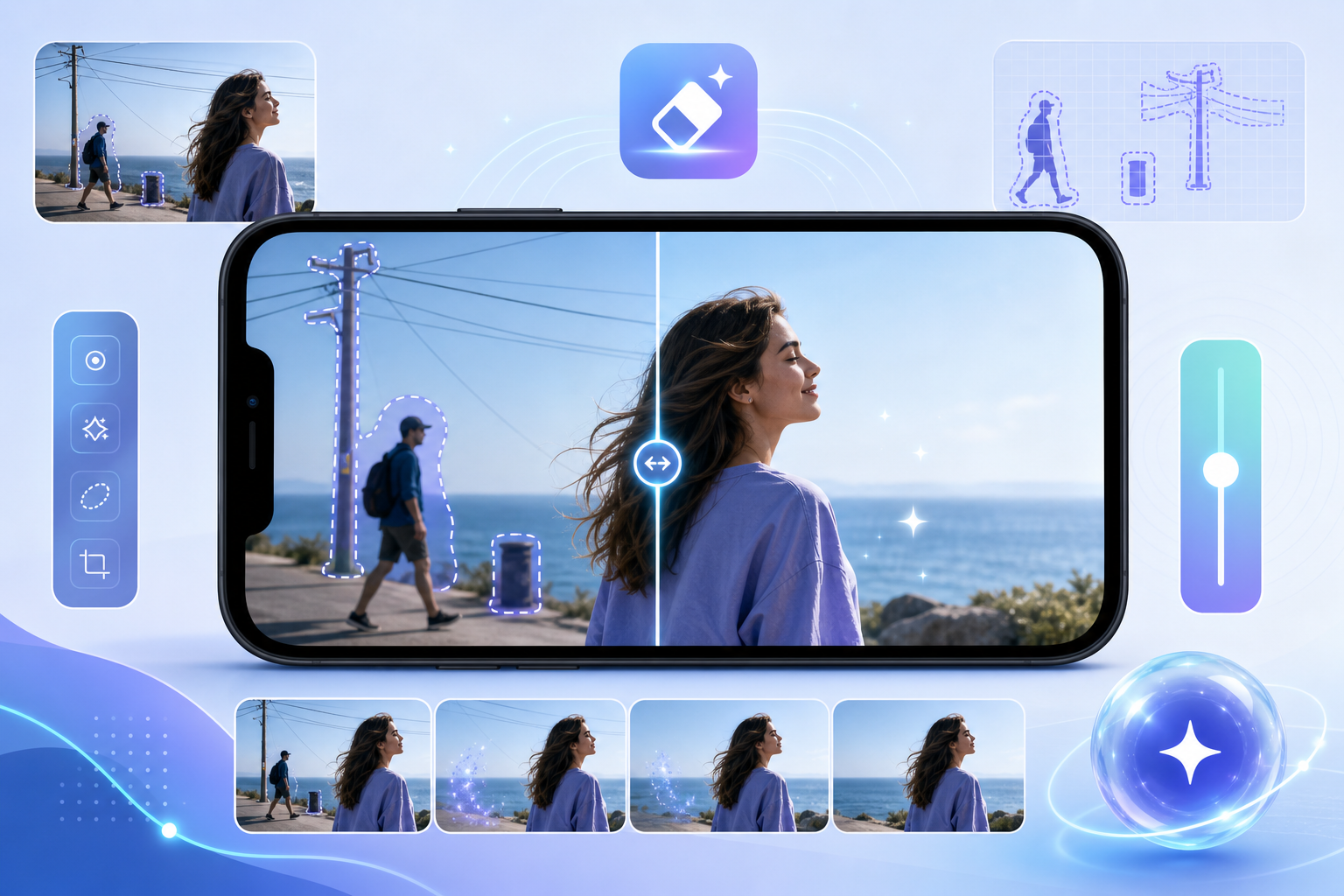
TouchRetouch is an AI-powered mobile editor built around one main job: removing unwanted elements from photos quickly and simply. Its core feature, Remove Objects, lets you mark an item with the Brush or Lasso, then remove it while keeping the surrounding area as natural as the scene allows.
This is useful for everyday fixes such as deleting a bottle from a picnic photo, removing a parked scooter from a building shot, or erasing a small blemish from a portrait background. If the selection catches too much, Restore helps bring back the part you want to keep, and adjustable brush settings give more precision around edges.
Erase AI for automatic cleanup in busy scenes
For more automated cleanup, Erase AI is the feature many people expect when they search for Retouch AI. It is designed to detect and remove background people and common distractions such as street signs, trash cans, stop lights, and shadows while leaving the main subject unchanged.
A practical example is a travel photo taken in front of a landmark where random passersby pull attention away from the subject. Another is a city scene where a sign or bin interrupts an otherwise clean composition. In both cases, the tool is built to simplify the selection step and make mobile cleanup easier.
Special tools for people, lines, and meshes
TouchRetouch stands out as retouch software because it includes dedicated tools for specific distraction types instead of treating every problem the same way. Person Removal helps with group photos when you want to remove one person while preserving a natural composition among the people who remain.
Line Removal is especially practical for wires and power lines. You only need to mark part of the line, and the app detects the full line automatically. For curved segments, manual control points provide extra control.
Mesh Removal is aimed at fences and foreground mesh patterns that often ruin zoo, sports, or viewpoint photos. The workflow is simple: choose the tool, tap Go, and the app handles detection and removal automatically.
There is also Clone Stamp, a manual repair tool for scenes where automatic cleanup needs refinement. That matters on textured walls, patterned clothing, or detailed natural backgrounds where a final touch-up can improve the result.
The broader difference is worth noting. TouchRetouch is a specialist object-removal app, not a general editor that happens to include object removal as one of many tools. If cleanup is your main task, that focus makes the app easier to understand and faster to use.
Beyond object removal: portrait and scene tools that stay practical
Natural FaceRetouch for subtle portrait refinement
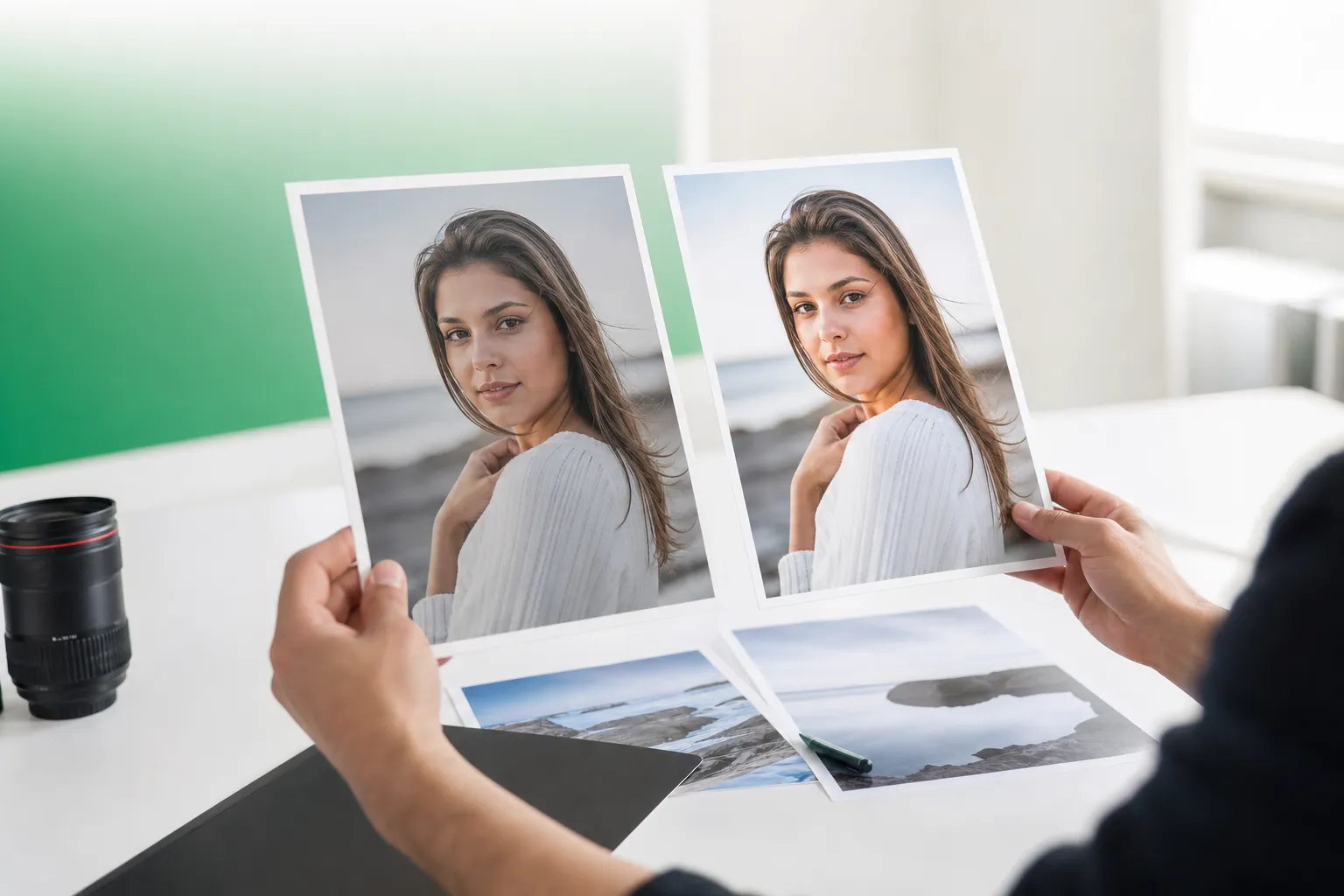
Although cleanup is the core strength, this photo retouching app also includes portrait tools that stay realistic. Natural FaceRetouch can smooth skin, brighten eyes, enhance a smile, reduce wrinkles on the face and neck, even skin tone, and add eye highlighting while preserving natural facial features.
The tone here matters. The goal is subtle enhancement, not changing how someone looks. For example, a family portrait taken in harsh daylight can be softened slightly, or a close-up selfie can look more polished without taking on an artificial, plastic finish.
Backgrounds and Blur for cleaner composition
Backgrounds adds another practical layer. It can remove a background automatically and replace it with a built-in preset or a custom image, which is useful for portraits, product shots, or cleaner social content.
The same feature also supports background blur for a stronger sense of depth and better subject focus. Separately, Blur can be applied to specific areas for selective focus, privacy, or a softer look in parts of the frame that feel distracting.
If you want more ideas for cleanup and composition, this photo cleaner guide for removing distractions gives additional examples of what to fix before you share or print an image.
Smart Scenes for transforming the look of a photo
Smart Scenes is the most transformative feature in the app. It changes the look of an existing photo with one tap, including scene appearance, hairstyles, and backgrounds, using AI-powered filters organized into categories.
That makes it different from simple color filters, but it is still grounded in a real photo. Smart Scenes transforms an existing image and does not generate a new one from text prompts. For users comparing creative tools, that distinction keeps expectations clear.
Who this type of app is for and when it makes sense
Best for creators, travelers, families, and property photos
This kind of mobile editor is a strong fit for people who regularly need cleaner photos without opening a desktop program. That includes mobile photographers, casual editors, social media creators, travelers, parents, families, and real estate professionals who want to tidy up property images before posting them.
Typical use cases are easy to picture: removing tourists from a vacation shot, deleting toys from a living-room listing photo, cleaning a family portrait by removing one extra person, or refining a headshot with natural face adjustments and background cleanup.
When a specialist app beats a general editor
If your main workflow is distraction removal, a specialist tool often makes more sense than a broad editor. You do not need to dig through a large panel of color controls, masks, and unrelated effects just to remove a wire, fence, sign, or photobomber.
That is the practical advantage of TouchRetouch. It focuses on object removal first, then adds useful extras like portrait refinement, background editing, and scene transformations around that core job.
When a browser-based tool may be enough
Searchers looking for Retouch online free options are not wrong to consider browser tools. They can be enough for an occasional quick edit on a single image, especially if the change is simple and the background is clean.
Still, users who want repeatable mobile control, dedicated tools for lines and meshes, and portrait cleanup often prefer an app. TouchRetouch also comes with in-app tutorials, an intuitive interface, and exports that preserve original photo quality and EXIF data.
There are practical limits to consider before you choose. TouchRetouch is mobile-only, some AI-powered features require an internet connection, and complex or heavily textured backgrounds may need extra work with Clone Stamp.
For step-by-step help with a common use case, see how to remove objects from photos on iPhone and Android.
What to look for in retouch software before you download
Precision, natural results, and ease of use
The best retouch software for mobile should do three things well: let you select the right area accurately, fill the removed area naturally, and keep the workflow simple on a small screen. If a cleanup tool struggles with edges, hairlines, wires, or repeating textures, the result often looks obvious.
Natural results matter just as much in portraits. Skin smoothing should stay subtle, eye brightening should not look artificial, and background edits should support the subject instead of overpowering the image.
Feature checklist for mobile cleanup
A practical checklist includes object selection accuracy, dedicated tools for different distraction types, portrait controls that preserve identity, background editing, and a manual repair option for difficult scenes. TouchRetouch checks those boxes with Remove Objects, Erase AI, Person Removal, Line Removal, Mesh Removal, Clone Stamp, Natural FaceRetouch, Backgrounds, Blur, and Smart Scenes.
It also includes in-app tutorials and a clean interface, which matters for users who want quick edits rather than a learning curve. Another useful advantage is that TouchRetouch preserves original photo quality and EXIF data on export.
If glare is a recurring issue in portraits, you may also find this guide helpful: remove glare from glasses in a photo.
TouchRetouch was selected by Apple as an Editors’ Choice app and has an approximate 4.7-star average across the App Store and Google Play as of writing. Exact current ratings should be verified before publishing, but the app’s reputation is one reason it is often considered alongside other mobile cleanup tools.
Download TouchRetouch for free on iOS and Android and start removing unwanted objects today.
Download options, pricing model, and limitations
TouchRetouch is available on iOS and Android. It also works on Mac only through Apple Silicon compatibility; there is no standalone desktop version.
TouchRetouch is free to download; premium AI features require a paid subscription. Check the App Store or Google Play for current pricing, which varies by region. That is the clearest way to evaluate cost because store pricing can differ by platform and location.
It is also important to choose based on limitations, not just features. TouchRetouch is for photo editing only, so it does not edit video. It also does not batch-process photos, and results depend on photo resolution and scene complexity.
If your edit involves realism after cleanup, this related guide may help: add shadow to an image naturally.
Practical takeaway: choosing the right mobile editor for cleaner photos
If your main goal is removing distractions
If you want a mobile-first tool for removing unwanted objects, people, lines, meshes, signs, and everyday clutter, TouchRetouch is a strong fit. Its specialist focus is the main reason it stands out as an object remover app rather than a general editor with too many unrelated controls.
If you also want natural portrait cleanup
If you also want subtle portrait refinement, background replacement, selective blur, and one-tap scene transformations, the app covers those needs without losing sight of practical photo cleanup. At the same time, the boundaries stay clear: it edits existing photos, not text-to-image creations, and it does not batch-edit photos or edit video.
Official download links for iPhone and Android
Choose based on your main workflow. If cleanup comes first, this app makes a lot of sense. If your priority is a broad editing suite for many unrelated tasks, another type of editor may suit you better.
Retouch AI is most useful when it helps you improve real photos with less friction, and that is exactly where TouchRetouch fits. Clean up your photos with TouchRetouch — download now for iPhone and iPad on the App Store or get it on Google Play for Android.
Frequently Asked Questions
What is Retouch AI in photo editing?
Retouch AI in photo editing usually means AI-assisted improvements to an existing photo. In practice, that often includes removing unwanted objects, erasing background people, cleaning clutter, refining portraits, and simplifying edits on a phone.
Can TouchRetouch remove people and unwanted objects from photos?
Yes. TouchRetouch is designed for object removal and includes Remove Objects, Erase AI, and Person Removal for different cleanup tasks. It also has dedicated tools for lines and meshes, plus Clone Stamp for manual refinement in more complex scenes.
Does TouchRetouch generate images from text prompts?
No. TouchRetouch works on existing photos and does not generate images from text prompts. Smart Scenes can transform the look of a real photo, but it still starts from an image you already have.
Is there a retouch online free option, or is an app better?
Yes, browser-based tools exist and can be useful for occasional simple edits. An app is often better when you want more precise mobile control, dedicated cleanup tools, portrait retouching, and a workflow you can use regularly on iPhone, iPad, or Android.
Can TouchRetouch batch-edit photos or edit video?
No. TouchRetouch does not batch-process photos, and it does not support video editing. It is a mobile photo editing app focused on individual image cleanup and retouching.
FAQ
What does Retouch AI mean in photo editing?
Retouch AI refers to AI-powered photo editing tools that detect unwanted elements and help remove or repair them automatically with minimal manual work.
Can I use Retouch AI on my phone?
Yes, many Retouch AI tools are designed for mobile use, letting you erase objects, wires, blemishes, and background distractions directly on your phone.
Is a retouch online free tool enough for everyday edits?
A retouch online free tool can work for simple edits, but mobile apps and dedicated retouch software usually offer better control, speed, and more consistent results.
How is Retouch AI different from traditional retouch software?
Retouch AI automates much of the selection and cleanup process, while traditional retouch software often requires more manual brushing, cloning, and adjustment.
What is the best mobile tool to use for Retouch AI?
The best mobile Retouch AI tool is one that combines accurate object removal, easy touch controls, and fast processing so you can clean up photos in just a few taps.