
Editing & features
Do you have any tutorials or instructional materials?
Yes. Detailed tutorials are available right in the app. Open TouchRetouch and tap the Tutorials icon (looks like a book) in the upper-right corner. You can also check the Guides section in the app Settings for more tutorials.
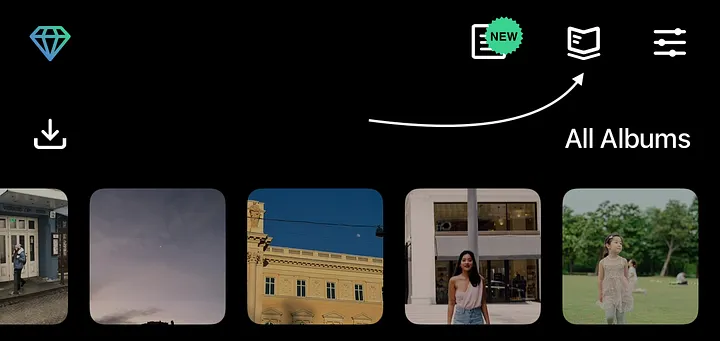
Tutorials
Why are some tools missing?
These tools have technical requirements:
- Erase AI: iPhone XS or newer, iPad with A12 Bionic or later, running iOS 16 or later.
- Backgrounds, Face Retouch, Person Removal: iPhone 12 or newer, iPad with A14 Bionic or later, running iOS 17 or later.
⚠️ Note: These tools are not available in the Photos extension.
Why is the Modify Original option greyed out?
This can occur when sending photos to TouchRetouch from another app or importing from Files or Clipboard.
To avoid this issue:
- Open TouchRetouch first, then select a photo to edit.
- Use TouchRetouch as an extension in the Photos app for direct editing.
Can I retouch videos with TouchRetouch?
Currently, TouchRetouch supports photo editing only. We appreciate your interest! If you’d like to remove objects from a video, you can send us an example at [email protected]. We may consider adding this feature in a future update.


